Two days before a launch, the sheet is finished. 240 rows, one caption each, a column for the asset link, a column for the network, a column for the send time. The writing took a week. The import takes twenty minutes and decides whether the week was wasted.
That's where batch scheduling software stops being a checkbox and becomes a workflow problem. The same image has to arrive as an absolute URL for one network, a library reference for another, and a vertical crop for a third, and one malformed row can leave 239 posts queued with one silent failure nobody notices until a customer asks why the announcement never appeared. This guide tests one thing: how cleanly a tool takes a batch you've already prepared and gets it live, on the right accounts, without a plan limit appearing at row 201.
Feature pages describe what a scheduler can do. The pricing page, the CSV template, and the fair-use clause describe what it will actually let you do at 11 p.m. before a launch.
The tools below run from entry-level schedulers to enterprise suites, and each entry names the limit that bites first. iHatePosting is built around that same starting point, where a prepared batch can be drafted, rule-checked, and scheduled by an AI agent across 14 networks, and this guide returns to it at the end.
1. SocialPilot
SocialPilot fits the agency rhythm: collect briefs, build one file, publish a month of client content in an afternoon. Its bulk scheduler imports up to 500 posts at once from a CSV or text file, then places them on calendars and queues with client approvals on qualifying plans. The gate is the catch: pricing starts at $17 a month billed annually, while bulk scheduling is listed on Standard and higher at $34 a month billed annually. On the entry plan you have bought a scheduler without the importer.
The bulk scheduler sits beside queues, a content library, and reporting, so the file, approvals, and calendar stay in one workspace.

Where a clean file turns into 500 failures
Import errors here are rarely format errors. They are state errors: an expired token between upload and publish, a media URL that resolved at import and 404s at publish, a timezone shifted twice when file and account disagree, or a retry that publishes twice after the first response is lost.
Practical rule: Import 5 rows, publish one, check the live post on every network, then load the other 495.
- What works: 500-row batches, client approvals, shared calendars, a 14-day trial without a credit card.
- What bites: the plan gate on bulk scheduling, and media links that must be absolute and mapped per network.
SocialPilot publishes the current plan split. For alternatives in the same bracket, iHatePosting's scheduler comparison guide covers the trade-offs.
2. Publer
Publer's bulk workflow is generous by any standard: 500 posts per CSV upload, with separate handling for text, links, and media, plus a calendar and queues once the file lands. There's a free plan for testing the template. Paid pricing is assembled from the accounts and team members you select, so the invoice moves as the client list grows, which is easy to underestimate when you're quoting a retainer.
The importer accepts a lot, which is why the file needs discipline. Publer publishes across a broad set of networks, and one caption broadcast everywhere is the most common way a 500-row batch looks fine in preview and feels wrong in the feed.
One file, different captions per network
Build per-network caption columns into the CSV instead of a single shared column. The differences are measurable: a 2026 study in the ACM Digital Library had 892 participants compare 30 AI-created and human-created posts across Facebook, Instagram, and X. GPT-4 content scored higher than human content on Facebook for user preference, calls to action, and emotional response, and that advantage weakened on Instagram and X, where shorter, platform-specific posts are favored.
- What works: a 500-post ceiling, media in the same file, a free tier for template testing.
- What bites: media links must follow Publer's import requirements exactly, and paid cost depends on accounts and seats.
Pricing and import templates live on Publer. If you're still shortlisting, this social media scheduler comparison for 2026 sets the batch limits side by side.
3. Buffer
Buffer runs the simplest importer here, and the simplest importer carries the strictest rules. CSV upload is available on the free plan, capped at 10 posts per channel per upload, while paid plans raise the ceiling to 100. Paid plans start at $5 per channel per month on annual billing, so a five-network account pays five times before anyone touches a spreadsheet.
Two limits matter more than row count. You upload one CSV per channel, so 240 posts across three networks becomes three files, three column mappings, and three chances to drop a row. The uploader also handles text and single-image posts, not video and not YouTube, so a launch batch with Reels in it gets split: stills through the CSV, video by hand.
Neither limit is a dealbreaker. They're a shape, and the shape rewards teams publishing text and stills on a steady rhythm. That rhythm is worth protecting: Buffer's analysis of posting frequency, covering more than 100,000 users, associated regular posting with five times the engagement of irregular posting, and cited research across more than 13,500 Facebook users where one to two posts a day was the ideal frequency.
- What works: free bulk upload, per-channel pricing, a clean queue.
- What bites: video rows, YouTube, and one file per network.
Details are on Buffer. Moving mid-campaign? The guide to switching schedulers without losing queued posts explains the export order.
4. Sendible
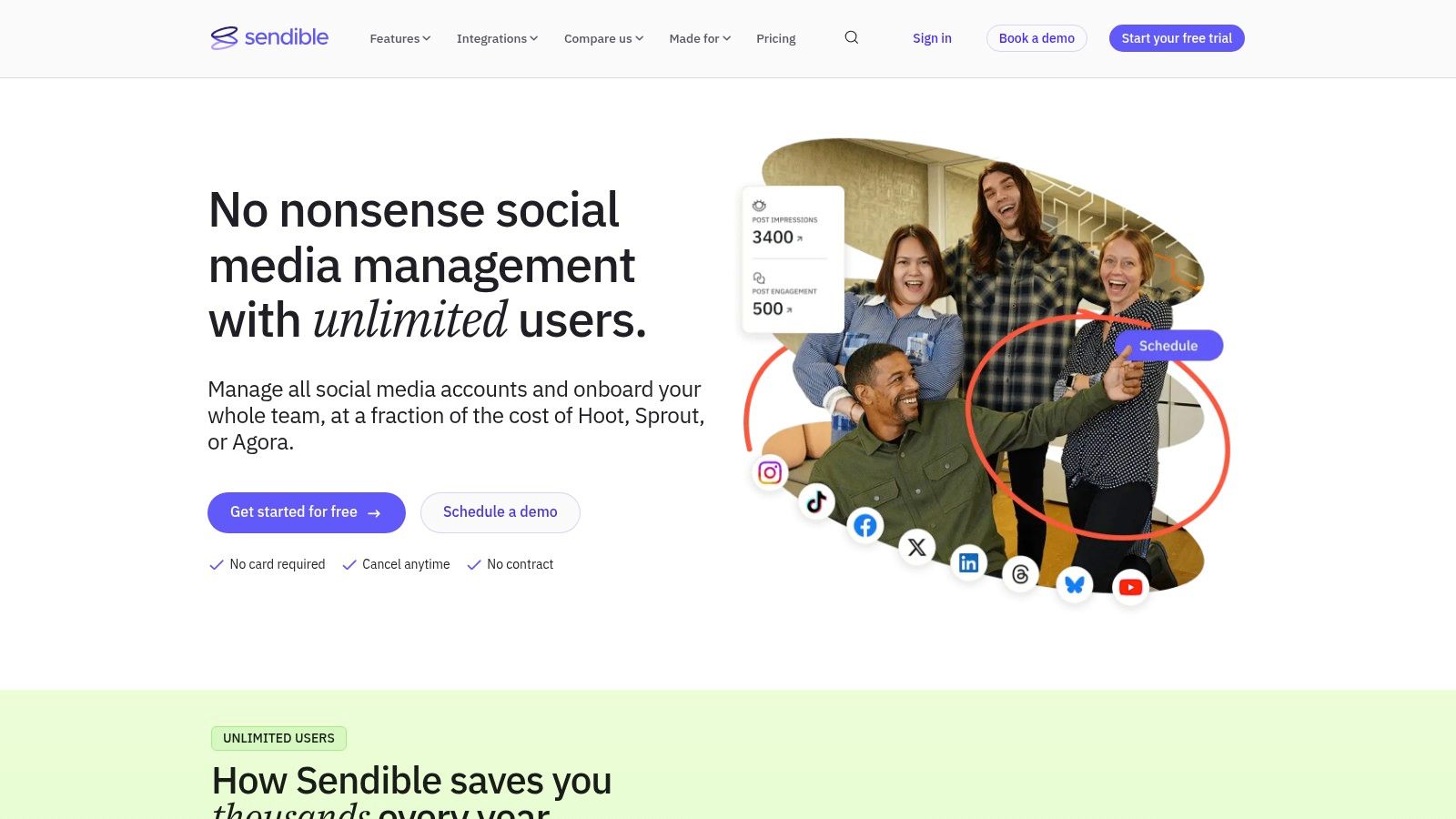
Sendible is where batching meets campaign operations. Bulk scheduling and CSV uploads feed smart queues, recurring evergreen slots, and shared content libraries, so a prepared batch becomes stock for a system that keeps publishing after the file is forgotten. Agency plans add room for more profiles and users, with white labeling on higher tiers.
That second half of the sentence is what you're paying for. An uploaded CSV posts once and then it's gone; a queue refills. A batch that lands in recurring slots keeps the calendar running on work already done, instead of on whoever happens to have a free afternoon this week. The practical catch sits at checkout: queue capacity, library access, and client features live behind plan tiers, so confirm which tier holds the backlog you intend to load before paying.
A second look at the same screen shows queues, libraries, and reporting sharing one workspace, which is the point of paying for a platform rather than an uploader.
Queues are the part you keep
A batch dies once. A queue compounds. The reason to choose Sendible over a plain importer is the evergreen cycle: drop 60 posts into categories, set the queue to refill, and the calendar stops depending on whether anyone had time this week. For an agency running six brands off two people, that refill behavior is the actual product.
- What works: evergreen recycling, shared content libraries, approval and client workflows, headroom for multiple brands.
- What bites: limits that vary by plan, and more configuration than a single-brand account needs.
Sendible lists current plan terms.
5. Metricool
Metricool bundles CSV bulk scheduling with the reporting layer, which matters more than it sounds. Publishing is the cheap half of the job; knowing what published is where the hours go. Its plans are organized by brand count, so check the current terms on Metricool before assigning profiles: a clean CSV can still stall when the connected accounts span more brands than the plan allows.
The reporting tax is real. In an Emplifi survey of 405 marketers, 69% said AI had saved them at least three hours a week on reporting, and 62% still spent four or more hours a week on reporting and analytics. Saving three hours while still spending four tells you the reporting load grows as fast as the tooling improves, which is the argument for scheduling and measurement in one system.
Check the fair-use clause before you buy
Unlimited publishing sounds like a green light until a fair-use policy meets a launch-size queue. Before paying, compare your real monthly volume with the plan limits, map every profile to its brand, and confirm which networks are included at that tier. A lower-tier plan can prove the import workflow without proving it can carry a full campaign.
- What works: bulk scheduling and analytics together, brand-based plan limits, a free entry point for testing imports.
- What bites: lower free-plan volume, account grouping across brands, publishing limits wrapped in fair use.
For a direct feature comparison, read the Metricool vs Hootsuite comparison.
6. Hootsuite
Hootsuite's Bulk Composer is the mature version of this workflow: upload a CSV, review and edit every imported post before it schedules, then release the batch. That review step is what most importers skip, and it's the difference between catching a wrong asset link at 9 a.m. and finding it on a live feed.
The lead-in to the composer itself, shown below, is a calendar that treats the import as a draft stage rather than a commit.

Availability depends on the plan, so the bulk tool is a sales conversation as much as a feature. Budget is the other reason to look closely: spend on automation keeps climbing, with IndustryARC projecting the workload automation market to grow from $3.4166 billion in 2024 to $5.6924 billion by 2030 according to its workload automation market research, and suites tend to price batch features inside larger contracts rather than as add-ons.
When a suite is the wrong shape
If your batch is 200 posts a month for one brand, a suite sells you committee tools, an approval matrix, and a training session for a job a small importer handles. If four teams publish to nine profiles under a compliance process, the suite starts earning its invoice.
- What works: edit-before-schedule review, wide network coverage, governance features.
- What bites: bulk composing behind qualifying plans, and account limits worth checking against your profile count.
Current plan eligibility is on Hootsuite.
7. Sprout Social
Sprout's Bulk Post Import takes up to 350 messages from a CSV and lands them as scheduled posts or drafts. What separates it from cheaper importers is what happens during the import: approvals can be assigned row by row, so the batch enters a review queue that already has an owner. Configurable columns and templates let you match the sheet you already maintain instead of rebuilding it to fit the tool.
Bulk import sits on Professional and Advanced plans, and two limits need checking before you build the file. Videos aren't supported in the bulk import workflow, and bulk scheduling covers selected networks only. Confirm your channels are on the supported list first, then split the batch: text and image rows go through the importer, and each video post goes through the standard composer by hand. Work out that order before the night shift, not during it.
The draft option matters more than it looks. Sending a 350-row file straight to scheduled posts commits every row at once. Landing it as drafts first gives the reviewer a chance to catch a wrong media link or a misdated row before anything is queued, and since the approver was named at import, nobody chases sign-off afterward.
- What works: approvals assigned at import, drafts or scheduled posts, adaptable CSV templates.
- What bites: the video exclusion, network restrictions, and the plan tier.
Check current plan coverage on Sprout Social.
8. Planable
Planable isn't the tool for a 500-row CSV. It's the tool for what happens after the batch arrives: shared workspaces per brand or client, calendar views showing the post as it will appear, and approvals threaded on the post itself. Trial access allows up to 50 posts; listed plans include Basic at $39 per workspace per month and Pro at $59 per workspace per month, with analytics and social inbox features as paid add-ons.
That structure suits the work importers create and then ignore. A batch of 240 posts needs a reviewer, a record of who approved what, and somewhere to argue about a claim before it ships. Per-workspace post caps are the limit to check first if you publish at volume.
Previewing the schedule before anything goes live is the core of the workflow.

Approvals need to record more than a yes
AI-drafted batches raise questions a tick box can't answer. The IAB AI Transparency and Disclosure Framework points toward explicit disclosure when AI materially shapes content in ways that could mislead people about authenticity, identity, or representation, and calls for accessible labels with alt text for screen readers. A 2026 U.S. Senate proposal takes a similar line, linking covered AI-generated content with accessibility where technically and economically feasible.
So the approval step should capture the agent that drafted the asset, the human who signed off, which claims were checked, and whether images carry meaningful alt text. Batch size is the easy half now. A social media scheduler that accepts a 500-row CSV, video rows included, across 14 networks only helps if the approval record is equally specific.
- What works: workspaces per client, visual calendar, review threads.
- What bites: workspace post caps, add-on pricing for analytics, a trial rather than a permanent free plan.
Planable has the plan breakdown.
9. Agorapulse
Agorapulse tells a different batch story: publishing plus the aftermath. Schedule and bulk publish from a shared calendar, then handle replies, moderation, and reporting in the same place. For a team whose problem isn't only getting 200 posts out but surviving the comment thread those posts create, that shape makes sense.
The catch is that feature access depends on the plan, and bulk publishing arrives inside a broader bundle. A solo operator staging one launch pays for a lot of unused surface area. A team with two community managers and a shared inbox recovers the cost in a week.
A look at the publishing side shows how calendar, inbox, and reporting share one navigation rather than three logins.

The split that saves a launch
Bulk publishing plus a calendar means a batch can be staged, checked, and held before it goes anywhere. The social inbox then becomes the place the launch gets managed, and a mistake caught there costs minutes instead of a day.
- What works: one calendar, bulk publishing, moderation workflows, reporting in the same hub.
- What bites: plan-level feature gates and bundles bigger than a small team needs.
Before committing, run your real batch. Confirm the importer accepts your media format, the calendar previews each channel separately, and approvals can be required per row.
Current plans are on Agorapulse.
10. SocialBee
SocialBee organizes content into categories and queues instead of one flat batch, which sounds fussy until you've run three campaigns out of a single calendar. The bulk post editor loads a batch, categories decide where each post belongs and how often it recurrings, and evergreen recycling keeps stock moving. Expiration rules, by date or by number of shares, stop a post resurfacing two years later.
That structure matches how job counts behave in production. In an EMA survey of 423 scheduling-software users, workload-automation software controlled about 40% to 45% of respondents' IT workloads and activities on average, with advanced users reporting 80% or more, and 70% of users reported growth in the number of defined jobs. More jobs, more categories, more rules. A flat list doesn't survive that, which is why category-based queues age better than an imported spreadsheet.
The dashboard view below is the one to study before setup, because categories drive everything downstream.
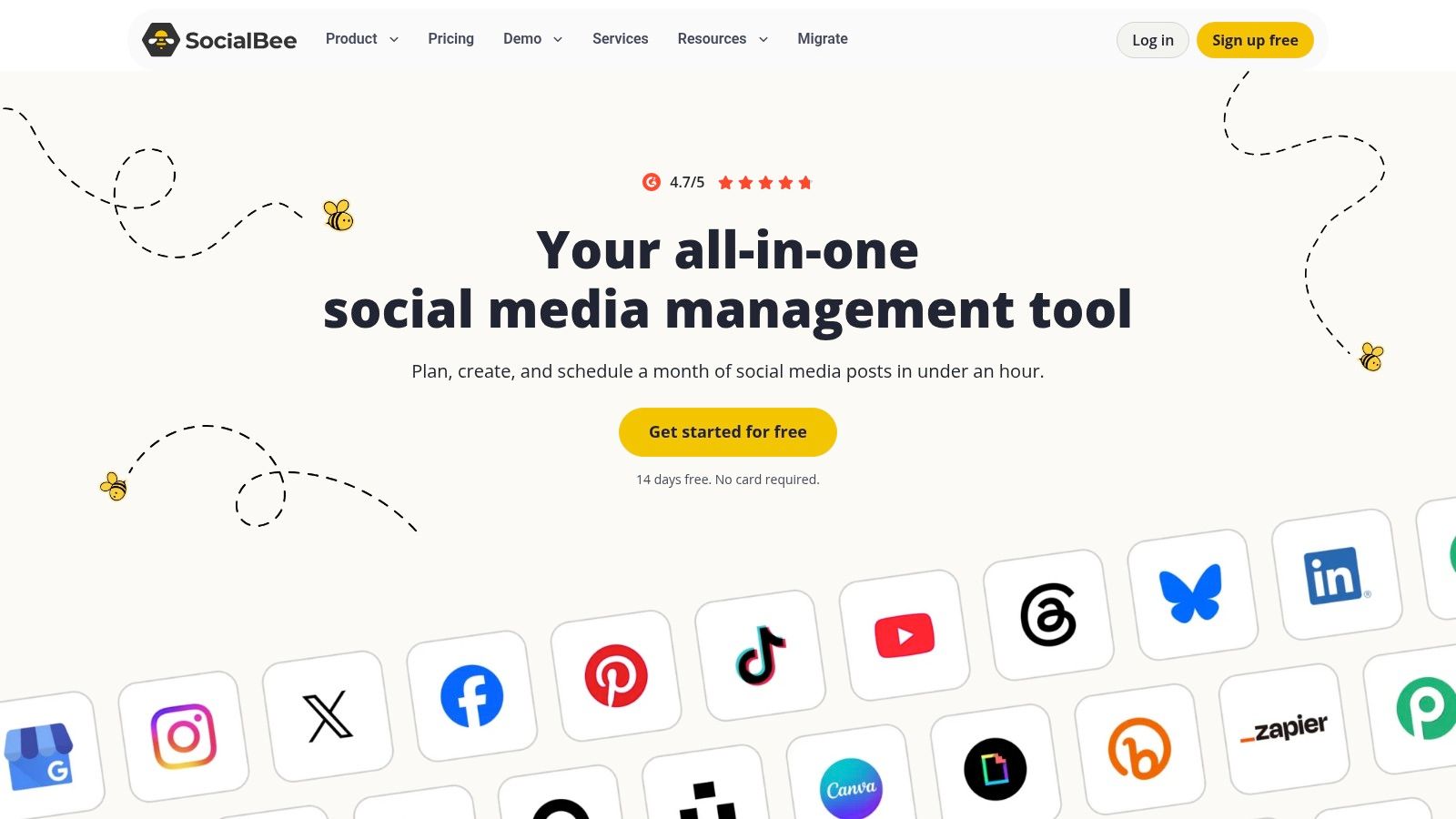
Categories are the cheapest documentation you'll ever write. Six months from now, the label on a row is the only thing telling anyone why it exists.
- What works: category queues, recycling, expiration rules, a predictable cadence after setup.
- What bites: setup time before the first batch pays off, and account limits by plan.
Pricing and limits are on SocialBee.
Batch Limits, Free Access, and Starting Prices at a Glance
A batch can fit the advertised row limit and still fail at import: media links may be formatted incorrectly, video rows may need separate files, or the selected plan may cap publishing. Compare the import ceiling with the free access and starting price before preparing the CSV.
| Tool | Bulk import limit | Free plan or trial | Starting paid pricing | Best for |
|---|---|---|---|---|
| SocialPilot | Up to 500 posts per import | 14-day trial; no credit card required | Starts at $17/month billed annually. Bulk scheduling requires Standard or higher; Standard starts at $34/month billed annually | Agencies and teams scheduling large batches with approval workflows |
| Publer | Up to 500 posts per upload | Free plan available | Varies by selected accounts and team members | Creators and teams needing large uploads across social networks |
| Buffer | Up to 10 posts per channel per upload on free; up to 100 on paid | Free plan includes bulk upload | Starts at $5 per channel per month, billed annually | Individuals and small teams batching posts for individual channels |
| Sendible | CSV bulk scheduling; limit varies by plan | Free trial | Pricing varies by plan | Agencies managing campaigns, multiple brands, and recurring content |
| Metricool | CSV bulk scheduling; limit varies by plan | Free plan includes up to 20 posts per month | Starter from $20/month; Advanced from $53/month. Limits vary by brand count | Teams combining batch scheduling with analytics and competitor analysis |
| Hootsuite | CSV Bulk Composer; limit varies by plan | Free trial | Pricing varies by plan | Organizations that need batch publishing as part of broader social operations |
| Sprout Social | Up to 350 posts per import | Free trial | Professional and Advanced plans include bulk import; starting price not stated | Teams with structured review and approval workflows |
| Planable | Import limit varies by plan; trial allows up to 50 posts | Limited trial, not an ongoing free plan | Basic $39/workspace/month; Pro $59/workspace/month | Teams and agencies focused on collaborative planning and approvals |
| Agorapulse | Bulk publishing available; limit varies by plan | Free trial | Pricing varies by plan | Teams managing publishing, audience engagement, and reporting together |
| SocialBee | Bulk post editor; import limit varies by plan | Free trial | Pricing varies by plan | Users organizing recurring and evergreen posts with category-based queues |
Treat plan-specific limits as gates, not fine print. Before building the full batch, check the chosen plan's import cap and whether posts with media need a separate file for each channel. A clean test import can catch broken media URLs and rejected rows before they affect a launch.
Turn One Good Batch Into a Publishing System
Start with the batch you have. Under 100 rows a month for one or two brands, a per-channel importer like Buffer or a brand-priced tool like Metricool is enough, and you'll spend less time fighting the format than the feature list. Above 300 rows across five or more profiles with a reviewer involved, the plan gate matters more than the sticker price, because a tool that won't put video rows in the same file as your stills forces a manual second pass on every launch.
Then run one 50-post import as a live test before signing an annual contract. Watch four things: which rows the importer rejects, whether media attached correctly on each network, whether approvals survived the import, and what the checkout screen adds to the headline price through accounts, seats, brands, and add-ons. Most limits never appear on the feature page. They appear at checkout and in the fair-use clause.
Keep what worked. A reusable category set, a saved column template, and a content library mean the next batch starts smaller than the last one and finishes faster.
This discipline predates social media by decades. A history of enterprise job scheduling traces batch scheduling from 1970s time-based job execution on mainframes to multiplatform coordination across UNIX, Linux, and Windows through the 1990s. The controls that survived that evolution are the ones that matter now: dependencies, alerts, reruns, and a durable record of what ran.
Where AI changes the batch, not just the caption
AI-powered content generation now produces platform-specific captions, hooks, hashtags, images, and short video, which removes the blank page and cuts the manual production time that used to sit between the idea and the calendar. The savings are measurable: in Adobe's survey of 431 small-business owners, social media content was the most common AI-driven task at 38%, and those owners estimated AI-assisted social content creation saved an average of 175 hours a year, roughly 3.4 hours a week.
AI agents take the next step. They carry the work through creation, adaptation, scheduling, and publishing across multiple platforms, so repetitive tasks and the handoffs between five dashboards stop consuming the week. The catch is that faster drafting raises publishing risk unless someone approves. Keep deliberate friction at claim review, disclosure, alt text, and sign-off.
iHatePosting runs that loop in one calendar across 14 networks, with a CSV import of 500 rows that accepts video, AI agents drafting and checking each post against network rules, and a human approving before anything goes live. It's free for 90 days without a credit card, long enough to test your real batch rather than a demo one.
iHatePosting takes a prepared CSV of up to 500 rows, video included, and spreads it across 14 networks from one calendar, with per-platform captions, live previews, and a human approval step before anything publishes. You can run your next launch on it for 90 days without a credit card, which is enough time to find out where your batch breaks. Start at iHatePosting and let an AI agent draft, check, and schedule the next batch while you review.