10 Content Ideas for Social Media by Format and Goal
20 min readcontent ideas for social mediasocial media contentcontent planningsocial media strategy
You're staring at an empty calendar on Monday morning, coffee going cold, cursor blinking in a caption box. You know you need to post. You don't know what deserves the effort, which format fits which platform, or how you'll repeat this next week without starting from zero again.
That blank calendar isn't really an ideas problem. It's a decision problem. Strong content ideas for social media connect a goal, an audience, a format, and a production effort you're willing to sustain. Without those four filters, even a good prompt becomes another disconnected post.
The scale makes structure worth it. DataReportal counted 5.24 billion active social media user identities worldwide in February 2025, with the typical internet user spending 2 hours and 21 minutes per day on social platforms. That's a large, fragmented pool of attention. You'll reach more of it by organizing work into repeatable pillars than by chasing isolated posts.
The ten approaches below work as a library, not a checklist. Each one includes prompts, real examples, and the trade-off you accept when you choose it. Pair formats built for discovery with formats built for education, community, and conversion, and one source idea can become a campaign. If video is your weak spot, it helps to study dedicated social media video ideas for 2026 alongside this broader mix. Start with two formats you can repeat for a month.
Table of Contents
- 1. Behind the Scenes Content
- 2. User Generated Content (UGC)
- 3. Short Form Vertical Video (Reels, TikToks, and Shorts)
- 4. Carousel Posts
- 5. Educational How To and Tip Content
- 6. Recurring Series and Content Pillars
- 7. Trend Reactive and Timely Posts
- 8. Creator and Influencer Collaborations
- 9. Live Streaming and Live Q&A
- 10. Long Form Content Repurposing into Short Clips
- 10 Social Media Content Ideas: Comparison Guide
- Build a Calendar You Can Keep Using
1. Behind the Scenes Content
People trust what they can see being made. Behind the scenes content shows the planning session, the messy desk, the packing table, and the decision you'd normally hide behind a polished launch post. For small brands and solo creators without a production budget, that honesty is the production value.
Gary Vaynerchuk's DailyVee has documented his daily routine since 2015, turning ordinary meetings into a long running series. Indie brands on Instagram and TikTok do a smaller version of the same thing, sharing packing, production, and shipping day footage that proves a real person handled the order. The content works because it answers a quiet question every buyer asks. Who's behind this?
A live, unpolished moment often carries more credibility than a studio shot, as this streaming artist demonstrates.

How to Make It Repeatable
Raw doesn't mean random. Batch capture footage once a week, even ten short clips on your phone, and store it in a shared media library so it's ready to schedule. Give the format a recurring label like Build Day or How It's Made so viewers recognize the series and you stop reinventing the concept.
- Explain why it matters: Pair each clip with a short caption that names the decision, problem, or person in frame.
- Group it by campaign: Use iHatePosting's campaign organization to file behind the scenes posts under a product launch or pillar.
- Show the trade-off plainly: This format builds trust slowly and rarely drives immediate sales, so pair it with a clearer offer post elsewhere in the week.
The risk is oversharing without a point. A warehouse tour with no story is just footage. Anchor every clip to a moment your customer cares about.
2. User Generated Content (UGC)
Your customers are already making your best ads. User generated content is any photo, video, or review a fan creates featuring your product, which you then repost with permission. Peer proof persuades in a way brand copy can't, and it cuts your production workload while borrowing the creator's own audience.
GoPro Awards built an entire program around customer filmed footage from its cameras. Glossier grew its early Instagram presence by featuring customer photos, and Starbucks turned red cup design contests into a steady stream of customer artwork. Each brand gave fans a clear reason and a clear way to participate.
That handoff from customer to feed is the whole mechanism, as this shopper generated post illustrates.

Running a Clean UGC Workflow
Start with a branded hashtag and a one page submission guideline that states what you'll feature and how you'll credit people. Always get written permission before reposting, and credit the creator in the caption every time. Skipping that step is how a feel good format becomes a rights problem.
Use media storage to organize submissions by campaign, then schedule reposts around product launches when social proof matters most. Feature a mix of customer types so new buyers can see themselves in the feed. If you're adapting customer clips into paid placements, structured UGC creative frameworks for TikTok can help you keep the hook consistent without scripting the authenticity out of it.
Practical rule: If you wouldn't be comfortable asking for permission in public, don't repost it.
The trade-off is control. UGC varies in quality and timing, so treat it as a supporting pillar, not your only source of content.
3. Short Form Vertical Video (Reels, TikToks, and Shorts)
Short vertical video is where non followers find you. Clips built for TikTok, Instagram Reels, and YouTube Shorts live or die on the opening frame, and they're designed for discovery feeds rather than your existing audience. Treat the format as a structured experiment, not a single generic video.
Khaby Lame built one of TikTok's largest followings on wordless reaction videos. Duolingo turned its owl mascot into a meme driven character. Charli D'Amelio's dance and lifestyle clips helped popularize TikTok in the United States. Different styles, same lesson. A repeatable character or premise beats a new concept every day.
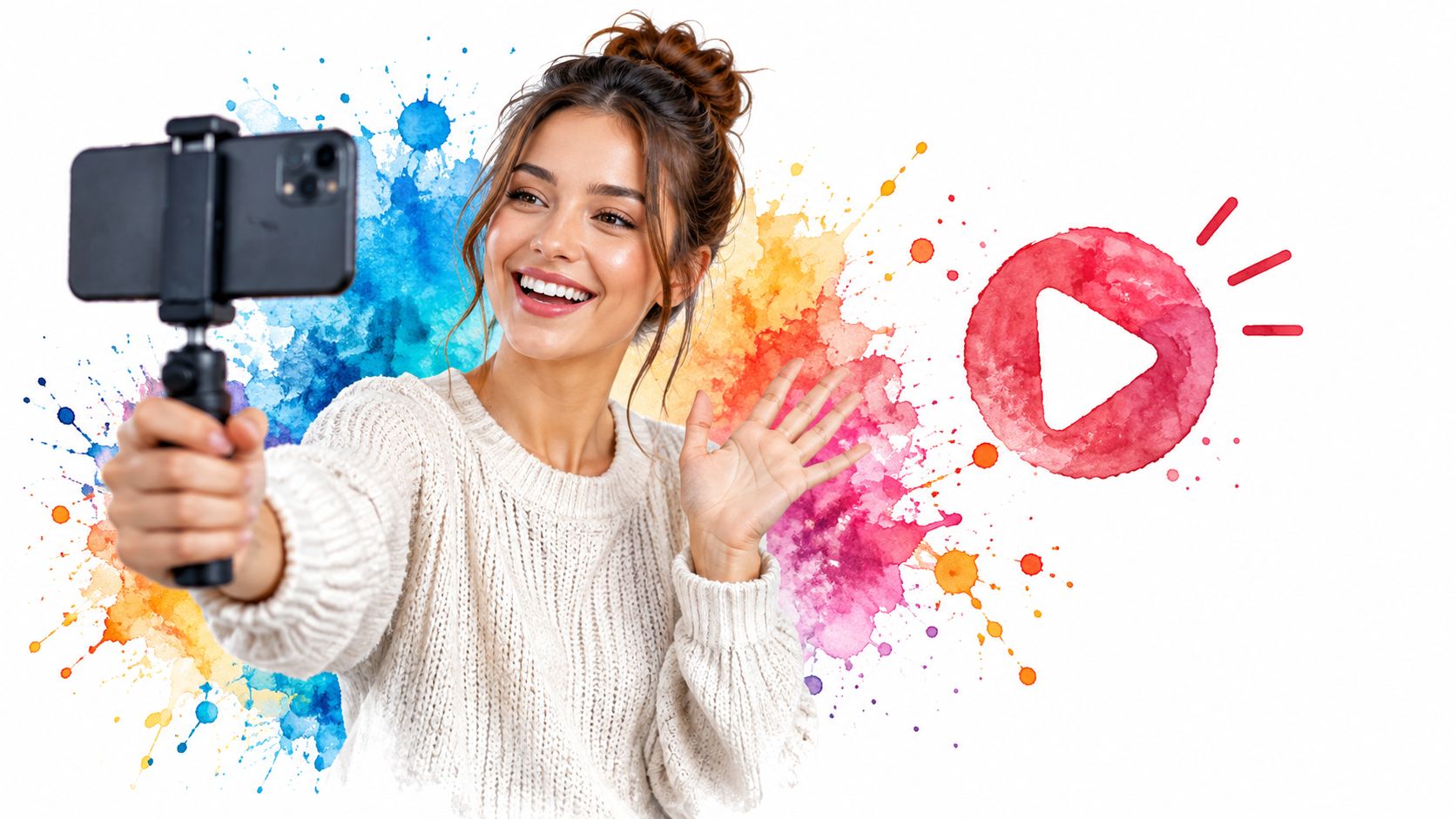
Energy and color in the first frame do the stopping work before your caption ever gets read.
Building One Idea in Three Cuts
Sprout Social's benchmark found 42% of brands planned to emphasize sub 15 second video, ahead of 15 to 30 second video at 30% and static images at 26%. Build around that. Make a sub 15 second hook for discovery, a 15 to 30 second explanation for consideration, and a static summary for saves.
- Test three hooks: Film variations of the opening line and keep the strongest.
- Add on screen text: Many viewers watch without sound, so captions must carry the point.
- Check before publishing: Confirm specs and caption length, and follow a clear process for posting a Short on YouTube before you adapt the same file elsewhere.
Run the three assets over one to two weeks and compare completion, saves, shares, and profile actions, not likes alone. Volume without packaging is just more noise.
4. Carousel Posts
A carousel earns attention one swipe at a time. Multi slide posts suit step by step guides, frameworks, storytelling, and product showcases because each slide gives the reader a small reason to continue. That longer dwell time also makes carousels easy to save and share, which is where much of their value sits.
Educational brands on Instagram and LinkedIn use carousel explainers for tips and frameworks, and marketing educators have turned swipeable slides into a signature format. The pattern is consistent. One clear promise up front, one idea per slide, and a payoff at the end.
Showing a process in stages is exactly what a swipeable sequence does well.
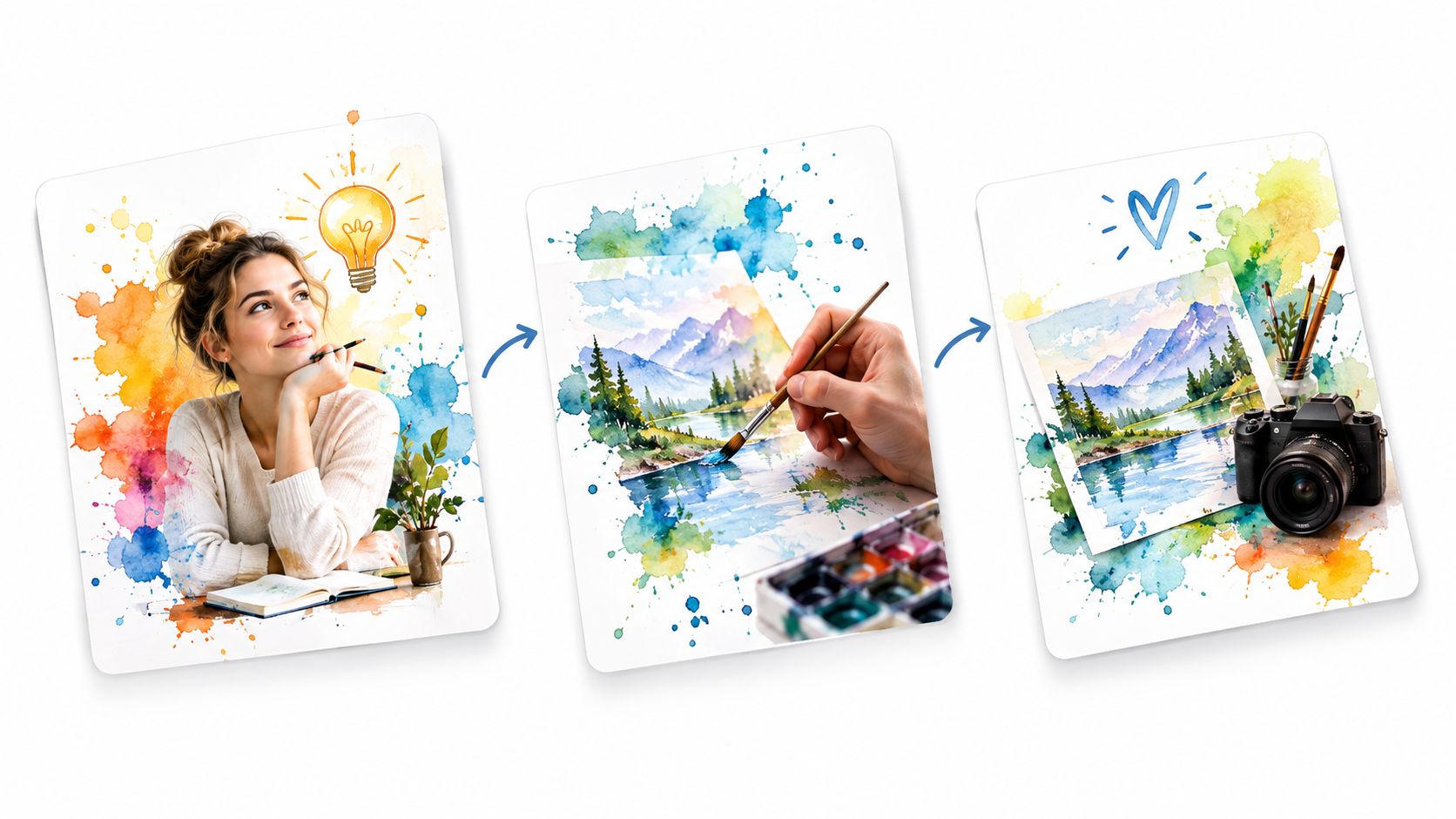
Designing Slides People Finish
Your first slide is a headline, not a title page. Make it a clear promise or question that earns the swipe, keep text large enough to read on a phone, and resist cramming a paragraph onto one card. If you need the mechanics first, work through how to make an Instagram carousel before you build a full series.
- Use one template: Consistent fonts, colors, and layout make the series recognizable in a fast feed.
- End with one action: Ask for a save, a share, or a follow. Not all three.
- Preview before scheduling: Upload all slides at once and check the sequence in order, since one misplaced slide breaks the logic.
Carousels take longer to design than a single image. That cost only pays off when the topic has steps or stages. For a one line opinion, post the line.
5. Educational How To and Tip Content
Teach something specific and people save it. Educational content covers tutorials, quick tips, tool walkthroughs, and industry explanations. Its job in a content mix is authority: you solve a real problem instead of describing yourself, and the proof sits inside the post. It also travels well through search, since viewers actively look for answers.
Duolingo mixes language tips with humor so lessons feel light. Neil Patel publishes marketing tutorials across YouTube and social platforms, and Ahrefs built a strong YouTube presence on SEO tutorial videos that answer one question thoroughly. None of them teach everything at once. Each post owns a narrow problem, which is what makes the format repeatable: one question in, one answer out.
The format works because feeds already act as information sources. Pew Research Center found 30% of U.S. adults regularly got news from Facebook, compared with 16% from Instagram, 14% from TikTok, and 12% from X. People open these apps to learn what is happening, so a clear explainer fits the habit instead of fighting it.
Turning Questions Into a Content Bank
Build the bank from real friction. Pull the questions your audience asks in sales calls, comments, and support tickets, then write each post to lead with the outcome, such as saving time on scheduling, rather than the topic label. That approach is the core of evergreen content, since a durable question stays useful long after the publish date.
Watch how a focused tutorial structures a single lesson before it asks for anything.
Track which topics earn the most saves and expand the winners into follow ups. The trade-off is effort. Accurate teaching takes research time, and a shallow tip copied from a competitor costs you the authority this format exists to build.
6. Recurring Series and Content Pillars
Consistency gets easier when the container stays the same. A recurring series is a named format on a predictable schedule, like Market Monday or Customer Question Friday. Content pillars are the broader categories those series sit under, such as education, culture, product, and community.
Hootsuite and Buffer both organize social content around recurring themes rather than daily invention. Morning Brew built loyalty with consistent daily segments that readers learned to expect. The audience benefit is recognition. The team benefit is that planning becomes filling slots instead of inventing formats.
Platform data supports building those slots per channel, not globally. Pew Research Center's 2025 survey found 84% of U.S. adults use YouTube, 71% use Facebook, and 37% use TikTok. Your pillar can stay constant while the execution changes, a searchable YouTube explainer, a Facebook discussion prompt, and a TikTok demonstration with an immediate visual hook.
Setting Up Your Pillar System
If you're starting from scratch, define your categories using a clear breakdown of what content pillars are before you create anything. Three to five pillars is enough for most small teams.
- Name every series: A searchable name makes reuse and reporting simple.
- Map pillars monthly: Check the calendar for balance so product posts don't crowd out education.
- Review and retire: Use campaign tags to group posts by pillar, then refresh or drop weak formats monthly.
A pillar you can't describe in one sentence will produce posts nobody can categorize.
The risk is rigidity. Leave open slots for timely posts so the system supports spontaneity instead of blocking it.
7. Trend Reactive and Timely Posts
Speed is the format. Trend reactive content responds to cultural moments, memes, platform formats, and current events while they're still alive. Done well, it earns attention you couldn't buy. Done late or off brand, it reads as a company trying too hard.
Oreo's 2013 Super Bowl blackout post, "You can still dunk in the dark," remains the standard example because it was fast, relevant, and unmistakably theirs. Wendy's built a notable voice on X through playful, witty replies. Duolingo ties language learning to pop culture so often that audiences now expect the joke.
Moving Fast Without Losing Judgment
You can't approve a real time post through a five person chain. Prepare a pre approved bank of response templates for predictable moments like holidays, product news, and seasonal events, then schedule those in advance. For genuine surprises, keep a short approval path with one named decision maker.
- Write a no go list: Decide in calm moments which sensitive topics, tragedies, and controversies your brand never touches.
- Check the format first: Confirm how a trend works on that platform before adapting it, since copied formats often miss the joke.
- Let some trends pass: Relevance to your audience matters more than the size of the moment.
The trade-off is shelf life. Timely posts spike and vanish, and they rarely build a searchable library. Use them as a seasoning on top of evergreen work, not as the meal. If your team needs a full day to approve a caption, this format will frustrate everyone, and that's a valid reason to skip it.
8. Creator and Influencer Collaborations
Borrowed trust travels faster than your own. Creator collaborations pair your brand with people who already hold an audience's attention, through joint posts, takeovers, co hosted lives, sponsored content, or product seeding. You gain reach and a fresh creative perspective in one move.
Daniel Wellington grew by seeding products to creators at scale rather than buying traditional ads. Instagram's Collab posts feature now lets a brand and creator co author one post that appears to both audiences. TikTok Creator Marketplace formalized the matching process, connecting brands with creators inside the platform itself.
Structuring a Partnership That Delivers
Most collaboration problems are contract problems. Put deliverables, posting dates, usage rights, and approval steps in writing before anything is filmed. Confirm disclosure requirements too, including #ad labels and platform branded content tags, because that's the creator's legal obligation and your reputational risk.
Group every creator post under one campaign so you can track each partner's performance separately and make smarter selections next time. Schedule collaborative posts in advance with a clear publish window, since a creator posting three days late can break a coordinated launch.
- Brief the outcome, not the script: Creators know their audience's language better than your brand guidelines do.
- Pay for usage explicitly: Reposting a creator's video as an ad is a separate right, not a free bonus.
The trade-off is cost and control. You pay for reach you don't own, and the content will sound like the creator, not like you. That's the point.
9. Live Streaming and Live Q&A
Live content trades polish for presence. A live stream or Q&A lets your audience ask real questions and watch you answer without editing, which creates a level of directness recorded posts can't copy. Replays then extend the session's life well past the broadcast.
Twitch streamers such as Ninja built large communities entirely through live broadcasts and the conversations around them. Executives and brands use LinkedIn Live for industry discussions, while creators and small businesses run Instagram Live Q&A sessions to handle product questions in real time. The subject differs, but the draw is identical. Access.
Running a Session That Holds Attention
Announce the session in advance with a scheduled post and a reminder, because live audiences rarely assemble by accident. Plan three to five discussion topics so a quiet comment section doesn't create dead air, and collect questions beforehand if your audience is small.
- Assign a moderator: One person should welcome viewers, surface good questions, and remove spam while you talk.
- Cut the replay: Save the recording and pull two or three short clips for other platforms, turning one hour into a week of posts.
- Schedule the follow up: Queue the announcement, reminders, and clip posts as one sequence so nothing depends on memory.
What actually works: Answering one specific customer problem live builds more trust than a polished brand presentation.
The trade-off is exposure. Technical problems and tough questions happen in public, so this format suits brands comfortable thinking out loud.
10. Long Form Content Repurposing into Short Clips
Your best short post probably already exists inside something longer. Repurposing turns a podcast, YouTube video, webinar, newsletter, or article into multiple platform specific pieces, so one recording session can feed a full calendar. For capacity strapped teams, this is the most valuable habit on this list.
Andrew Huberman's podcast clips circulate widely on YouTube Shorts and TikTok, each one built around a single claim. Lex Fridman's long interviews become short highlight clips that reach people who'd never commit to a full episode. Newsletter creators run the same play in text, turning one issue into a carousel, a thread, and a short video.
Extracting Clips That Stand Alone
Mark timestamps for strong quotes and hooks while you record, not after. Create one clip per key idea rather than cutting random segments, because a clip that needs the original context won't hold a cold viewer. If your source lives on YouTube, a clear method for how to post a YouTube video to Instagram helps you reformat without wrecking captions or framing.
- Rewrite every caption: Match tone and length to each platform instead of pasting one version everywhere.
- Keep source and clips together: Store files in one campaign folder so the series stays traceable.
- Link with intent: Share the full length piece where links perform well, and note that link posts on X require the Pro plan in iHatePosting.
The trade-off is editing time. Repurposing isn't free content, but it's cheaper than originating everything from a blank page.
10 Social Media Content Ideas: Comparison Guide
| Content Type | 🔄 Complexity & Resources | 📊 Expected Outcome | ⭐ Key Advantage | 💡 Ideal Use Case |
|---|---|---|---|---|
| Behind-the-Scenes Content | Low; phone footage and regular capture | Builds trust and relatability | Authentic, inexpensive, and adaptable | Small brands and solo creators seeking a steady content flow |
| User-Generated Content (UGC) | Moderate; sourcing, permissions, and quality checks | Adds social proof and community reach | Credible content with less in-house production | Brands with an active customer or fan community |
| Short-Form Vertical Video | Moderate to high; frequent filming, editing, and trend monitoring | Strong discovery and reach potential | Reusable across video-first platforms | Creators and brands focused on audience growth |
| Carousel Posts | Moderate; slide design and mobile readability checks | Encourages saves, shares, and longer viewing | Makes complex topics easy to follow | Educational posts, tutorials, and product explainers |
| Educational How-To and Tip Content | Moderate; research and clear explanations | Builds authority and attracts qualified followers | Useful, evergreen information | Experts and businesses addressing specific audience problems |
| Recurring Series and Content Pillars | Moderate; planning and consistent publishing | Builds audience habits and simplifies measurement | Makes content planning more organized | Teams and creators seeking a consistent publishing structure |
| Trend-Reactive and Timely Posts | High; fast monitoring, judgment, and approvals | Can generate rapid visibility | Connects the brand with current conversations | Social teams able to respond quickly and appropriately |
| Creator and Influencer Collaborations | High; partner coordination, contracts, and approvals | Expands reach and can strengthen credibility | Combines audiences and creative perspectives | Brands seeking relevant new audiences through partnerships |
| Live Streaming and Live Q&A | Moderate to high; preparation, reliable setup, and moderation | Drives direct interaction and community engagement | Real-time audience connection | Launches, interviews, demonstrations, and Q&A sessions |
| Long-Form Content Repurposing into Short Clips | Moderate; editing and platform-specific adaptation | Extends reach and creates a steady stream of posts | Gets more value from existing content | Podcasters, YouTubers, and teams publishing across platforms |
Build a Calendar You Can Keep Using
Don't try all ten formats next week. That plan fails by Thursday, and the failure usually gets blamed on discipline when the actual problem is capacity. Pick two complementary ideas instead, and let them do different jobs for you.
Pair one evergreen pillar, such as education or behind the scenes content, with one discovery or community format, such as vertical video, live sessions, or collaborations. The evergreen work builds a library that keeps earning saves and search traffic. The discovery work brings new people to that library. That balance matters more than raw posting volume.
Plan Around Capacity, Not Aspiration
Burnout is a planning input, not a personal weakness. Creator research found 65% of creators are sometimes, often, or always stressed, with managing content alongside full time work and deadline pressure among the major causes. If generating ideas is already your hardest task, a schedule that demands daily original production will break.
Build a capacity based system instead. Keep low effort formats ready for busy days, such as a UGC repost, a repurposed clip, or a behind the scenes photo from your weekly batch. Reserve high effort production for one anchor piece you can slice into several posts. Decide in advance when you won't post, and treat that as strategy rather than inconsistency.
Consistency doesn't mean frequency. A smaller cadence you sustain for three months teaches you more about your audience than a heroic two week sprint followed by silence. Measure whether the reduced schedule works by tracking saves, shares, replies, and conversions per post, not by counting how full the calendar looks.
Value the Small Room as Much as the Big Feed
Not every account should chase broad reach. Recent reporting highlights growing audience fatigue with perfection driven algorithmic feeds and rising interest in simpler, more authentic communities, including Facebook Groups, Discord, and Slack. For a local business, a SaaS community, or a creator membership, participation inside a small trusted group can outperform a viral post that brings strangers who never return.
Build community utility content for those rooms. Turn member questions into posts, run customer problem clinics, share behind the scenes decisions before they're final, and follow up publicly when feedback changes your product. A poll that leads to a visible action earns more trust than a poll posted for engagement. The best idea in your calendar might be the one that generates a useful reply or a referral, not the one with the highest impression count.
Your First Four Weeks
Start with a four week calendar and give every campaign one clear goal. Discovery, education, community, or conversion. If a post serves none of them, cut it and protect the space. Schedule platform variants as a single campaign rather than identical copies, keeping the core claim constant while you adjust the opening frame, caption density, and call to action.
At the end of the month, use your own account level performance data to decide what earns another round. Retire the format that drained the most time for the least response, and expand the one your audience saved and shared. That review loop is what turns a list of ideas into an editorial program.
For teams managing several networks, iHatePosting can centralize the calendar, creative assets, caption variants, campaign groups, previews, and publishing process across 14 platforms rather than recreating the same idea in separate tools. That structure won't generate the idea for you, but it removes the reformatting work that makes a sustainable schedule feel impossible. Choose two formats, run them for four weeks, and let your own results tell you what to build next.
Turn your two chosen formats into a four week plan you can follow, using iHatePosting's visual calendar, per platform caption tools, campaign grouping, and scheduling across fourteen networks from one composer. Start building that first campaign today at iHatePosting, and fill next Monday's calendar before this one ends.