10 Social Media AI Tools Compared by Use Case for 2026
16 min readsocial media ai toolsAI social mediasocial media schedulingcontent marketing tools
It's Sunday evening, a week of posts is due across Instagram, LinkedIn, TikTok, and Facebook, and you're still resizing assets and rewriting captions. Every tool in your search results promises dramatic productivity gains. None of those promises tells you whether you'll still be fixing awkward copy and rebuilding the same campaign in separate apps.
Social media AI tools solve different problems. A caption assistant can shorten a LinkedIn draft, but it won't necessarily create a useful video. A visual generator can produce creative variations, but it might not handle client approvals or publish to your community channels.
The appetite for help is real. In a global survey of social media marketers, Capterra found that businesses used generative AI to produce an average of 39% of their social media marketing content. That's a reason to evaluate AI assistance, not a reason to hand over your calendar.
Buy for the task you keep postponing, not the longest feature list.
The useful distinctions below are caption writing, visual generation, agency coordination, evergreen recycling, analytics, and campaign copy. Each tool gets a practical use case and a plain-language limitation, followed by guidance for combining tools without paying for overlapping workflows.
If video production is your main obstacle, the separate guide to AI video generation tools compared helps distinguish asset creation from social scheduling. Otherwise, start with the job you need finished before Monday.
Table of Contents
- 1. iHatePosting
- 2. Buffer
- 3. Hootsuite
- 4. SocialPilot
- 5. Later
- 6. Predis.ai
- 7. Metricool
- 8. SocialBee
- 9. Adobe Express
- 10. Jasper
- Social media AI tools compared
- How to Choose (and Combine) Your Social Media AI Stack
1. iHatePosting
Best for tailoring and scheduling one campaign across multiple networks.
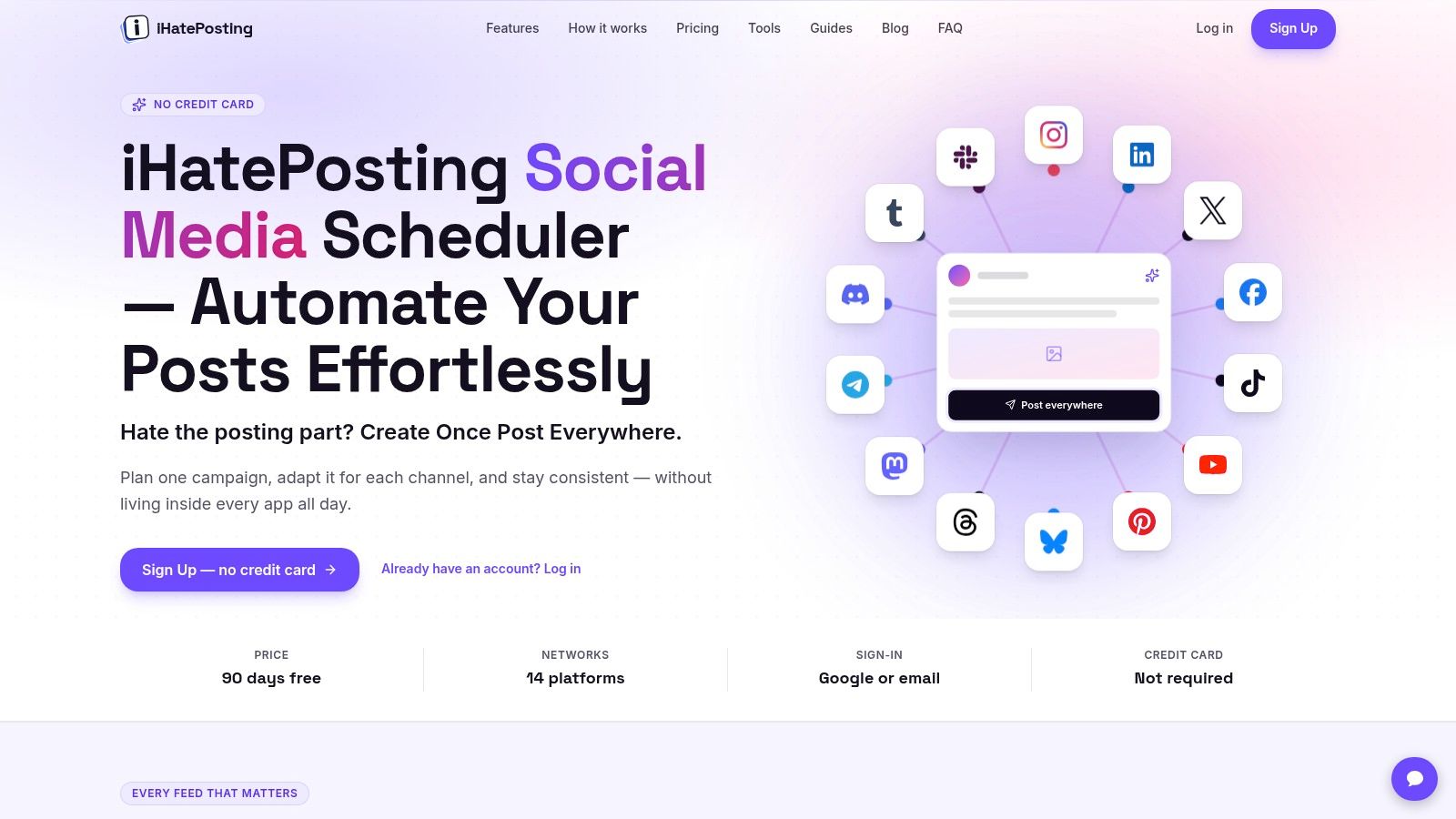
When content is ready but publishing it across channels keeps slipping, a shared scheduler can solve more than another idea generator. iHatePosting brings planning, media, platform-specific captions, and publishing together across 14 networks, including Instagram, LinkedIn, TikTok, YouTube, Bluesky, Discord, and Slack.
A product launch needs different copy for each audience. Use the composer's character counter, live previews, and pre-publish checks to adapt the message for LinkedIn, Instagram, and a Discord community without treating identical copy as a finished campaign.
Where the AI fits
Paid plans include an AI agent and assist. iHatePosting also lists integrations with AI agents, including Claude Cowork, which can draft, check, schedule, and publish through the MCP server. That makes repurposing a newsletter or webinar practical: the workflow can continue from source material to scheduled posts.
- Planning: Campaign grouping, reusable hashtag sets, caption snippets, and a visual calendar keep related posts organized.
- Publishing: Automatic scheduling, alerts, and retries help maintain the queue without monitoring every post.
- Trade-off: The free 90-day trial does not include AI caption assistance. Confirm the current trial limits for connected accounts and scheduled posts in the app before planning a migration.
Use iHatePosting as the publishing hub, then prepare creative assets in a dedicated editor. Templates for social media videos can help structure video assets before you tailor and schedule them.
2. Buffer
Best for straightforward caption adaptation and a manageable publishing queue.
Buffer makes sense when you've got the idea but need help turning it into channel-ready text. Its AI Assistant can brainstorm, draft, rephrase, shorten, and expand posts within the publishing workflow.
Say you're promoting a newsletter. Start with the actual takeaway, generate alternative hooks, then adapt the strongest version for each destination rather than asking for generic promotional posts. Keeping the drafting and scheduling work together reduces the copying between a chat window and your calendar.
Keep the brief specific
- Useful input. Give the assistant the audience, main point, desired action, and an example of your usual writing.
- Useful editing. Ask it to remove repetition or clarify a hook before asking it to produce more variations.
- Main trade-off. Buffer's AI is primarily a text assistant, not an end-to-end visual production system.
A free plan provides an entry point, but queue allowances and channel-based paid pricing deserve attention as your account list grows. Compare the cost of your actual profiles, not the entry plan in isolation.
The guide to platform coverage for Buffer and Later is useful if you're deciding between a writing-led workflow and a more visual planning approach. I'd shortlist Buffer for a creator who wants less friction, not a team seeking elaborate campaign governance.
3. Hootsuite
Best for teams that need publishing, reporting, and inbox management together.
The reason to consider Hootsuite isn't just OwlyWriter AI. It's the combination of AI-assisted drafting with scheduling, analytics, inbox tools, and team coordination.
OwlyWriter can generate captions and ideas, turn webpage content into draft posts, and help refresh successful material. That's useful for a marketing team distributing product articles while also handling audience questions and reporting to stakeholders.
Buying rule: Don't pay for a broad management suite if your only recurring problem is writing captions.
Hootsuite's wider scope is also its trade-off. A solo creator may spend time configuring features they don't need, while a team may find the consolidated workflow more valuable than a separate writing subscription.
Test the handoffs, not just the drafts
During evaluation, take a real article through drafting, review, scheduling, and reporting. Then route a sample audience question through the inbox workflow to see whether the right person can respond without losing context.
Watch the total team cost. Seat-based pricing and plan-specific governance features matter more than whether the AI generates an appealing opening sentence. Drafts still need fact-checking, brand editing, and a final platform-fit review, particularly when they summarize a webpage containing qualifications or changing product details.
4. SocialPilot
Best for agencies managing client calendars and repeatable approvals.
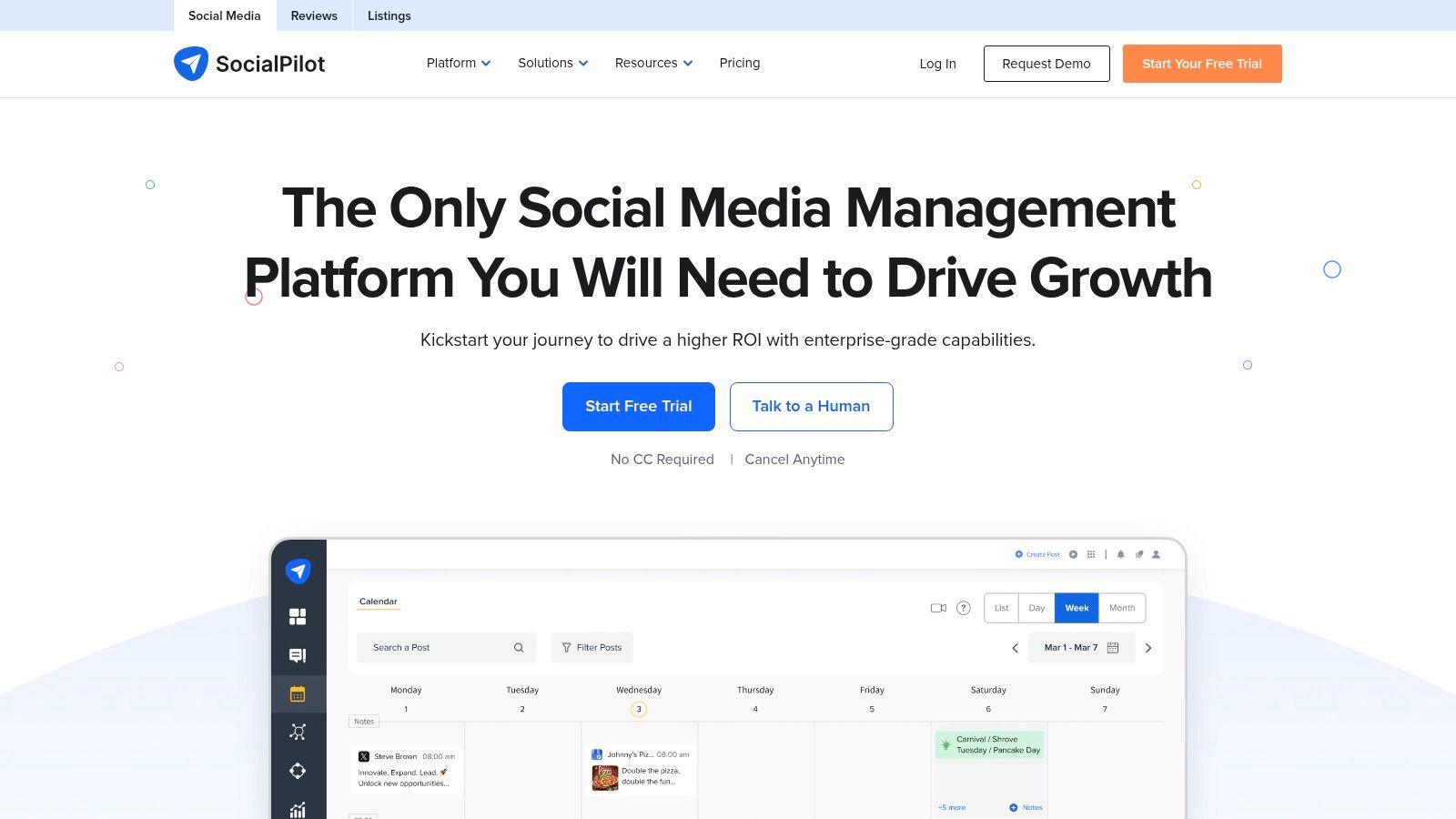
An agency's bottleneck often isn't generating another caption. It's keeping client assets, account access, revisions, and approvals from becoming a chain of disconnected messages.
SocialPilot combines AI Pilot content assistance with a calendar, bulk scheduling, a content library, analytics, and collaboration. Client approvals and white-label reporting are available on eligible higher tiers, making plan selection part of the workflow decision.
Evaluate it with a client-sized workload
Build a sample campaign with approved assets, draft captions, a review owner, and a reporting destination. Check whether reviewers can identify what needs changing without sending a separate explanation outside the platform.
- Strong fit. Recurring client work where similar publishing and reporting steps happen repeatedly.
- Capacity concern. Account and user allowances can change the effective cost as clients or collaborators are added.
- AI limitation. Credit caps on some plans mean bulk drafting needs a usage budget.
I'd prioritize approval clarity over the assistant's ability to generate endless alternatives. A usable draft waiting in the wrong place still delays publication.
Compare SocialPilot competitors by features and pricing if your agency needs a different balance of account capacity, review tools, and publishing coverage. The right choice should make client separation obvious and the next action easy to find.
5. Later
Best for visual-first calendars with AI caption support.
For a clothing label or food creator, the asset often comes before the caption. Later suits that approach with visual planning, media-focused scheduling, and AI tools for captions and ideas.
A useful workflow starts with the campaign's photographs and clips. Arrange the content, check the balance between product promotion and useful material, and then draft captions around the actual assets rather than generating copy that requires images you don't have.
Visual planning isn't visual generation
Later's appeal is organizing image- and video-led publishing. Don't confuse its integrated caption assistance with a dedicated system for producing finished creative from a prompt.
- Choose it when. You need to see and organize the media plan before writing the supporting copy.
- Check carefully. Profile capacity, posting allowances, users, and AI credits differ across plans.
- Look elsewhere when. Niche-network coverage or complex agency coordination matters more than visual planning.
Its supported channels include major creator-oriented destinations such as Instagram, TikTok, Pinterest, and YouTube, alongside other business networks. Confirm support for the specific post formats you intend to publish, not just whether a network's logo appears.
I'd test Later with a complete visual campaign. If you still have to maintain a separate spreadsheet to understand asset readiness, the setup needs work before you commit.
6. Predis.ai
Best for generating visual post and ad variations from a brief.
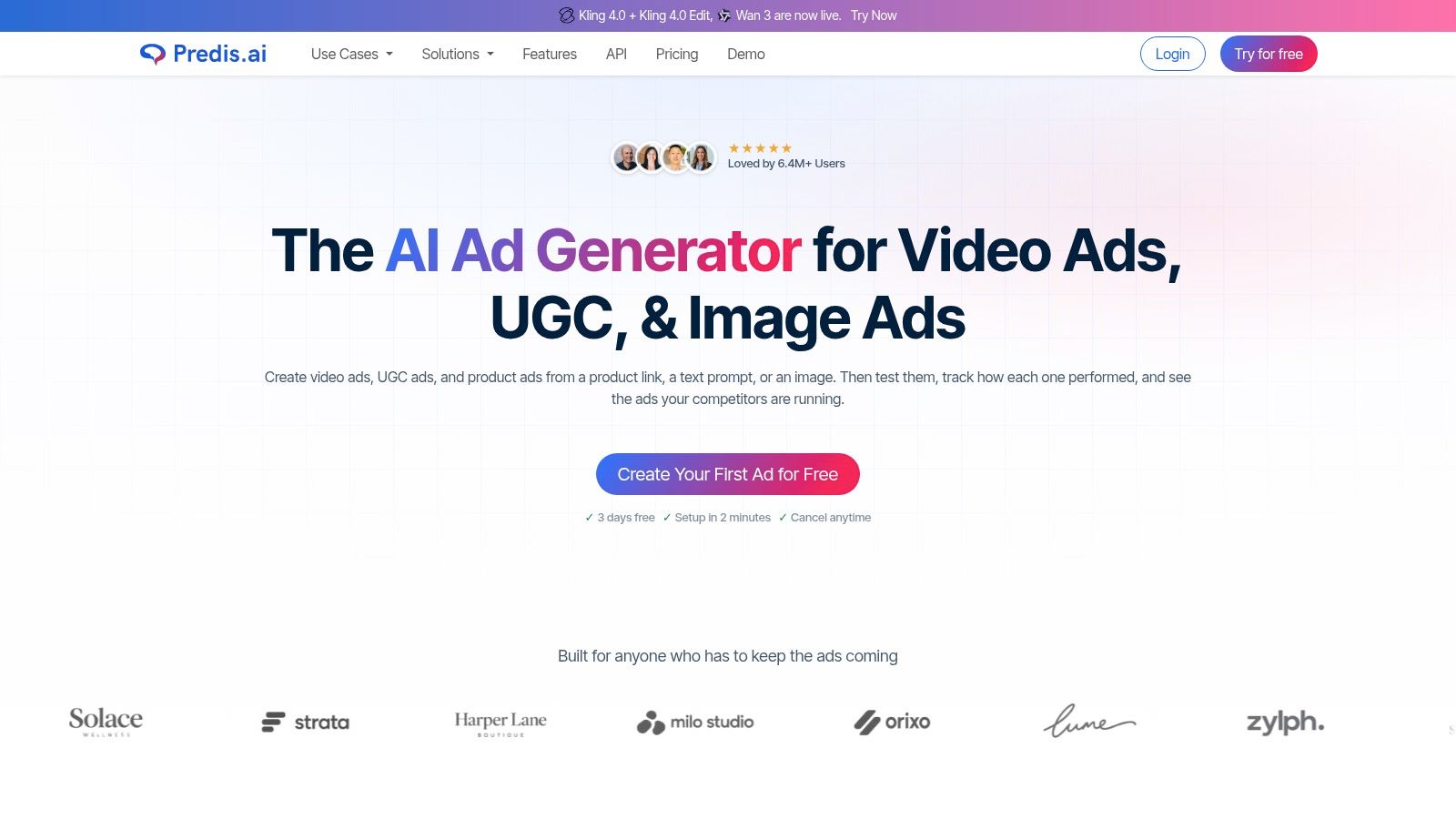
Predis.ai belongs on the shortlist when the missing piece is creative production rather than calendar management. It combines copy and visual generation, including social posts, ad creatives, video assets, and voiceovers, with publishing available on eligible plans.
Say a local fitness studio needs campaign variations for beginner classes. Give the tool the approved offer, intended audience, brand colors, logo, and real class details, then review the resulting concepts for visual accuracy and message consistency.
Treat outputs as editable concepts
Brand inputs help establish consistency, but they don't remove the need for art direction. Inspect text placement, product representations, visual hierarchy, pronunciation, and whether the creative communicates the offer without relying on the caption.
Credit consumption is the practical constraint. Generating alternatives, correcting assets, and producing video can consume the allowance before you've finished the campaign. Define the concept first, then generate deliberately.
The distinction between creative generation and an ai social media manager matters here. Producing assets and coordinating publication are related jobs, but you shouldn't assume strength in one guarantees the workflow you need for the other.
I'd choose Predis.ai for marketers who need creative starting points and variations. I wouldn't rely on unedited output for a product demonstration where small visual inaccuracies could mislead buyers.
7. Metricool
Best for connecting AI-assisted planning with performance analysis.
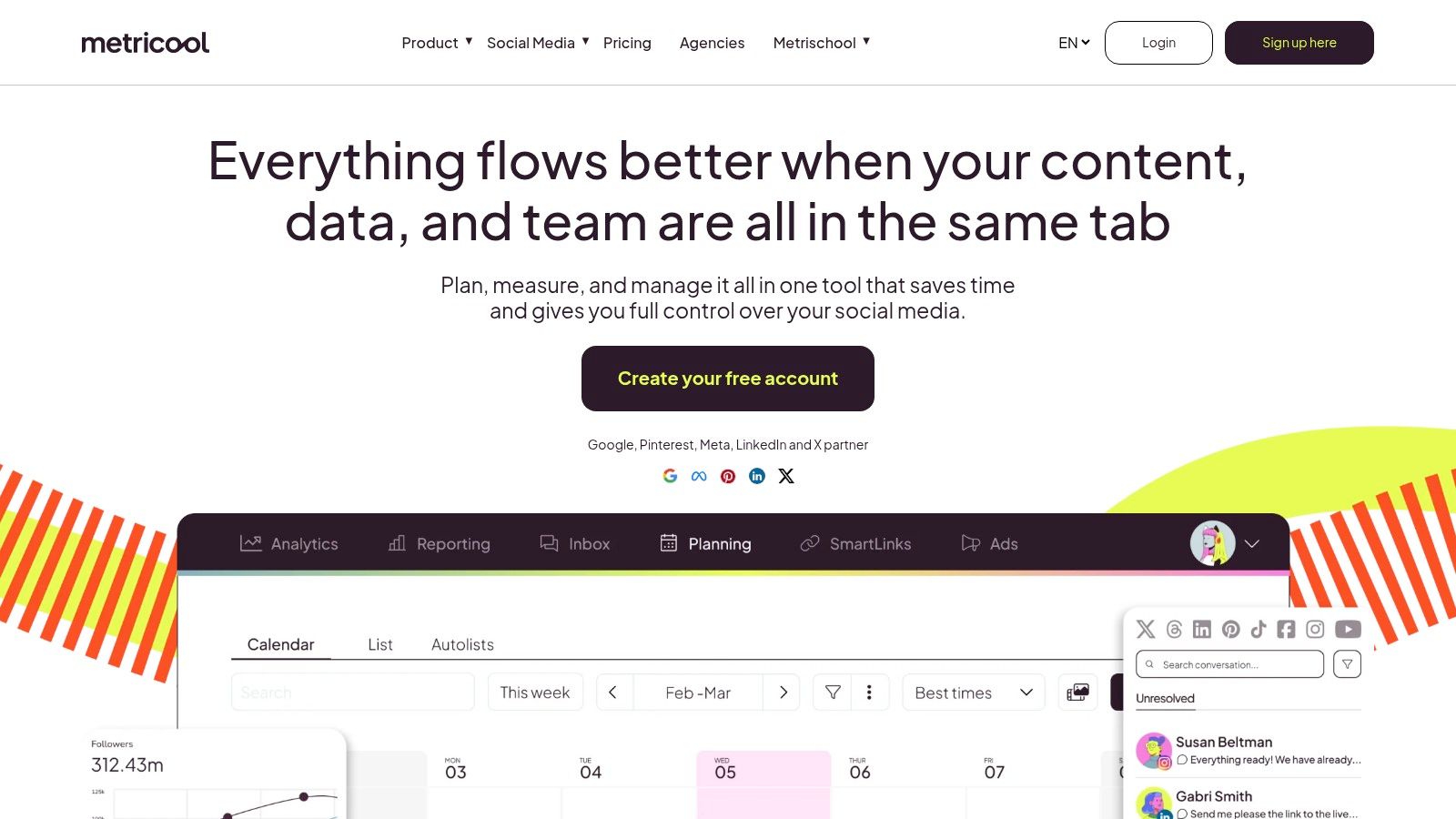
Metricool is worth considering when you can publish consistently but can't clearly explain what to repeat. It combines scheduling, analytics, competitor-profile analysis, and an AI social media assistant.
The value is the feedback process. Review which topics and formats earn useful responses, develop the next brief around those observations, and use AI to explore new treatments without abandoning the underlying idea.
A study of Metricool's social-media professional user base, reported by MarketingCharts, found that 62% wouldn't increase their AI-tool budget. For a buyer, the implication is practical: demand measurable workflow value rather than paying merely for AI access.
Separate performance signals from explanations
- Useful signal. A recurring topic attracts relevant comments or qualified clicks.
- Weak conclusion. AI wrote the caption, therefore AI caused the result.
- Better next step. Compare similar topics and formats, then change the hook or treatment deliberately.
Metricool offers a free tier for evaluation, while paid plans expand brand capacity and reporting or collaboration options. AI credits, network access, and posting limits still need to match your intended workload.
I'd shortlist it for a marketer who wants publishing and measurement in the same working environment. Don't mistake competitor-profile analysis for permission to copy another brand's strategy or for proof that its visible engagement translates into sales.
8. SocialBee
Best for content categories and evergreen recycling.
Not every calendar needs a constant stream of entirely new ideas. A consultant may already have useful explanations, recurring questions, and service guidance that deserve another appearance.
SocialBee organizes publishing around content categories and supports evergreen recycling. Its AI Copilot can use a website or supplied business details to suggest a strategy and create editable drafts.
Build a library before automating it
Useful categories might include customer questions, practical advice, service explanations, and promotional posts. Keep time-sensitive announcements out of the evergreen pool, and assign someone to review older material before it returns.
Recycling should repeat a useful idea, not preserve an outdated offer.
That's where AI helps and where it can create extra work. It can suggest a new hook or format, but an editor still needs to confirm that the underlying advice, destination page, and business details remain accurate.
The main trade-off is ongoing library maintenance. Recycling reduces repetitive scheduling, not the responsibility to retire stale posts. Workspace, account, approval, and reporting allowances also depend on the plan.
If you're comparing category-led automation with a simpler publishing setup, review social media scheduling with flat-rate pricing. I'd favor SocialBee when recurring educational material is a deliberate part of the strategy, rather than a way to fill empty slots.
9. Adobe Express
Best for designing social assets and scheduling them without a separate handoff.
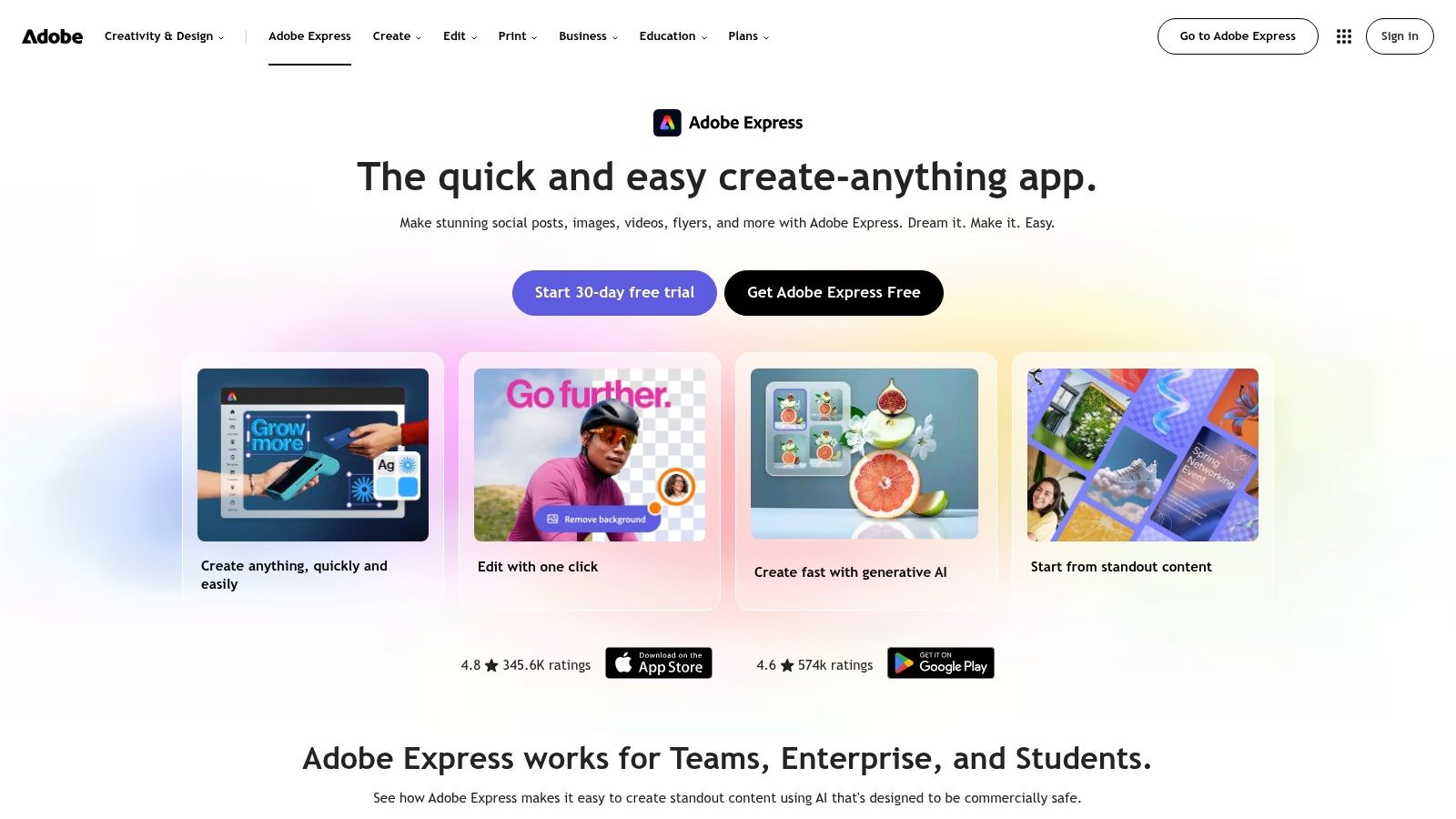
Adobe Express is a practical option when you spend more time making graphics than managing a complex social operation. It brings templates, image and video tools, generative features, AI caption assistance, and Content Scheduler into a design-oriented environment.
For a local event, you could prepare announcement graphics, adapt supporting assets, draft captions, and schedule the campaign without exporting every finished design into a separate publishing tool. That's a useful reduction in handoffs if Adobe Express is already where you create.
Choose it for the production workflow
- Main advantage. Design and publishing sit close together, making straightforward campaigns easier to assemble.
- Main limitation. It's more design-oriented than a specialist social-management platform.
- Plan consideration. Connected-account allowances differ, so a creator's setup may fit differently from an agency's.
The distinction matters when a team needs approvals, inbox management, or deeper reporting. Those needs may justify a separate management platform even if Adobe Express remains the asset-production tool.
I'd evaluate it using your most common format, not a template chosen because it looks impressive. Check how easily you can update branded graphics, keep text readable on mobile, and move the approved asset into the scheduled post.
If that process is smooth, don't add another tool solely to gain a second caption generator.
10. Jasper
Best for brand-led campaign copy across social and other marketing channels.
A launch brief often needs to become social posts, ad variations, email copy, and website messaging. Jasper is relevant when keeping that campaign language consistent is harder than scheduling the finished posts.
Its Social Media Campaign Agent creates channel-specific copy and ad variations from a brief, supported by brand voice, audience context, and knowledge settings. The quality of those inputs matters more than asking for a large batch of posts.
Give it boundaries before asking for variations
Include the approved promise, evidence, audience problem, prohibited claims, preferred terminology, and destination page. Add examples of writing your team would approve, especially if your brand voice is understated rather than promotional.
Jasper isn't a replacement for a dedicated scheduler. You still need a publishing workflow for calendars, connected accounts, platform checks, and performance review.
That makes the purchasing question straightforward: does your existing AI social media post generator handle the necessary copy, or do you need deeper campaign-level brand controls? Don't pay for a specialist writer if routine caption adaptation already meets the brief.
I'd choose Jasper for a marketing team with a clear review process and a real cross-channel copy requirement. Without an approved brief, it can produce polished variations of the wrong message, leaving an editor to correct the campaign repeatedly.
Social media AI tools compared
Choose by the job each tool handles best. A visual planner solves a different problem from an evergreen queue or a campaign copywriter, so the best fit depends on where your workflow slows down.
| Tool | Primary use case | Starting price | Free plan or trial | Best for |
|---|---|---|---|---|
| iHatePosting | Scheduling and managing posts across 14 social networks | Pricing depends on connected accounts | 90-day free trial with unlimited connected accounts and scheduled posts, 500 MB media storage, 30 X posts per month without links, and unlimited post-now | Multi-platform publishing and campaign planning |
| Buffer | AI-assisted social post creation and scheduling | $5/month per channel, billed annually | Free plan with AI Assistant and up to three channels | Creators and small teams seeking simple scheduling |
| Hootsuite | Social media management with AI writing, analytics, and inbox tools | $99/month | 14-day trial, no credit card required | Teams managing multiple accounts |
| SocialPilot | AI-assisted publishing, analytics, and agency workflows | $17/month, billed annually | 14-day trial, no credit card required | Small teams and agencies managing client profiles |
| Later | Visual planning and scheduling with AI captions | $25/month, billed annually | 14-day free trial | Creators and brands focused on image- and video-led content |
| Predis.ai | Generating and publishing social posts, ads, and video | $24/month, billed annually | Free trial available | Marketers needing AI-generated copy and visual assets |
| Metricool | Social publishing, analytics, competitor analysis, and AI assistance | $25/month | Free plan with one brand and up to 20 scheduled posts monthly | Users seeking analytics and competitor insights alongside scheduling |
| SocialBee | AI-assisted strategy, content organization, and evergreen scheduling | $29/month | 14-day trial available | Businesses organizing recurring content and evergreen posts |
| Adobe Express | Designing and scheduling social graphics and videos | $9.99/month for Premium | Free plan available | Users who want design and publishing in one tool |
| Jasper | Marketing-focused AI campaign copy and social variations | $59/month per seat, billed annually | 7-day Pro trial | Marketing teams creating on-brand campaign content |
How to Choose (and Combine) Your Social Media AI Stack
Start by auditing your current calendar. Look at unfinished posts, repeated edits, delayed approvals, and the work you still do outside your scheduler. Choose the problem that consumes the most attention or regularly prevents publication.
If you lack usable assets, test Predis.ai or Adobe Express. If you need channel-ready captions and a straightforward queue, consider Buffer; if visual planning drives your process, consider Later. For agency handoffs, examine SocialPilot, while Hootsuite deserves consideration when inbox management and broader team operations are part of the requirement.
Match the subscription to the workload
SocialBee fits deliberate evergreen publishing, Metricool fits a publishing-and-analysis workflow, and Jasper fits campaign copy that must stay consistent across marketing channels. These aren't interchangeable strengths, even when the product pages use similar AI language.
- Check coverage. Verify the networks and post formats you publish, including community destinations and less common channels.
- Check capacity. Count connected profiles, collaborators, brands, approval requirements, and expected publishing volume.
- Check AI limits. Find out which actions consume credits, whether corrections cost more credits, and which features your chosen plan includes.
- Check ownership. Decide where the approved brief, final asset, caption variants, and publishing status will live.
Trial a pair of finalists side by side for a full content cycle. Give them equivalent briefs and assets, then compare the effort required to reach approved, scheduled posts. Record preparation time, substantial rewrites, handoff problems, and publishing corrections rather than judging only the first generated draft.
Combine tools around a clear handoff
Start with a single workflow, such as repurposing a newsletter into platform-specific posts. Let the creative tool produce concepts or assets, keep human approval explicit, and move only approved material into the publishing calendar. Avoid maintaining competing queues in different apps.
Keep an AI-use note with generated assets and materially altered media. A study of participants in the United States and European Union found that 75.7% favored AI labels, but disclosure decisions still require care: identify what was generated or changed, check the destination's current requirements, and avoid describing lightly edited human work as wholly AI-generated.
If cross-posting is the main bottleneck, iHatePosting can anchor the stack with per-platform tailoring and a shared calendar. Add a generation tool only where it fills a genuine production gap. The goal is fewer unfinished handoffs, not more subscriptions.
Bring your campaign ideas, captions, images, and videos into iHatePosting to tailor and schedule posts across your networks from a shared calendar. Start with a real campaign during the free trial, then evaluate the paid AI assistance if drafting and adaptation are part of your bottleneck.