7 Best Social Media Scheduler for Small Business 2026
13 min readbest social media schedulersocial media schedulersmall business social mediasocial media planning

You write the bakery's weekly announcement on Monday: a new seasonal pastry, available for preorder. Then you rewrite it for Instagram, shorten it for Facebook, find a professional angle for LinkedIn, and prepare a local business update. Meanwhile, customers are waiting, orders need packing, and the photo you meant to publish is still on your phone.
A scheduler should remove the repeated setup, not just move it into another dashboard. The best social media scheduler for small business depends on the networks you use, who edits your posts, and what happens to the bill when you add another account.
The time pressure is real. In Fiverr's 2025 survey of nearly 6,000 small businesses across 25 countries, 70% spent fewer than five hours weekly on marketing problems.
These picks focus on that limited working week: preparing captions, attaching assets, reviewing posts, filling calendar gaps, and checking what published. A useful scheduler reduces those tasks without turning a modest publishing routine into another management job.
Table of Contents
- 1. iHatePosting
- 2. Buffer
- 3. SocialPilot
- 4. Later
- 5. Metricool
- 6. Zoho Social
- 7. Publer
- How the top social media schedulers compare on free plans, pricing models, and best-fit use cases
- Choosing the Scheduler That Fits Your Posting Week
1. iHatePosting
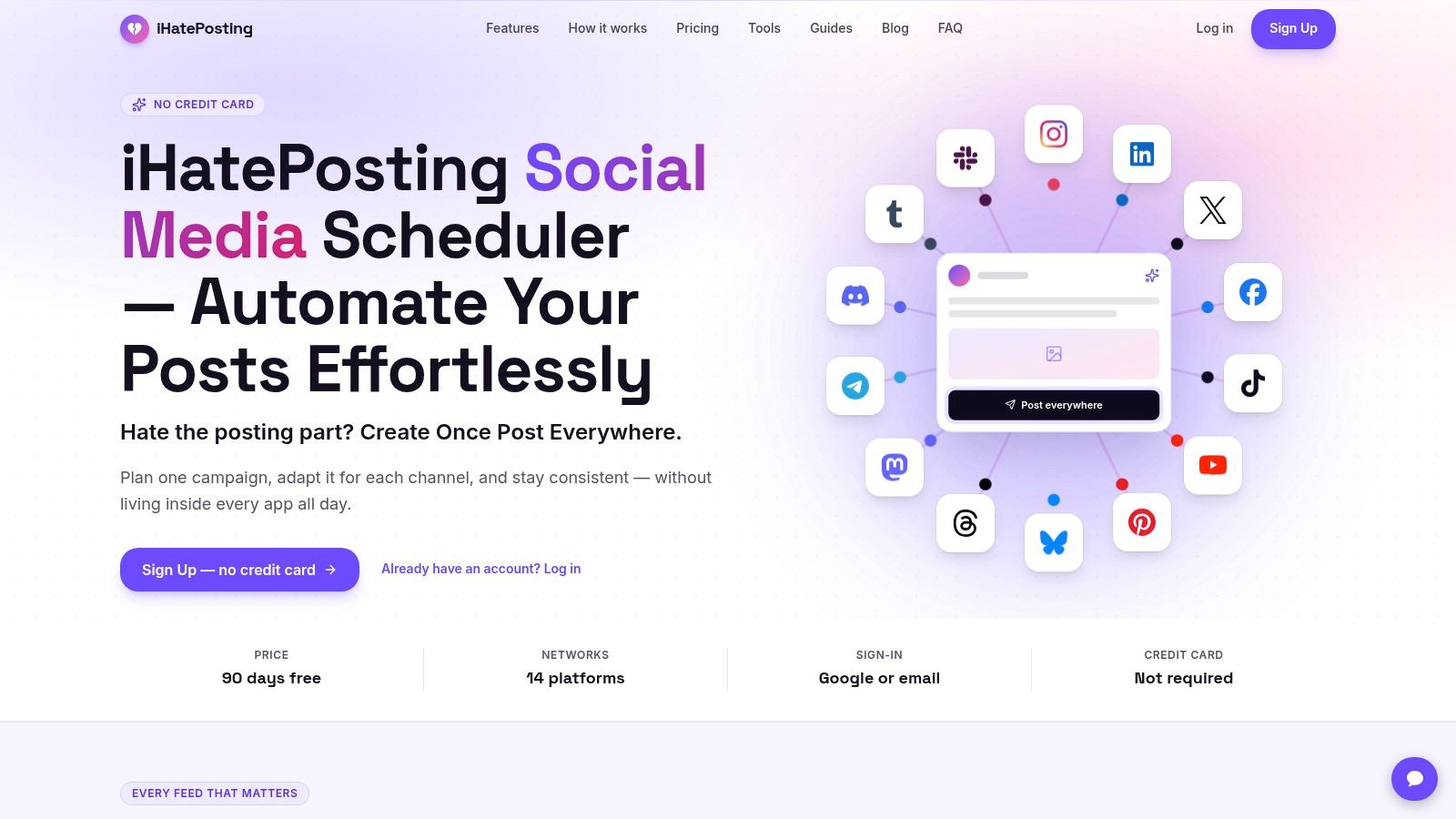
Our scheduler is built around keeping a campaign together while adapting its posts for different networks. It supports 14 platforms, including Instagram, Facebook, LinkedIn, TikTok, YouTube, X, Discord, and Slack. That makes it relevant when your publishing work extends beyond the usual public feeds.
The workflow has three steps: connect your accounts, create or upload content with platform-specific captions, then schedule publication. You don't need to rebuild the same announcement separately in every app. Live previews, character counters, reusable hashtag sets, and pre-publish checks help you catch platform-fit problems before scheduling.
Where the weekly work comes out
Say the bakery is launching a seasonal menu. Keep the launch under a campaign group, attach the product photos, and adapt the captions: ordering details for Facebook, a visual introduction for Instagram, and a business-focused explanation for LinkedIn.
The calendar shows what's planned, what needs edits, and where gaps remain. Content pillars help you separate product promotions from educational posts or behind-the-scenes updates, rather than filling every available slot with another sales message.
- Less repeated setup: Keep caption variants and creative assets attached to the publishing workflow.
- Less manual monitoring: Publish alerts and automatic retries help you manage temporary publishing failures.
- More useful review: Analytics, CSV export, and account-based timing recommendations support the next planning session.
Costs and practical limits
Our free trial lasts 90 days, followed by pricing based on connected accounts rather than channels. Don't confuse that with a promise that adding accounts never affects your bill. Match the paid allowance to the profiles you intend to maintain.
Scheduling also doesn't replace creative judgement. A video may still need a different opening, crop, or edit before it suits another network. Preview each version instead of treating cross-posting as permission to publish identical content everywhere.
Choose this if you need a shared composer across many networks and want campaign organization, caption tailoring, and calendar planning in the same workflow.
2. Buffer
Buffer is the straightforward choice when your main problem is remembering to publish. Its queue suits an owner who wants to prepare content in batches, assign publishing slots, and stop opening social apps throughout the working day.
Drafts and saved ideas keep unfinished content near the publishing calendar. That matters when an idea starts as a product photo or customer question rather than a finished caption. You can develop it later without searching through notes and message threads.
Simple publishing with a scaling cost
The practical sequence is easy to understand: draft the post, select its destinations, adapt the copy, and put it in the queue. The calendar is useful for spotting empty days, while the queue keeps recurring publishing times from becoming another decision.
A simple queue is enough when you own the whole process. Once someone else must approve posts, test that handoff before choosing a plan.
Buffer offers a free entry point, but paid pricing is per connected channel. That can suit a small account list and become less attractive as you add locations, brands, or secondary profiles. Price the complete account list, not just the first profile.
Analytics and collaboration also depend on the plan. Don't assume the entry-level workflow includes the review controls your colleague needs, or that scheduling support means every native creative option will work automatically. The scheduler comparisons from iHatePosting provide another way to weigh its straightforward queue against a more visual planning approach.
Choose this if you publish to a small group of profiles and value a low-friction routine more than extensive campaign management.
3. SocialPilot
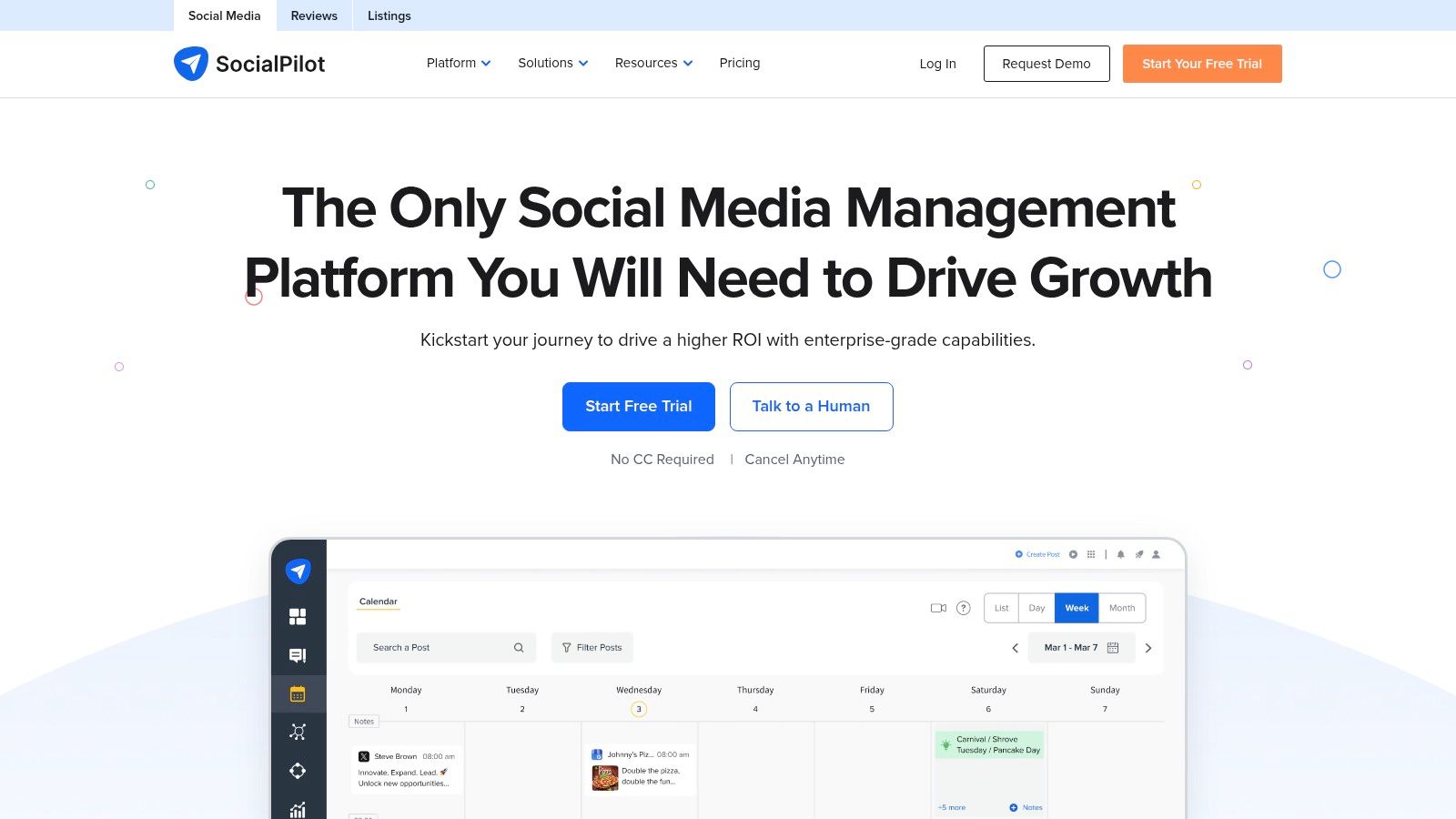
A spreadsheet full of approved captions changes what you need from a scheduler. Re-entering every post individually wastes the preparation work you've already done. SocialPilot is worth considering when bulk publishing and managing several profiles matter more than having the lightest interface.
Its calendar, previews, and platform-specific customization support routine publishing. Bulk scheduling and CSV uploads are available on eligible plans, while the content library and tags help organize reusable material.
Better for batches than occasional posts
The useful workflow starts before the upload. Prepare captions, destinations, asset references, and publishing times consistently, then inspect the imported drafts before scheduling. Bulk import saves data entry; it doesn't excuse checking the results.
- Account coverage: Bundled profiles can make more sense than paying separately for every channel.
- Team access: Compare included users with the people who draft, review, and respond.
- Plan gates: Bulk scheduling, approvals, reporting, and white-label features don't all sit at the same level.
SocialPilot also combines publishing with inbox and analytics functions on eligible plans. That can reduce dashboard switching for a team that both schedules posts and handles customer responses. A solo owner who only needs occasional publishing may find that broader setup unnecessary.
Additional accounts and team members can increase the bill, so compare the full configuration against a channel-priced alternative. For that decision, review how iHatePosting compares with SocialPilot, particularly around campaign organization and account growth.
Choose this if your team prepares content in batches and needs bundled profile management alongside publishing and reporting.
4. Later

For a retailer, café, or hospitality business, the visual sequence can matter as much as the caption. Later makes sense when you need to see product images, videos, and promotional posts together before deciding what goes live.
Its visual calendar helps answer practical questions. Are you repeating the same product shot? Is the launch content clustered too tightly? Have you left room for a useful demonstration between promotional posts?
Start with the assets
Later works best when you already have usable creative material. Bring in the photos and videos, arrange the publishing sequence, then write captions around each asset's purpose. That's a better fit for visual businesses than starting with a blank text queue.
Don't buy a visual planner expecting it to solve a shortage of usable photos or edited video. You still need a repeatable capture and editing routine.
Link in Bio and platform analytics can support the publishing workflow, but allowances vary by plan. Starter has a monthly scheduling limit, and the social-set structure matters when you add another brand or repeat profiles on the same network.
Before committing, test your actual Reels and other recurring formats. Check which parts publish automatically and which require a native-app action, especially when audio or platform-specific creative features are important.
Later is less compelling if most of your work consists of text-led announcements and links. In that case, a simple queue may remove just as much work without making visual arrangement central to the process.
Choose this if Instagram-led product storytelling and planning a coherent sequence of images or videos drive your posting week.
5. Metricool
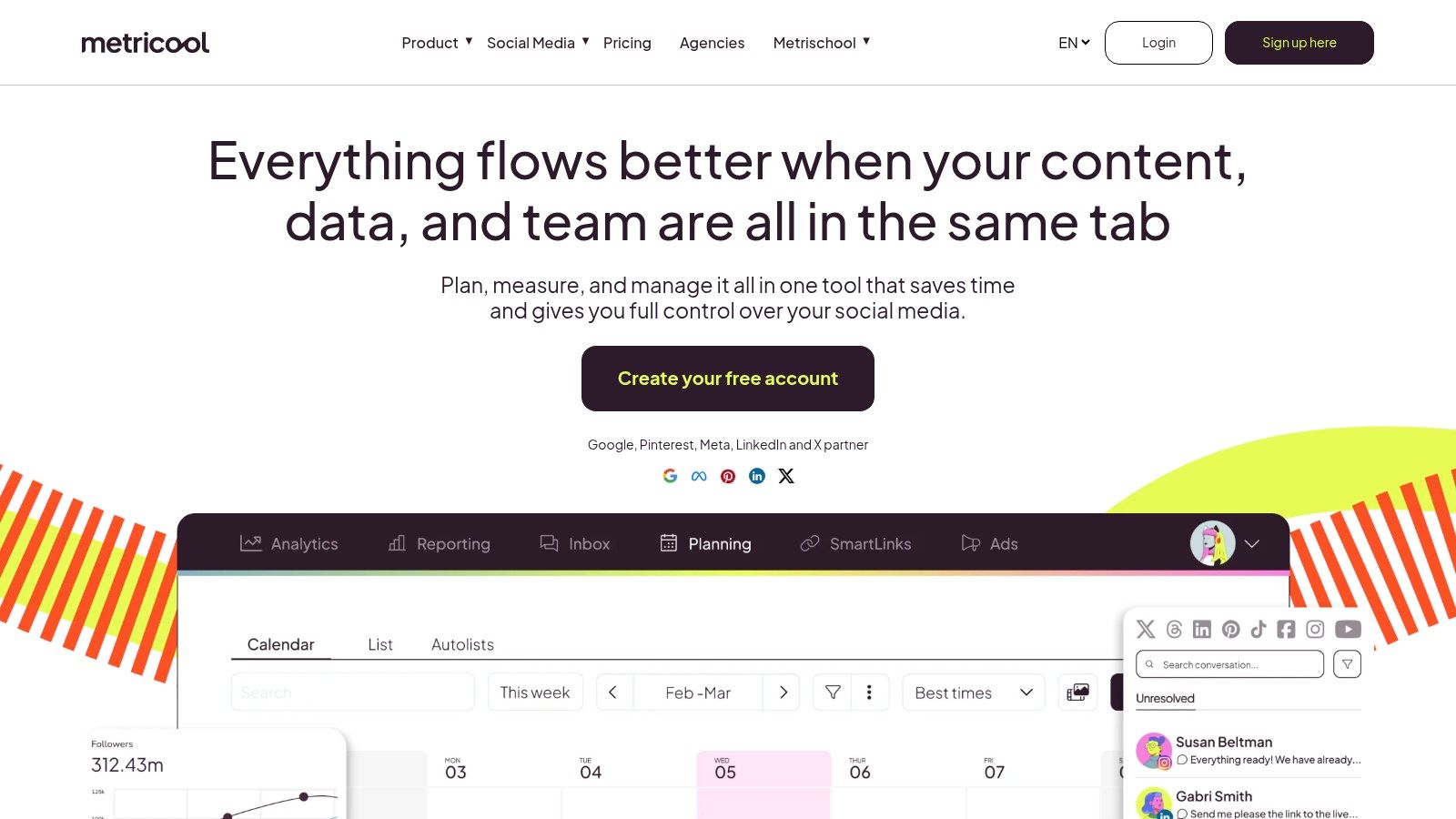
Metricool earns consideration when publishing isn't your biggest administrative burden. If you spend the end of each reporting period opening native dashboards and rebuilding performance summaries, its analytics and reporting tools may remove more work than a simpler composer.
The planner and calendar sit alongside performance analysis. Eligible paid plans add broader historical data, competitor analysis, and downloadable reports. Integrations with Google Drive, Canva, and Adobe Express can also help keep creative preparation connected to scheduling.
Measure something you can act on
A useful report should change the next batch of posts. Compare demonstrations with product announcements, or educational content with direct promotions, then decide what deserves another attempt. Don't spend your saved publishing time decorating reports nobody uses.
- Reporting value: Check that the export includes the metrics you need without manual reconstruction.
- Brand structure: Match the plan's brand allowance to how your businesses or clients are organized.
- Network extras: Account for the paid X add-on described in the product's pricing guidance.
The free plan is useful for exploring the workflow, but its scheduling and analytics limits matter. Test both sides of the product: preparing posts and reviewing results. A polished dashboard isn't enough if routine scheduling still feels cumbersome.
If your main requirement is a social media scheduler rather than recurring performance reporting, prioritize composer speed and calendar clarity instead. Metricool is a stronger fit when someone will regularly use its measurement tools.
Choose this if reporting takes substantial effort and you want scheduling and performance review in the same working environment.
6. Zoho Social
Zoho Social is particularly relevant when your business already uses Zoho CRM or Zoho Desk. Connecting social activity with customer records or support workflows can be more valuable than shaving another action off the composer.
Its calendar includes scheduled, draft, published, and failed content. That distinction matters: a post sitting on the calendar isn't necessarily a post that reached its audience. Reviewing publication status should be part of the routine, not something you remember after a customer asks about a missing announcement.
Follow the customer handoff
Say a service business publishes a consultation offer. Scheduling the announcement is only the beginning; someone must respond to inquiries, record the lead, and arrange follow-up. Zoho's broader ecosystem is relevant when those tasks already happen in its other products.
Buying rule: An integration is valuable when it removes a real handoff. It isn't valuable just because your business owns both subscriptions.
Bulk scheduling, repeat posting, insights, and a media library support content operations on eligible plans. Inbox, approval, reporting, and CRM connections require closer tier comparison. Don't buy the publishing tier and assume it includes the customer-management workflow you wanted.
A permanent free plan provides an entry point, but channel availability and collaboration differ across plans. Compare top scheduling platforms by price using the features your team needs, rather than the lowest advertised tier.
Choose this if your social posts need to connect with an existing Zoho-based lead or customer-support process.
7. Publer
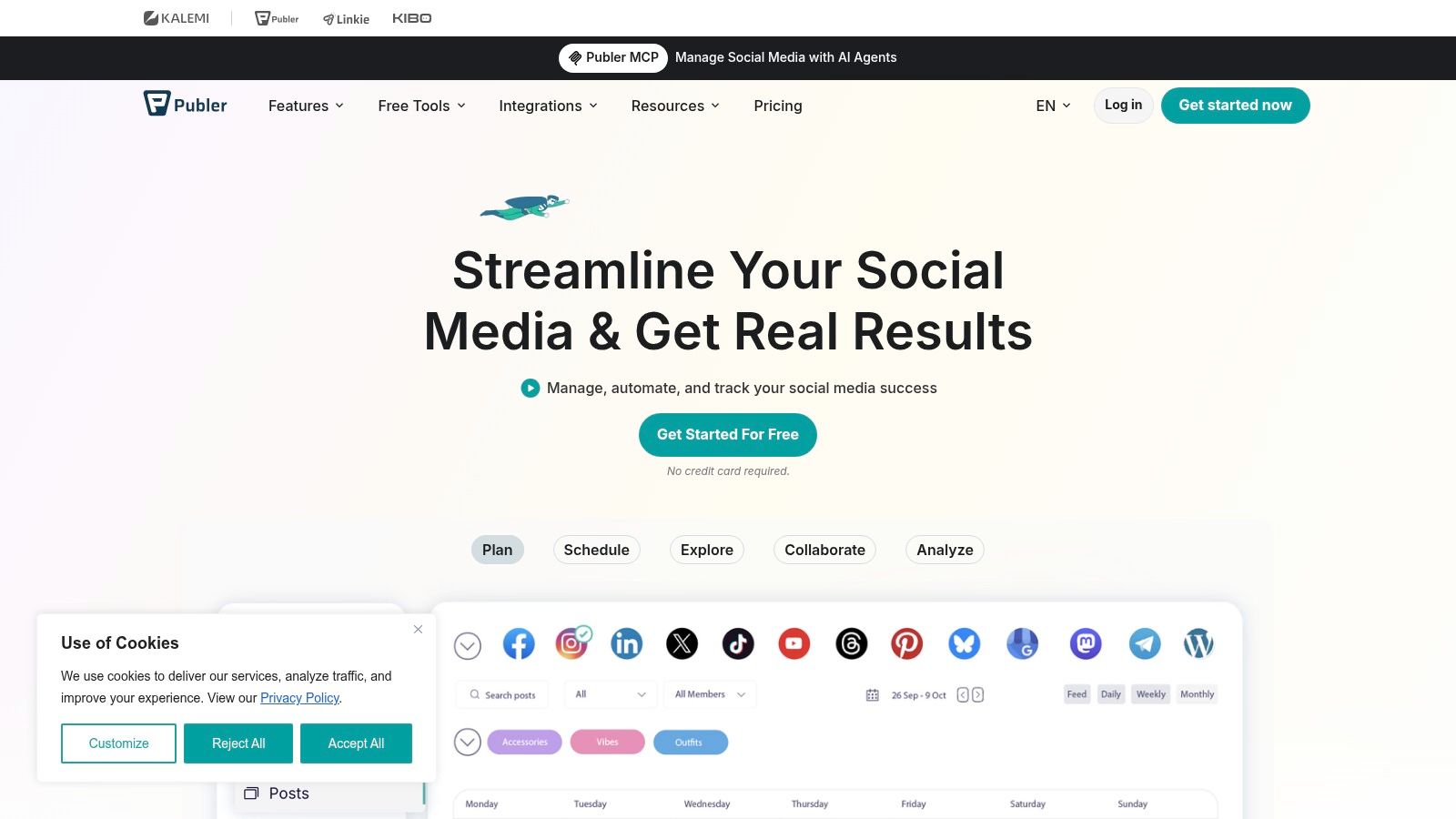
Publer is a practical starting point for an owner who wants to batch posts without committing to a broad social-management suite. Its free plan lets you explore the basic workflow, while paid plans expand scheduling and introduce more advanced capabilities.
The appeal is gradual adoption. Start with drafting and scheduling, then decide whether analytics, reporting, or collaboration would remove enough additional work to justify upgrading. You don't need to build an elaborate reporting process just to keep a local business page active.
Keep the configuration honest
Publer's total price depends on the accounts and members selected. A low starting price therefore isn't the same as the final cost for your team. Build the configuration you expect to use before comparing it with bundled alternatives.
- Routine publishing: Paid plans expand scheduling capacity and drafts.
- Format-specific work: Bulk scheduling, first comments, and threaded posts can reduce manual follow-up where supported.
- Upgrade boundaries: Performance insights, reports, and timing guidance are reserved for higher plans.
The free plan excludes X, so it won't represent your complete workflow if that network is essential. Test the formats you publish regularly, not just a plain-text example that almost any scheduler can handle.
Also separate publishing convenience from business value. More scheduled posts don't automatically mean more inquiries or orders. If the account-and-member configuration becomes expensive, compare social media tools beyond Publer before rebuilding your routine around it.
Choose this if you want a modest entry point for solo publishing and a clear upgrade path when reporting or teamwork becomes necessary.
How the top social media schedulers compare on free plans, pricing models, and best-fit use cases
| Item | Free Plan | Pricing Model | Best For |
|---|---|---|---|
| iHatePosting | No free plan stated; trial offer is inconsistent (7 or 90 days) | Paid plans coming soon; expected to be based on connected accounts | Scheduling and tailoring posts across many social networks |
| Buffer | Up to 3 channels and 10 scheduled posts per channel | Per connected channel | Solo operators and small businesses with a few profiles |
| SocialPilot | Not specified | Tiered plans; extra accounts and users may add cost | Small teams managing multiple profiles |
| Later | Not specified | Plan allowances based on social sets and users | Visual, image- and video-focused businesses |
| Metricool | Available, with limits including a monthly scheduling cap | Tiered plans; X may require a paid add-on | Businesses focused on analytics and reporting |
| Zoho Social | Permanent free plan available | Tiered plans with varying channel and feature allowances | Small businesses using Zoho products |
| Publer | 3 social accounts and up to 10 scheduled posts per account; X excluded | Pricing varies by accounts and members | Solo operators seeking an affordable scheduling tool |
Choosing the Scheduler That Fits Your Posting Week
Start by counting the networks you publish to and the people who need to edit or approve posts. Ignore dormant accounts for now. Paying to connect them won't make them useful.
For solo operators with a small profile list, Buffer or Publer can provide a sensible free starting point. Later is better suited to a visual planning problem, especially when product photography and Reels drive your content. SocialPilot deserves consideration when batch uploads and bundled account management are central to the job.
Choose Metricool when recurring reporting takes too much time. Choose Zoho Social when customer records and follow-up matter more than publishing alone. Our scheduler is the strongest fit when your main difficulty is adapting campaigns across many networks while keeping captions, assets, and calendar planning together.
Test the routine, not the demo
Run a fortnight-long trial with actual content. Prepare a full publishing week, include your usual creative formats, and ask the reviewer to make changes. Then move a promotion, correct a caption, and inspect publication status after posts go live.
- Track repeated work: Note where you reattach files, retype captions, or copy feedback between apps.
- Inspect the calendar: Make sure you can spot gaps, unfinished posts, and an overly promotional content mix.
- Price the working setup: Include the accounts, users, add-ons, and approval features you'll need.
Confirm each vendor's current trial terms and paid-plan details before subscribing. For our platform, the trial lasts 90 days and subsequent pricing is account-based. Compare the relevant account allowance rather than assuming every pricing model uses the same terminology.
Keep a human review for offers, dates, customer-sensitive language, and platform-specific creative choices. Schedule time to answer comments too. The best purchase is the one that leaves you with a reliable publishing rhythm and more time for customers, not merely a fuller calendar.
Our platform brings caption tailoring, creative assets, campaign organization, and a visual calendar into a shared publishing workflow. Visit iHatePosting to try it with your next campaign and see whether it removes the repeated work from your posting week.