10 Best Social Marketing Software Tools Compared for 2026
17 min readsocial marketing softwaresocial media schedulerAI social media toolssocial media scheduling
We make iHatePosting. Competitor details come from their official sites, checked November 2026. How we compare tools →
Six social accounts, one caption, and a Thursday nobody can quite account for.
Someone drafts the LinkedIn version, pastes a shorter one into Instagram, trims it again for X, re-uploads the same image to Facebook, and renames the file final_v3_use_this_one before TikTok. By Thursday, two people think they scheduled it, one thinks they approved it, and the calendar shows an empty slot.
Feature lists do not fix that. Workflow does. Who drafts, who approves, which channels accept which format, how often evergreen posts get recycled, and whether analytics explain reach, saves, clicks, and replies rather than only likes.
The useful question is fit. Solo creators need speed and a sane free tier. Small teams need approvals without seat pricing that punishes growth. Agencies need client separation, reusable assets, and clear billing. Automation-heavy teams need APIs, retries, webhooks, and an AI layer that does more than write captions.
That is the lens used here: publishing reach, AI support, scheduling depth, analytics, collaboration, integrations, trial limits, and pricing model. Costs matter at the exact point they usually sting: per channel, per account, per seat, or a flat rate that stays flat.
The audience side is settled. DataReportal's 2025 global overview counted 5.24 billion active social media user identities worldwide, equal to 63.9% of the global population (DataReportal).
AI content generation now covers much of the drafting layer: platform-specific captions, hooks, hashtags, images, and short video clips. AI agents go further when they can draft, adapt, schedule, and publish across networks without the same five steps repeated in five browser tabs. Teams weighing that shift can compare it with marketing workflows for video teams before deciding whether generation belongs before scheduling or inside it.
Trial terms deserve the same scrutiny as features. A generous trial can still cap scheduled posts, connected accounts, media storage, AI assistance, or posting volume. The right tool is the one whose limits match how your team already publishes.
1. iHatePosting
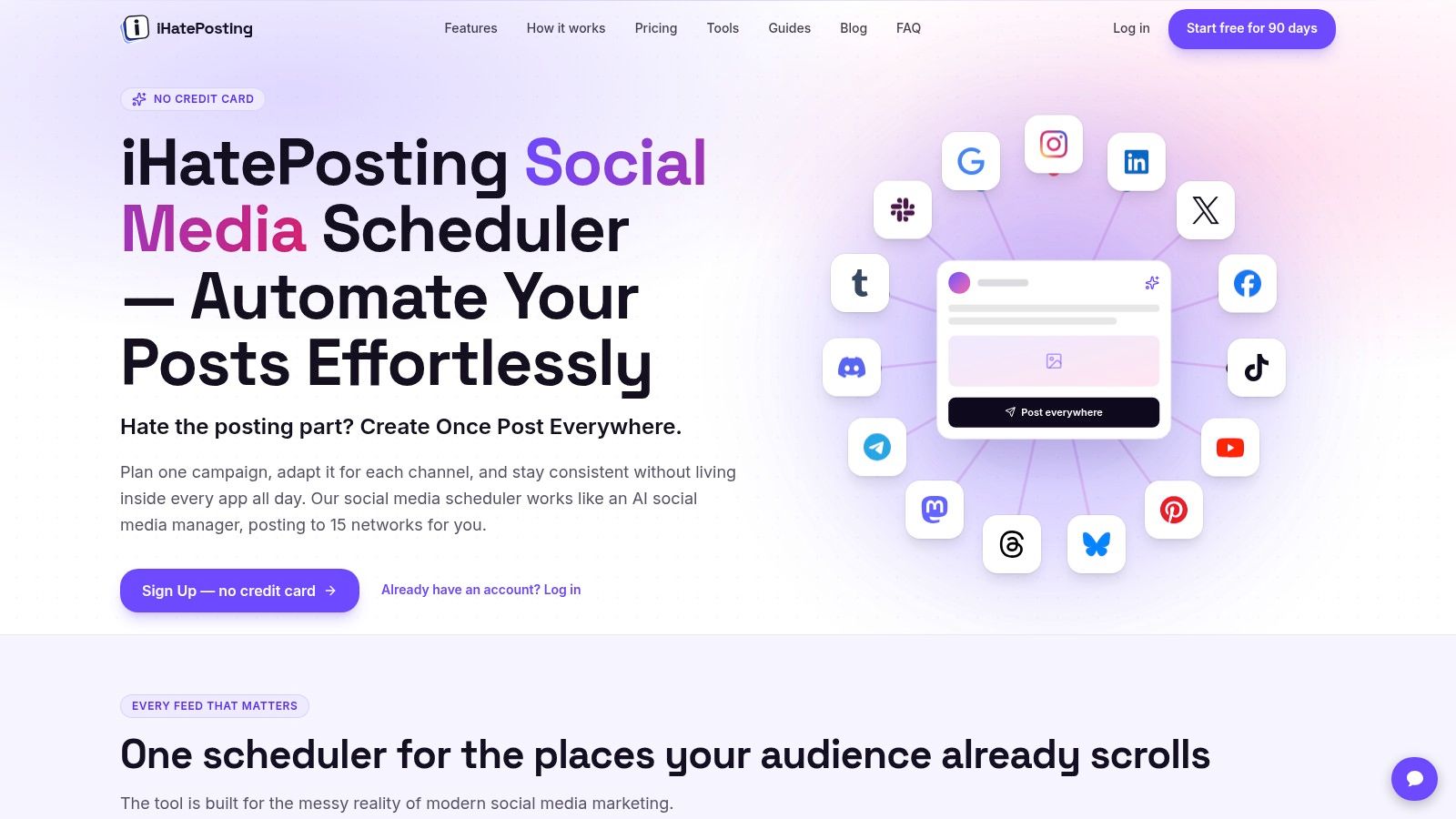
Most schedulers price the thing you're trying to grow. Add a channel, pay more. Add a teammate, pay more, with typical tools running $15 to $99 per month before seats. iHatePosting runs a different model: after a 90-day free trial, paid plans are priced by connected accounts, not channels. Customer groups keep multiple brands and client accounts in one workspace, each with separate calendars and analytics.
The limit is scope. It plans and publishes; it doesn't promise audience growth, and teams that need social listening or full community management will run a second tool alongside it.
One composer across fourteen networks
The composer publishes to 14 networks: Instagram, LinkedIn, X, Facebook, TikTok, YouTube, Pinterest, Bluesky, Threads, Mastodon, Telegram, Discord, Tumblr, and Slack. Captions, media, and hashtags can be adjusted per platform before anything goes out, with live previews and character counts. Before publishing, the scheduler runs seven checks: content pillar, intent, platform fit, creative alignment, hashtag strategy, measurement, and campaign context.
Built-in AI drafts captions, hooks, threads, hashtags, images, and short-form video, with AI agent and assist features on paid plans. A mixed-method study of 100 social media managers and digital marketers found almost 45% used AI daily for content creation, largely to raise output and reduce revision time (ACM Digital Library).
Automation is where it separates from lightweight schedulers. ChatGPT, Claude, Codex, and OpenClaw connect through a hosted MCP server, a CLI, a public API, and webhooks, with Zapier, Make, and n8n for workflow automation. Connected through Claude Cowork, the MCP server exposes your accounts as tools, so an agent can draft, check, and schedule across the networks without you opening a dashboard. Recurring posts, evergreen recycling, RSS publishing, and approval workflows keep the calendar full without manual re-entry.
The build suits solo creators and small businesses that want one calendar for everything, agencies juggling client brands, and marketing or growth teams that want agents handling the repetitive publishing steps.
Trial detail worth knowing: the 90-day trial includes unlimited connected accounts, unlimited scheduled posts, unlimited post-now, and 500 MB of media storage, but X is capped at 30 posts a month without links. If your X strategy depends on link posts, plan for that.
After the trial, billing scales with connected accounts rather than channels, so cost tracks how many profiles you manage, not how many networks each post touches.
Website: iHatePosting
2. Buffer
Buffer prices per connected channel, which rewards focus and punishes sprawl. Two profiles cost half of four, and that suits a solo creator running Instagram and LinkedIn well. It stops suiting the moment you add TikTok, YouTube Shorts, a Facebook page, and a second brand.
The free plan covers three channels with 10 scheduled posts per channel. Paid plans lift that to unlimited scheduled posts per channel and add analytics, AI assistance, and team workflows.
- Solo creators: a visual calendar, queue, drafts, ideas, and saved hashtags in an interface you can learn in an afternoon.
- Small teams: the Team plan adds access and approval workflows, so a second person reviews before publishing.
- AI drafting: the AI Assistant refines and repurposes text you've already written rather than inventing a strategy for you.
Where it doesn't fit: publishing and engagement features vary by network and account type, and per-channel costs compound. A team managing eight client profiles pays eight times over.
The time case holds up. In a 2026 industry survey, 47.4% of respondents said AI let them create more content faster, and 36.8% cited automation of repetitive tasks (survey report).
If per-channel maths is what's pushing you out, compare alternatives to Buffer before you cut a channel you need.
Website: Buffer
3. Hootsuite
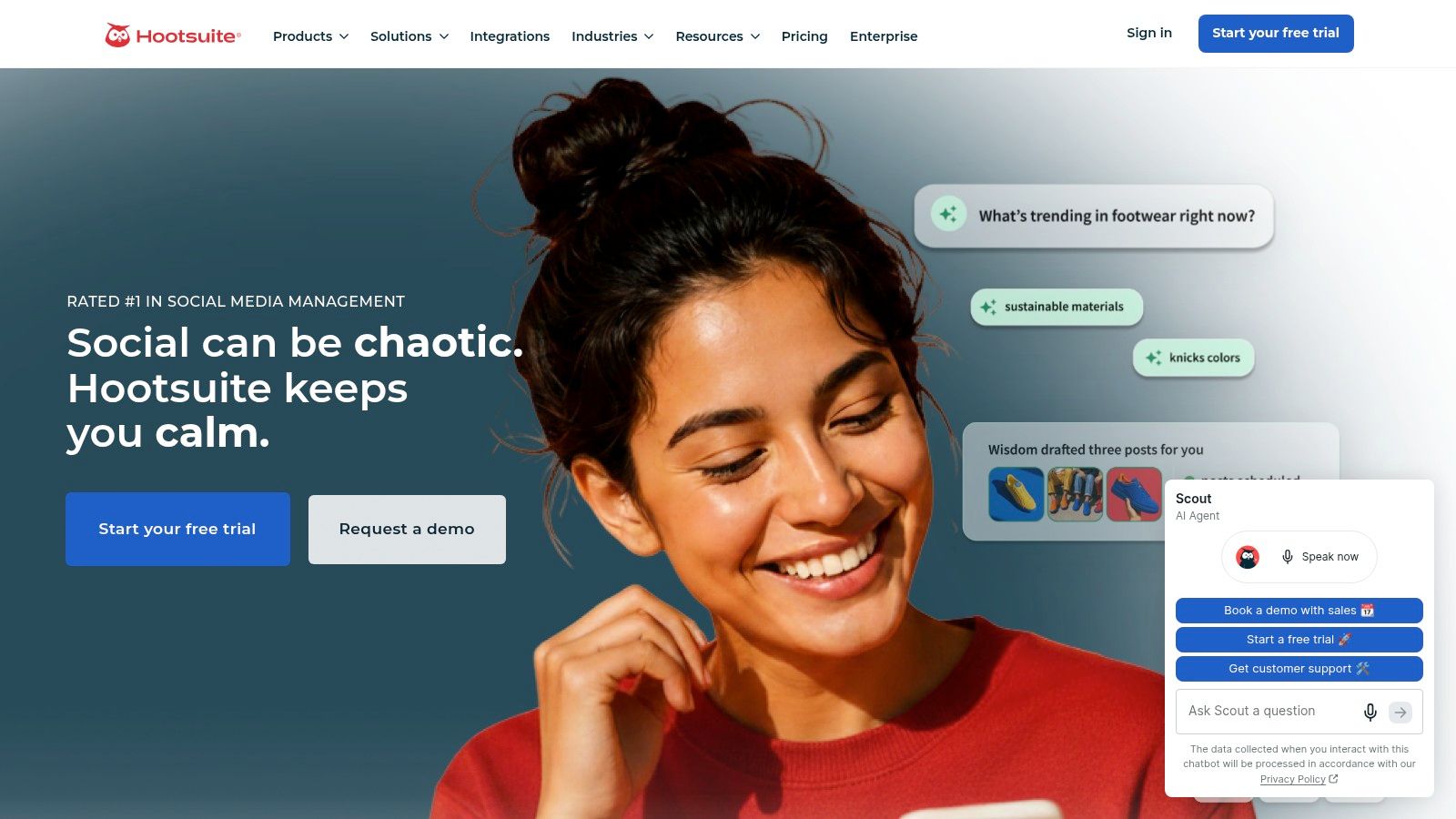
Hootsuite is the wrong purchase for one person scheduling eight posts a week. Published paid plans start at $99 per month for Standard, and most of what that buys only pays off if a human works the inbox and listening screens daily.
For teams that do answer customers on social, the bundle earns its keep: a publishing calendar with recommended posting times, a unified inbox across several networks, organic and paid analytics, reporting templates, competitor benchmarking, social listening, sentiment analysis, and AI-assisted insights.
Adoption isn't in question. In 2024, 94% of surveyed brand, retailer, and agency professionals said their companies or clients used social media for marketing (Digiday+ Research).
- Price floor: $99 a month is roughly five to six times a per-channel scheduler for a two-profile setup.
- Breadth as overhead: listening and benchmarking need configuration and someone to read the output.
- Inbox first: if nobody owns customer replies, the business case collapses fast.
If your social team is one person who also runs email, this is usually one tier too high.
Website: Hootsuite
4. Sprout Social
Per-seat pricing is the first thing to model here, because it changes the maths as the team grows. The Essentials tier focuses on publishing across a limited number of profiles; inbox, monitoring, and deeper workflows sit on higher plans. There's a 30-day trial with no credit card required, which is enough time to test whether the publishing layer alone justifies it.
The case for paying more is measurement maturity. In a 2025 survey of 1,200 marketing leaders across the United States, United Kingdom, and Australia, only 44% said their teams were experts at measuring social media's business impact. Among those expert teams, 58% used social media management software, a higher adoption rate than among emerging or evolving teams (Sprout Social report).
That same report found fewer than half of respondents had social data connected into a CRM, which is the practical gap. Publishing, reporting, and customer records still sit in separate systems, and someone reconciles them by hand each month.
Practical fit: agencies and in-house teams where reporting is a deliverable and customers get answered in the same tool. Poor fit: solo creators, who pay a per-seat premium for inbox features they don't need. If the seat maths breaks your budget, iHatePosting's guide to Sprout Social alternatives covers what to trade away.
Website: Sprout Social
5. Later
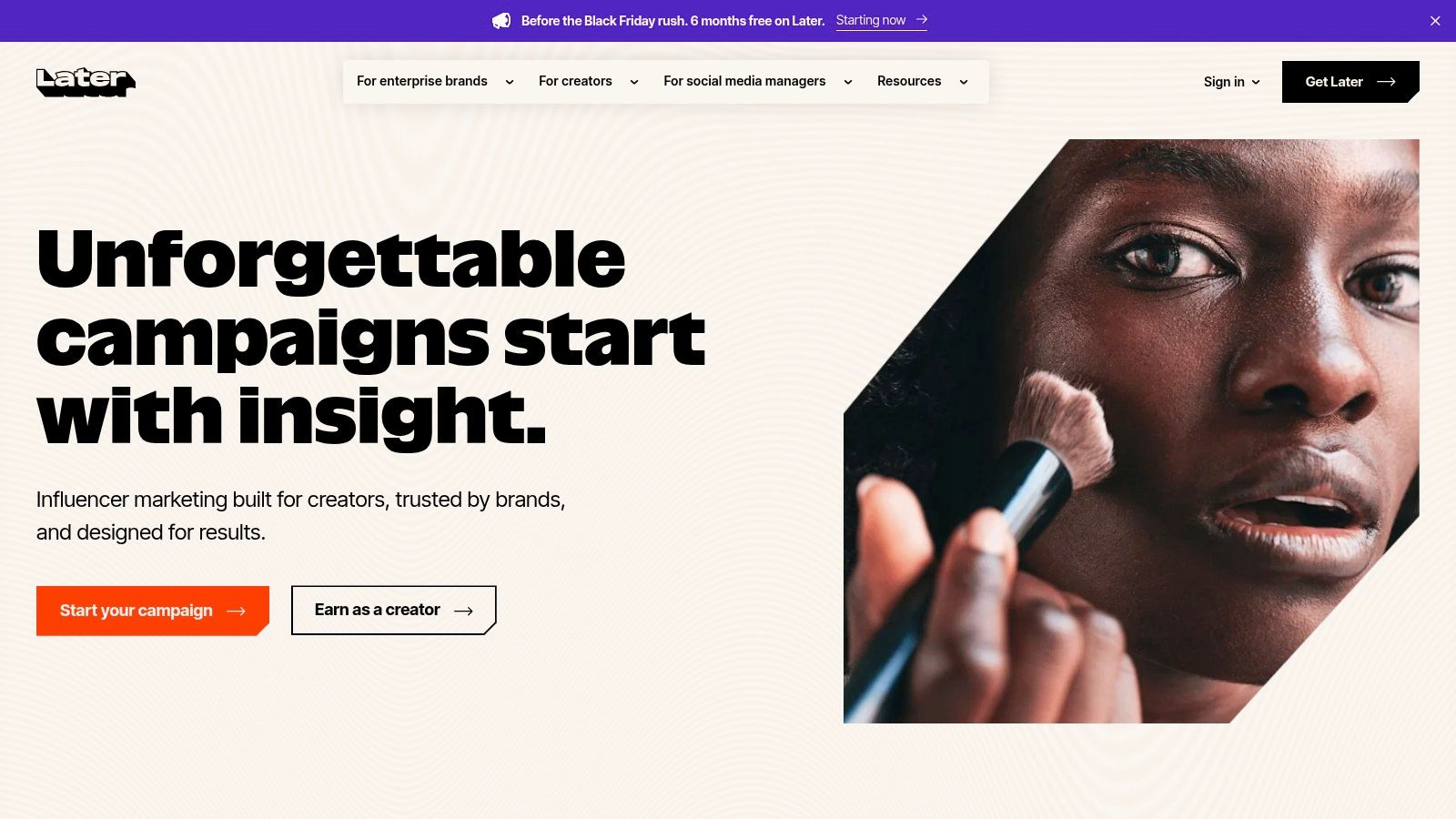
Later organizes publishing around the visual grid. The planner, media library, and Link in Bio tool suit brands whose feed is the storefront, and the product assumes you draft with the image in hand before the caption. The constraint sits in the Starter plan: one user and 30 scheduled posts per profile per month, with AI Ideas and Caption Writer credits that scale by plan. A solo creator posting a few times a week stays under that cap. Daily posting across three or four profiles hits it in week two. Paid plans carry a 14-day trial, enough to test the grid planner against a real month of content.
Caption behavior also differs sharply by network, and the planner pushes that into your drafting. TikTok rewards a short hook under the video. LinkedIn posts, multi-image ones in particular, carry longer commentary. One caption pasted everywhere underserves both, so write the short and long versions as separate steps rather than trimming after the fact.
- Supported formats: Reels, Stories, TikTok posts, Pins, and YouTube Shorts.
- Limits to check: a narrower network list than broad multi-network tools, and AI usage capped by plan credits.
- Multi-client work: one user on Starter rules out most agency setups.
For a closer look at how the two cheapest options compare, iHatePosting's Buffer vs Later comparison walks through the trade-offs.
Website: Later
6. Agorapulse
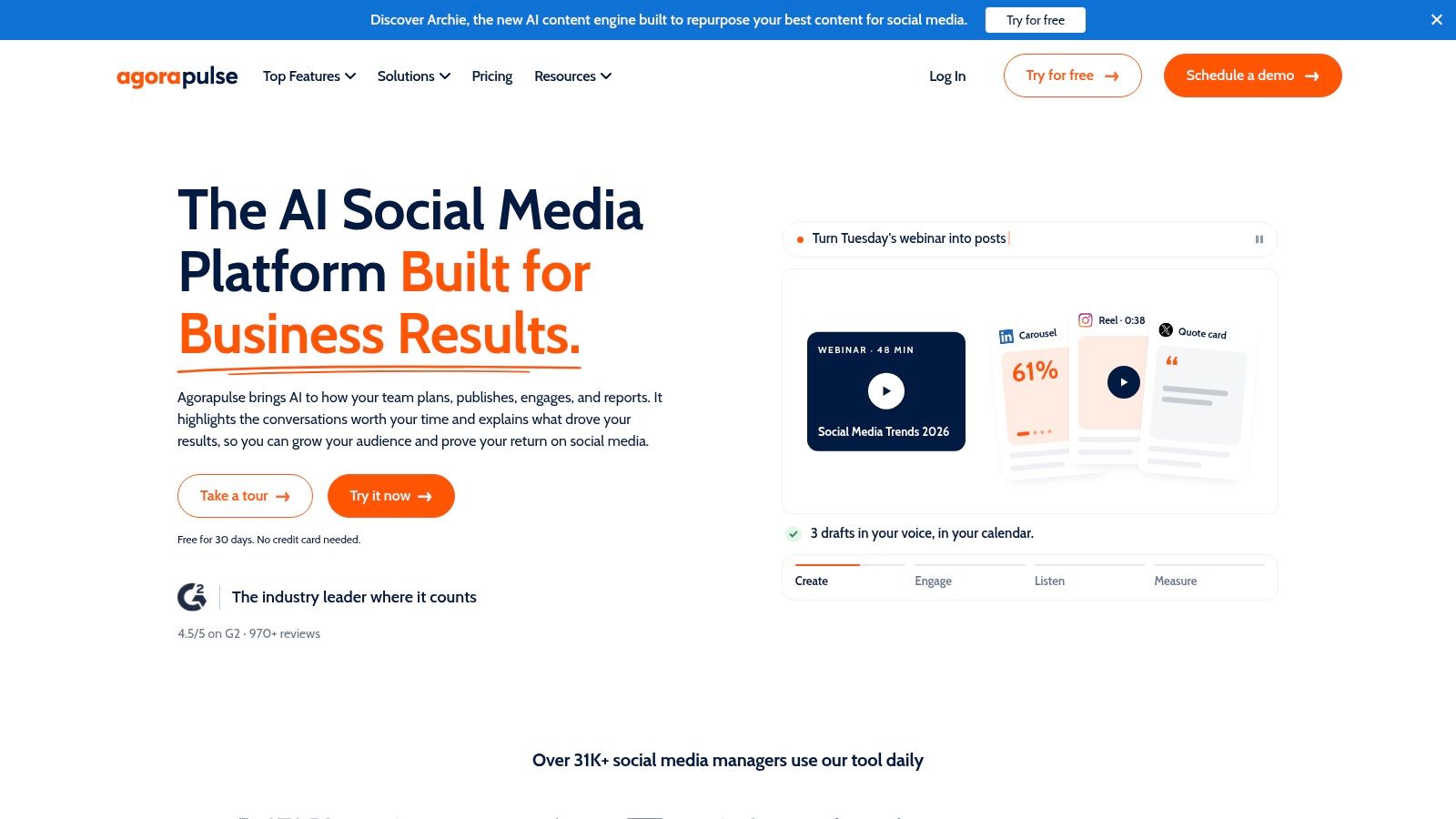
Agorapulse is an inbox tool that also schedules. That order matters, because the value shows up when a team handles volume: comments, mentions, DMs, and reviews in one queue, with assignments so replies don't fall to whoever notices first.
The pricing is per user, which cuts both ways. One manager and a handful of profiles stays reasonable. Five people, two clients, and a moderation rota gets expensive quickly, and profile limits plus workflow features shift between Standard and higher tiers. There's a 30-day trial without a credit card, long enough to test the inbox under real volume rather than a demo account.
Multi-step approvals, custom roles, and advanced reporting are reserved for larger plans, so map your approval flow before you choose a tier. If only one person signs off on posts, you're paying for capability you won't switch on.
The budget context is worth naming. In 2024, global marketers planned to put more than 63% of media spending into digital channels including social, search, online video, and display (Nielsen 2024 Annual Marketing Report). Tools that consolidate customer conversations increasingly compete with ad budget for the same line item.
Website: Agorapulse
7. Sendible
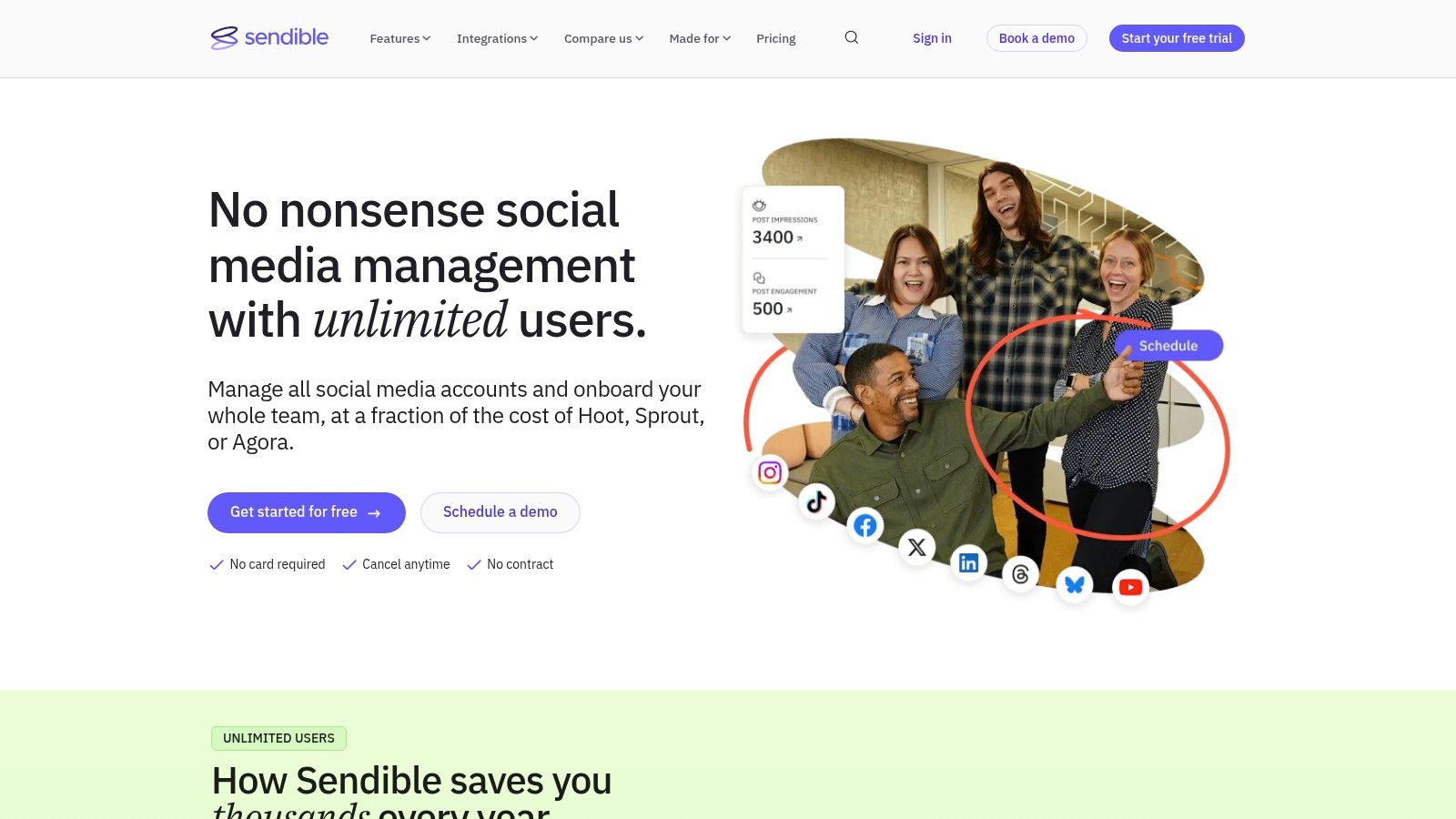
Sendible is designed for people who answer to clients, not to a single brand. Scheduling, per-platform copy customization, reports, cloud storage integrations, and Zapier connections cover the daily work, with publishing support for WordPress and Bluesky alongside the bigger networks.
Three limitations to name before the strengths. White-label features sit on higher plans only. Instagram DMs aren't supported according to its feature information, so a client whose support volume runs through Instagram messages needs a different inbox. And entry-level plan pricing shifts, so confirm the current tier on the vendor's plan selector rather than a comparison page from last year.
The multi-client case is stronger than it was a decade ago, because there's more to manage. DataReportal's longer-term analysis put global social media user identities at just under 2.27 billion in October 2015, equal to 30.3% of the world's population, rising to 5.66 billion by October 2025, or 68.7%, averaging more than 28 million new users a month (DataReportal).
- Agency fit: client workspaces, approval steps, and reporting built for handoffs.
- Format coverage: direct publishing for several post types on Instagram, Facebook, TikTok, LinkedIn, and YouTube.
- Check before signing: DM coverage per network, since it varies.
Website: Sendible
8. Loomly
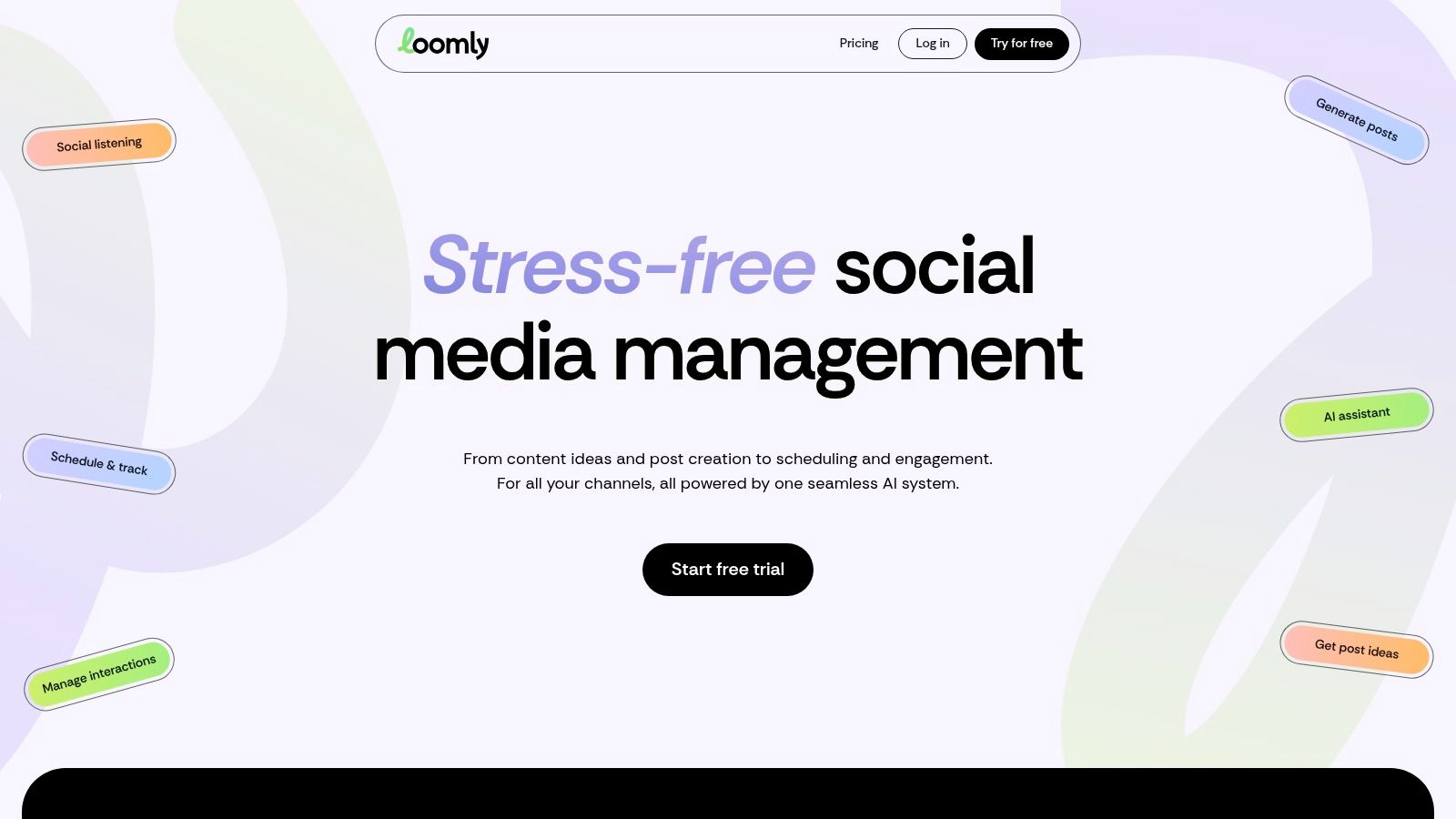
Loomly's Starter plan is generous on workflow and tight on scale: 12 social accounts and three users, with unlimited calendars, approval workflows, post previews, recurring posts, a media editor, and AI post generation. Custom branding and custom roles are reserved for higher tiers. The trial requires no credit card.
Where approval workflows actually earn their keep
An approval step is only useful if it changes what gets published. Teams get value from Loomly when a reviewer catches claims, pricing, or tone problems before a post goes live, and lose it when approval becomes a rubber stamp at 6pm.
The governance gap is real. Recent survey evidence shows 98% of social media workers use AI, while only 12% report clear AI guidelines and 45% have no formal restrictions or rules at all (Metricool survey coverage).
Set the threshold in writing. Formatting, evergreen recycling, and caption shortening can run without review. Regulated claims, pricing, political topics, customer complaints, and paid promotions cannot.
That distinction matters more than any feature comparison, because it decides whether your AI-assisted calendar is auditable or a liability.
Website: Loomly
9. Metricool
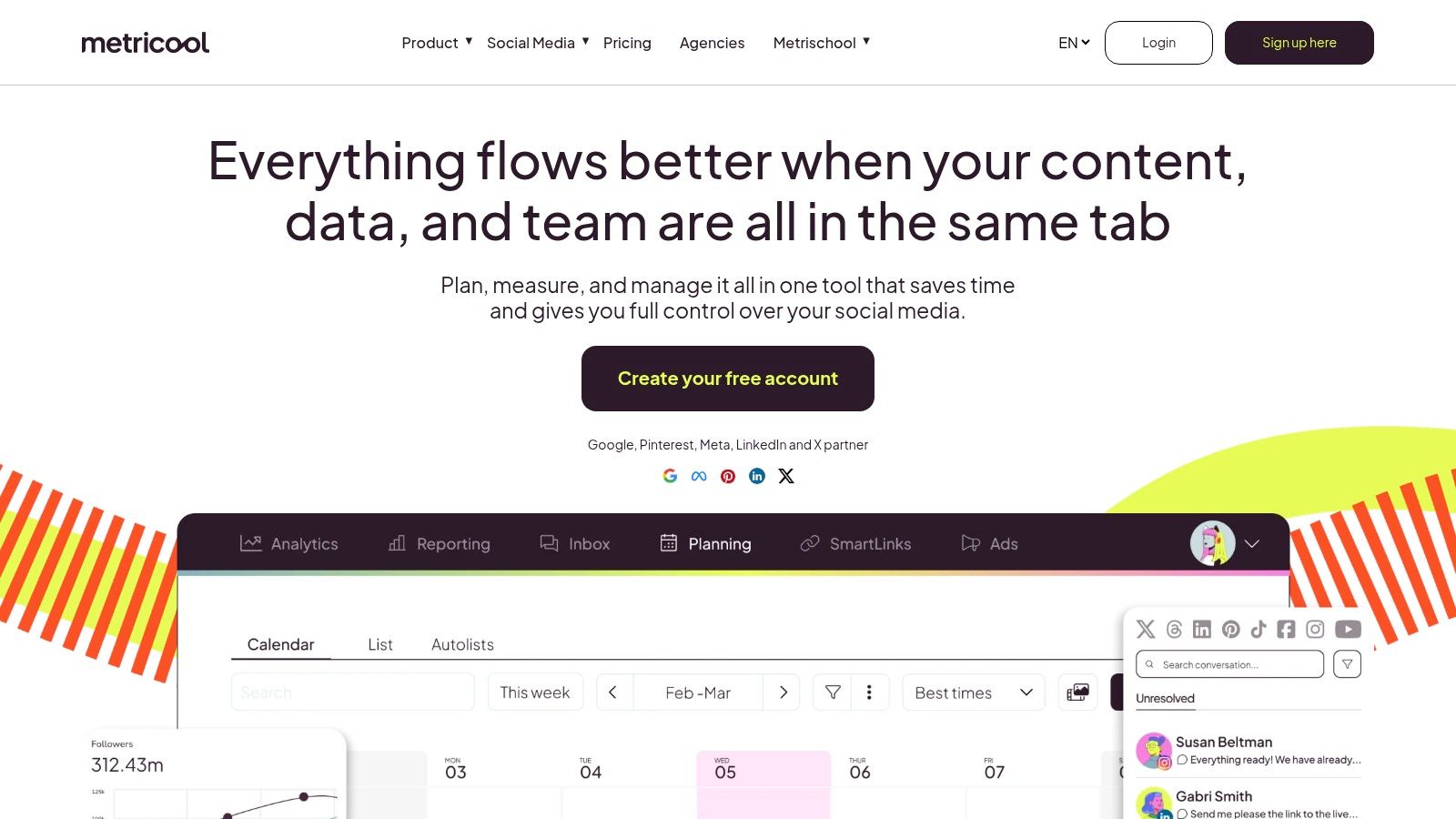
Metricool sells by brand rather than by seat, which suits freelancers and agencies comparing tools by client portfolio size. The free plan is usable for testing, with two exclusions worth knowing upfront: it doesn't cover LinkedIn or X, and X needs a paid add-on that raises the total.
Analytics and competitor tracking are the core of the product. Scheduling is competent but secondary, so a team that needs deep inbox work should look elsewhere.
The AI quality question is the one to test during a trial. A 2025 survey of social media professionals found 96% used AI for social tasks, 45% remained cautious about expanding that use because of quality concerns, and more than a third didn't track the performance of AI-generated content at all (Metricool AI report).
That last figure is the trap. If you can't compare AI-assisted posts against human-written ones on the same channel, you can't tell whether the tool is saving time or just moving the editing work later in the week.
- Analytics depth: competitor analysis and exportable reports on paid tiers.
- Integrations: AI Assistant plus paid-plan connections such as Canva and Google Drive.
- Network access: confirm the plan covers the accounts you manage before comparing headline prices.
For the reporting side in detail, see Buffer and Metricool analytics compared.
Website: Metricool
10. SocialPilot
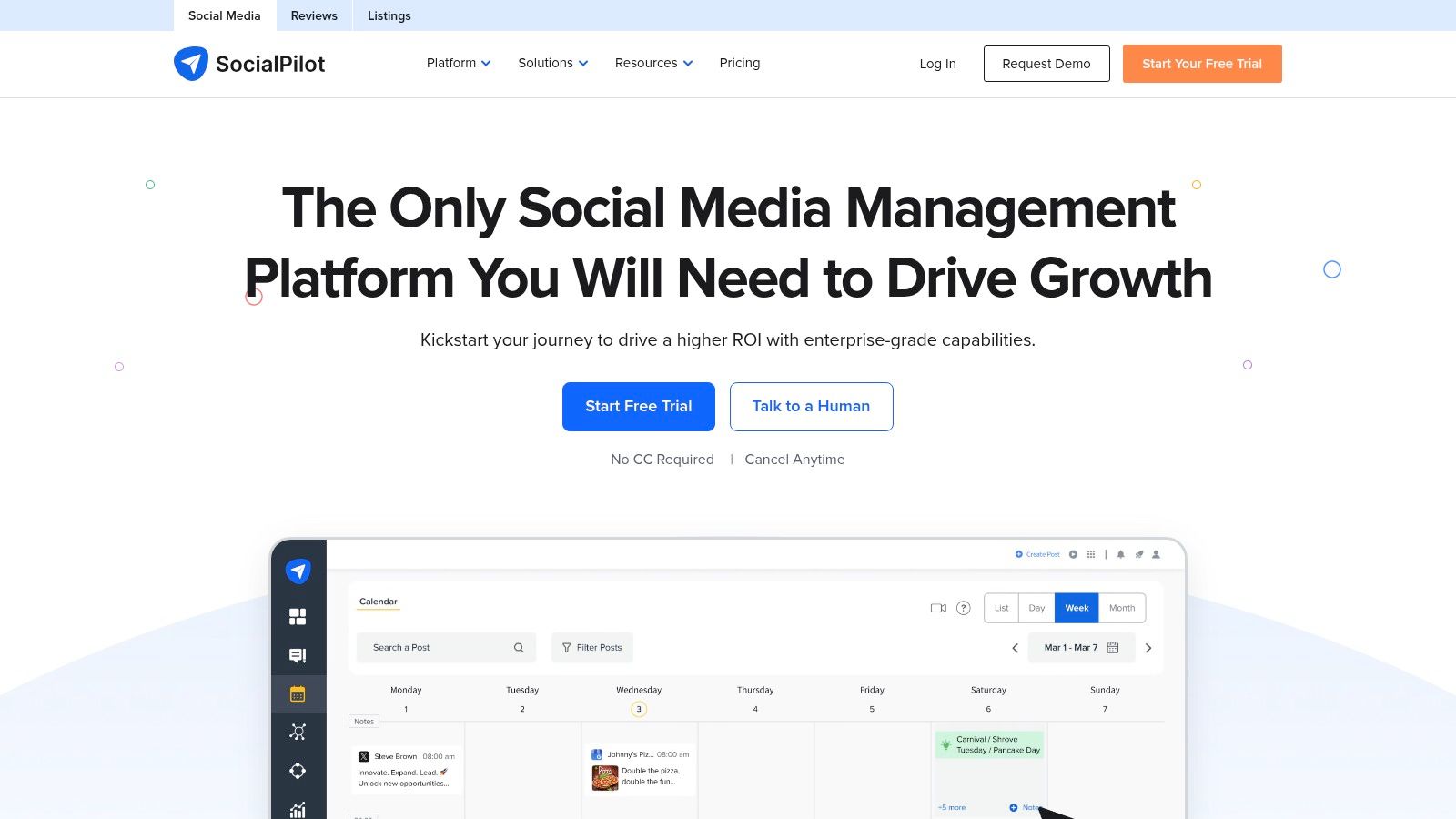
SocialPilot takes a middle path on pricing: plans include a stated number of social accounts and users rather than charging strictly per seat. That makes costs predictable for a small agency, though the allowances for accounts, users, and AI credits vary by tier, so read the row you're buying.
The workflow tools are conventional and reliable: social calendar, queues, bulk scheduling, CSV uploads on eligible plans, a content library, analytics, and post-level performance data. Client approvals and white-label reporting sit on higher plans, which is where agencies usually end up.
Money is moving in this direction anyway. WARC Media forecast worldwide social advertising expenditure to reach $286.2 billion in 2025, representing 12.3% year-over-year growth (WARC). When paid and organic share a calendar, scheduling software that can't annotate campaigns or export clean data becomes a bottleneck.
The 14-day trial doesn't require a credit card. Use it to run one real campaign week, including a client approval, rather than scheduling a handful of test posts.
Trial length is the wrong metric. Trial scope is the right one. A 30-day trial on the wrong tier teaches you less than a 14-day trial with your real approval chain.
If the plan limits don't fit your client count, find a smarter SocialPilot replacement.
Website: SocialPilot
How the leading social marketing software compares on free options, pricing model, and best-fit users
Read the pricing model column first. Per-channel pricing stays cheap while you manage a few profiles and grows with every profile you add. Per-seat pricing does the same thing with people, which matters when four approvers each need a login. Account-based pricing charges for what you connect, so a whole team can work the same accounts without multiplying the bill.
| Item | Free Option | Pricing Model | Best For |
|---|---|---|---|
| iHatePosting | 90-day free trial with 500 MB media storage and 30 X posts per month; no AI caption assistance | Priced by connected accounts, not channels, after the trial ends | Solo creators, small businesses, and agencies that need 14 publishing networks plus API, webhook, and AI-agent automation |
| Buffer | Free plan: up to 3 channels and 10 scheduled posts per channel | Per connected channel | Independent users and small teams managing a few profiles |
| Hootsuite | No free option stated | Paid plans start at $99/month | Businesses needing publishing, inbox management, analytics, and social listening |
| Sprout Social | 30-day trial, no credit card required | Per-seat pricing | Teams prioritizing reporting, engagement, and customer-care workflows |
| Later | 14-day trial; no free plan stated | Plan-based, with AI credits varying by plan | Visual-first creators and brands publishing image and video content |
| Agorapulse | 30-day trial, no credit card required | Per-user pricing | Individuals and teams combining publishing, inbox management, and reporting |
| Sendible | No free option stated | Tiered subscription plans | Managers and agencies handling multiple clients or profiles |
| Loomly | Free trial, no credit card required | Tiered plans with user and account limits | Teams needing content planning and approval workflows |
| Metricool | Free plan available; excludes LinkedIn and X | Brand-based paid tiers; X requires a paid add-on | Freelancers and agencies focused on analytics and competitor tracking |
| SocialPilot | 14-day trial, no credit card required | Plan-based account and user allowances | Growing teams and agencies needing scheduling and client approvals |
Buffer and Metricool are the only permanent free plans in the table, and both restrict what you can connect before you pay.
Matching Social Marketing Software to How Your Team Actually Publishes
Start with an inventory, not a shortlist. Count the accounts you publish to, the people who touch a post before it goes live, whether clients sit in the approval chain, and how much AI drafting you want. Three accounts and one approver points to a per-channel tool. Twelve accounts across four clients and two approvers points to flat pricing or account-based tiers.
AI is now part of that inventory. 89.7% of social media and marketing professionals used AI at least several times a week in a 2026 survey, with 64.1% using it daily, and the leading applications were analytics and reporting and content ideation at 59.5% each (AI Business Weekly). If your team is already there, judge tools on whether AI output is reviewable, not on whether AI exists.
Run a social media audit monthly, quarterly, or after any major campaign. The scheduler calendar is the fastest starting point: scan frequency, channel mix, and whether the same three content pillars repeat for months while one channel goes quiet.
Before publishing, a well-run scheduler should prompt for seven things: content pillar, intent, platform fit, creative alignment, hashtag strategy, measurement, and campaign context. If a tool lets you skip all seven without a prompt, you'll skip them.
Attribution is the part most dashboards oversell. In a 2026 survey of 405 marketers, 87% believed AI improved productivity, yet only 48% said their teams could confidently demonstrate social media ROI with clear attribution (Emplifi survey). More metrics don't fix that. A workable hierarchy runs from platform-native metrics for distribution, to tagged links and conversion events for response, to holdout tests and incrementality for causal impact.
Then compare total cost by pricing model. Per-seat tools climb with headcount, per-channel tools climb with profiles, and other scheduling tools typically cost $15 to $99 per month. Check trial limits before committing, including X post allowances and whether AI caption help is included at all during the trial.
My recommendation is narrow: run one month on a trial with your real calendar, then judge consistency and clarity rather than the feature count. Consistency you can see in the calendar. Clarity you can see in whether anyone still asks what's going out on Thursday.
Six accounts on one visual calendar beats six tabs and a Thursday nobody can explain. iHatePosting drafts with AI, adapts captions per platform, schedules across 14 verified networks, and keeps approval in human hands, with AI agents such as ChatGPT and Claude able to draft and schedule through MCP and the API. Start the 90-day trial without a credit card and run one real campaign week before you decide. Visit iHatePosting to see how the calendar handles your channel mix.