Hashtags for Artists on Instagram: 8 Ready-to-Use Sets
14 min readhashtags for artists on instagramartist hashtag setsinstagram art marketingart business growth
You finish a piece, paste a wall of tags under the caption, and watch the post stall. That habit comes from older advice that treated volume as the strategy. A Gainsty guide to hashtag counts still sits in the middle of that debate, and plenty of artist roundups still tell you to fill every slot. I don't buy it. The stall is usually relevance and repetition, not a shortage of tags.
Discovery on Instagram works when the caption, the picture, and the tags agree with each other. A tight cluster a real viewer could follow beats a sprawling list nobody would search as a set. Instagram's help center sets the current constraint at up to 5 tags on a post, and a comment with more than 5 tags on one photo or video will not post. That is a hard edit on the old 30-tag block.
The eight sets below are split by how you work. Five cover mediums: painting, digital illustration, photography, sculpture and ceramics, and printmaking and drawing. Two cover formats: Reels and process video, then carousels. One covers a business goal most artist lists skip: commissions, prints, and shop launches. For each set, use the core cluster, swap the artwork-specific tags, match the format, and retire anything that stops earning profile visits. Pick the two or three sets that match what you will post this month. Don't collect all eight.
1. Painting and Watercolor Artist Hashtag Set
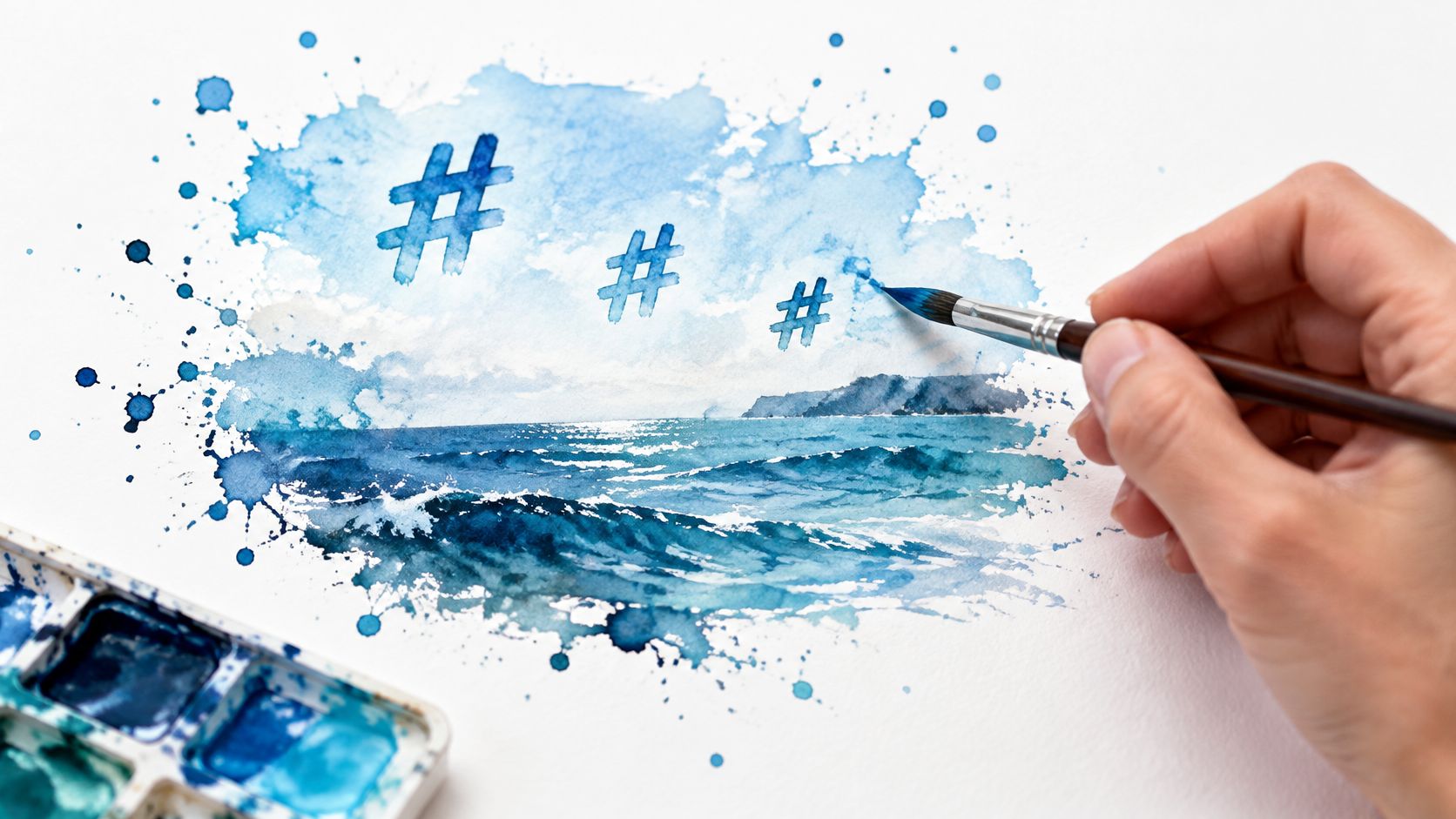
A watercolor artist posting a seascape time-lapse doesn't need #art as the lead. ArtHelper put that tag at about 750 million Instagram posts in 2025. Your wash disappears in that pile. Lead with the medium, then the subject, then one community tag a painter might follow.
Keep: #watercolorpainting, #oilpainting, or #acrylicpainting, plus one process tag such as #wipaday.
Swap each post: the subject (#seascape, #portraitpainting) and the series or studio tag (#studioviews on a carousel of the easel, not on a tight detail crop).
Retire: #art, #artist, and #artistsoninstagram once Insights shows impressions with almost no profile visits.
Say you post the seascape as a short time-lapse. The caption names the pigment, the paper, and why the horizon sits where it does. Search reads that sentence, not just the tags. The same logic is in these Instagram hashtag best practices for 2026. Save one group per medium so you aren't rewriting the cluster in the caption box.
Practical rule: One medium tag, one subject tag, one community or studio tag. If a fourth tag doesn't name something visible in the frame, leave the slot empty.
An oil painter's studio carousel can keep #oilpainting and rotate #studioviews off the next post if that post is a finished detail with no studio in it. Wrong tags train the wrong audience.
2. Digital Illustration and Procreate Hashtag Set
A speed-paint Reel and a finished character lineup should not wear the same five tags. Software searchers and style searchers are different people. HubSpot's Instagram marketing report found personal and original hashtags more often on high-engagement posts, and generic follow-or-repost tags more often on low-engagement ones. Your series name is the original tag. #followforfollow is the one to delete.
Keep one software tag, #procreate or whatever you use, only on posts where the tool is part of the story.
Rotate #speedpaint, #characterdesign, #digitalillustration, and #illustrationart so a single post carries one software tag and one style tag, not all four.
Retire #digitalart if it pulls likes from people who never open your profile.
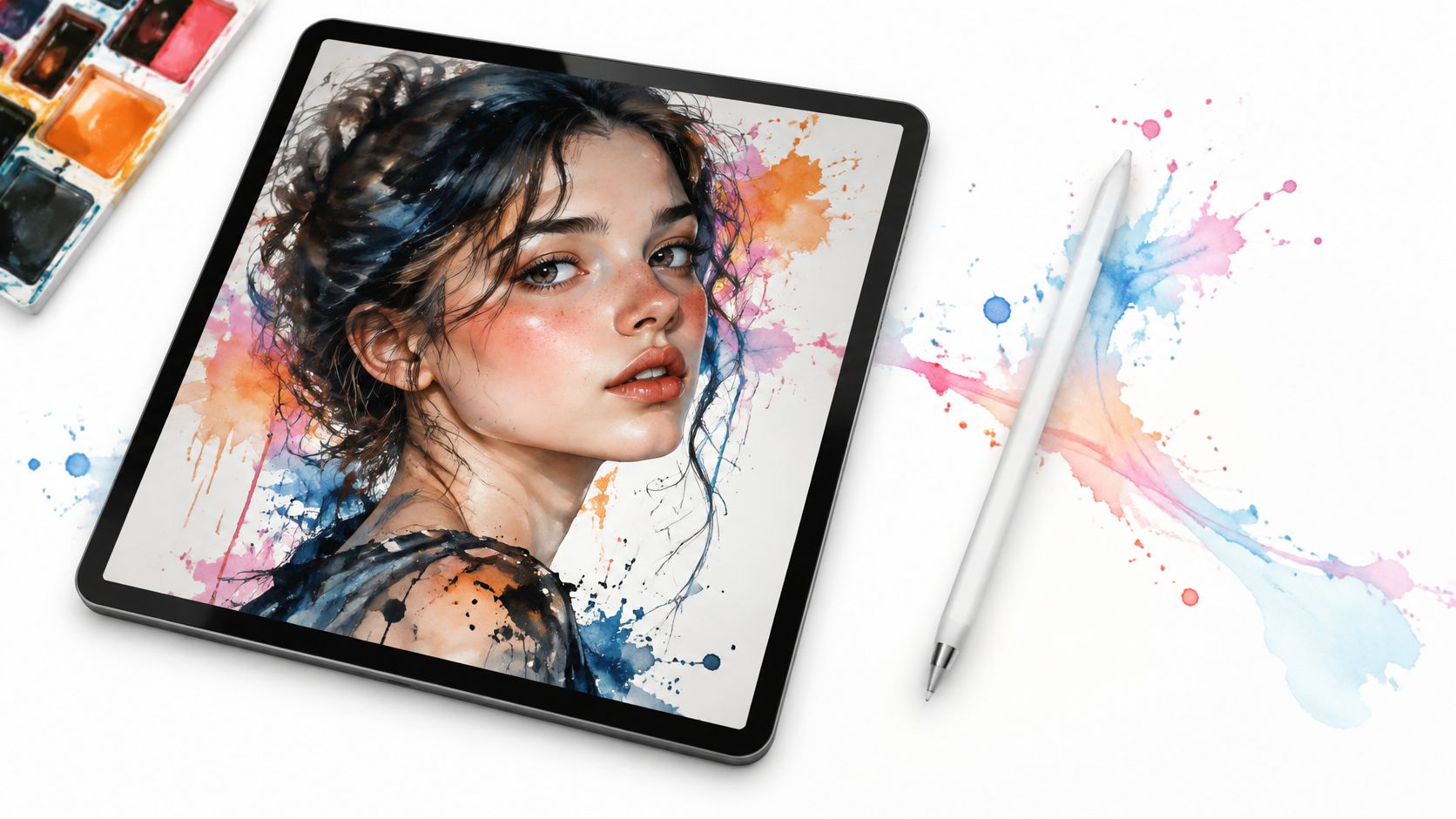
Record the screen, trim to the decisions (a face lockup, a color pass, the final lineup), and name the brush in the caption. A concept artist posting six characters should tag the series, not a generic illustration dump. Process clips tend to earn the saves. A static export of the same file often doesn't.
Build one saved group per series so a campaign stays consistent, then change only the piece-specific tag. If you batch those Reels, Schedule Instagram Posts And Reels instead of posting the whole set in one afternoon. One strong clip a day beats five buried under the same block.
3. Photography and Visual Art Hashtag Set
Street work and sunrise scenes fail for the same reason. The tags are broader than the picture. A hashtag directory lists about 14.0 million posts for #artists and 10.3 million for #artistsofinstagram, which Display Purposes tracks as raw post volume. That volume is competition, not a queue you can join and win.
Match every tag to something in the frame.
- Genre:
#streetphotographyor#photography, not both on one frame. - Subject or place: one neighborhood or terrain tag, and only when the place is the point of the picture.
- Series: a private thread tag so a city essay stays findable across the grid.
- Retire:
#naturephotographyon a frame that is really about a doorway, a sign, or a face.
A street photographer posting a three-block series should keep the series tag and swap the block name. A scenic photographer on a sunrise ridge can pair #landscapephotography with the ridge, then drop the ridge tag on the next trip. Alt text and the first caption line should repeat the same nouns. If the tag says coast and the alt text says forest, you split the signal.
Export matters once the crop is right. Soft files die in a grid next to sharper work, so use a clear how to enlarge pictures for Instagram pass before you export, not a second generic tag to compensate. Tags don't fix a muddy file.
4. Sculpture and Ceramics Hashtag Set
Clay and bronze need tags that name material and method. A potter's wheel clip and a sculptor's bronze carousel are different searches. #wheelthrown and #ceramics belong on the throwing video. #sculpture and #bronzecasting belong on the metal piece. #art belongs on neither if the other slots already say what the object is.

Instagram's Community Guidelines bar artificial likes, followers, and shares, plus repetitive comments and content. Pasting one giant block on every bowl is the repetitive pattern those rules describe. Vary the tags when the post changes topic. Keep the material tag. Swap the form (#mug, #vase, #figure) and the stage (#kilnload only when a kiln is in the photos).
Show scale in one frame, a hand, a cup, a coin. Process next to the finished object tells the story the still can't. Put price, shipping, or commission status in the caption. A tag can't answer "is this for sale?"
If a tag would still make sense on a completely different object in your studio, it is too vague to keep.
Retire any community tag that brings watchers who never tap through to the profile. Impression spikes with no follows are a bad trade for a maker who sells objects, not attention.
5. Printmaking and Drawing Hashtag Set
Name the technique or don't bother. #linocut and #printmaking reach people who already follow that bench. #sketchbook and #pencildrawing do the same for a page-by-page journal. #artlovers does not.
A linocut carousel should be three beats: the block, the ink, the print. Keep those two technique tags across the edition, and swap a subject tag when the image changes (#botanical, #portrait). A sketchbook series keeps one journal tag so someone can walk backward through the pages, and rotates the medium tag if Monday is pencil and Thursday is ink.
Edition size, paper, and whether proofs are available belong in the caption. Collectors decide there, not on the hashtag page. Film the inking or the press for one clip in the set. Motion shows pressure and registration in a way a flat photo can't.
Instagram didn't invent this as a feed-only trick. The Instagram product evolution timeline notes the app launched on October 6, 2010, hit 1 million registered users by December 2010, and in March 2017 added location tags and hashtags to Stories. Temporary process clips can carry the same precise technique tag as the finished print.
This short walk-through is the kind of motion I mean for an inking or pressing step.
Retire any tag you copied from a painting list. If it doesn't name a plate, a block, a press, or a drawing tool, it isn't earning the right followers.
6. Reels and Process Video Hashtag Set
Video reaches people who don't follow you more easily than a still, and the tags still have to describe the action. A 30-second painting time-lapse wants #timelapse, #artprocess, and a medium tag such as #paintingoftheday. A studio walk wants #studiotour plus the material, #pottery or #printmaking, not a generic art dump.
Open on the finished piece or the most striking second, then cut to the steps worth watching. Nobody needs the full hour of drying time. A large 2026 analysis of 35.3 million posts from 651,116 public accounts, published by Virev, found hashtagged posts at about 1.04 times the likes and comments of untagged posts from the same accounts, with four or five hashtags at about 1.08 times. That's a nudge, not a growth plan. Holds, saves, and profile visits tell you more than the like count.

Batch three or four clips in one session, save the cluster, and change only the piece tag. I use iHatePosting to keep those reusable groups and put the Reels on a calendar instead of posting them the night I film. For the format choice itself, Reels versus carousels in 2026 is the comparison I check before I decide a process belongs in motion or in swipes.
Retire #reels as a tag. It labels the format, not the work, and it doesn't tell a buyer or a peer what you made.
7. Carousel and Multi-Image Art Hashtag Set
Carousels reward a swipe, so the tags should tell someone what the stack contains before they move. An illustrator posting six character sketches keeps #sketchseries and #characterdesign on every chapter of that series, and swaps the character or episode tag. A painter's before-and-after keeps #workinprogress only while the progress is on the slides, plus #oilpainting if that's the medium. Drop #workinprogress the day you post the finished piece alone.
Increv reported that in 2025, posts using hashtags received 12.6% more engagement than posts without them. On a carousel, I treat that as a reason to tag the series clearly, not as a reason to add filler. The first slide has to be the hook, the finished image or the obvious change. Slide two can be the mess.
- Series tag: identical across the body of work so people can find the earlier posts.
- Subject tag: changes when the image changes.
- Format tag:
#sketchseriesor a progress tag only when the carousel is a sequence. - Caption: two or three sentences on what changed between slide one and the last slide.
Save a group per series and stop editing it mid-campaign. If the carousel is a team handoff, scheduling carousels for creator teams covers the practical side of building the stack once and sending it on time. Retire any tag that described an older series. A character tag on a panoramic carousel is how you train the wrong people to skip you.
8. Art Business, Commissions, and Shop Hashtag Set
Sales posts need buying language plus the subject, and they still won't sell the work by themselves. A painter opening commissions can use #commissionsopen and #artforsale with one subject tag that matches the work you take. A printmaker on a drop can use #limitedrelease and #artprints with the technique tag from the printmaking set. That's the swap. The medium tag stays. The offer tag appears only while the offer is true.
Say the window is two weeks. The anchor post states price, how many slots, and the next step (a form, a shop link, a DM keyword). Later posts in the window reuse the offer tag and change the artwork tag. When the window closes, retire #commissionsopen the same day. Leaving it up trains people to ask for something you can't take.
Balance these with process posts from the medium sets. A grid that is only prices gets quiet. A grid that never says the work is for sale gets compliments. Space the sales posts on a calendar so a drop isn't three identical announcements in one day.
I plan those dates in a social media scheduler so the launch, the reminder, and the last-call post aren't rewritten from scratch, and so the same announcement can be trimmed for other networks without dragging the Instagram tag block along with it.
Price, count, and the next step live in the caption. Tags only mark the offer. If the caption doesn't say how to buy, the hashtags are decoration.
Compare the Eight Artist Hashtag Sets at a Glance
| Set | Best For | Core Tags | Matching Post Format | Main Risk |
|---|---|---|---|---|
| Painting and Watercolor Artist Hashtag Set | Painters sharing work by medium | #watercolorpainting, #oilpainting, #acrylicpainting, #artistsoninstagram | Finished work or progress carousel | Competitive medium tags and saturated broad tags |
| Digital Illustration and Procreate Hashtag Set | Digital artists and character designers | #procreate, #digitalart, #speedpaint, #characterdesign | Screen recording, time-lapse, or finished illustration | Crowded tags may attract software users rather than art buyers |
| Photography and Visual Art Hashtag Set | Fine-art, street, and landscape photographers | #streetphotography, #landscapephotography, #fineartphotography | Image series or portfolio post | Generic tags are crowded; irrelevant location tags can weaken fit |
| Sculpture and Ceramics Hashtag Set | Sculptors, potters, and ceramic artists | #ceramics, #pottery, #sculpture, #wheelthrown | Multi-angle carousel or process video | Hobbyist-heavy tags and photo quality may limit reach |
| Printmaking and Drawing Hashtag Set | Printmakers, etchers, and drawing artists | #printmaking, #linocut, #etching, #sketchbook | Process carousel or sketchbook series | Niche audiences may limit reach |
| Reels and Process Video Hashtag Set | Artists sharing short-form process content | #reels, #timelapse, #artprocess, #studiotour | Reel showing a process or transformation | Weak hooks lose viewers; generic format tags are crowded |
| Carousel and Multi-Image Art Hashtag Set | Artists presenting a series, process, or multiple angles | #artseries, #sketchseries, #behindthescenes, #workinprogress | Multi-image carousel | Uneven slide quality or inconsistent series tags |
| Art Business, Commissions, and Shop Hashtag Set | Artists promoting commissions, originals, and prints | #commissionsopen, #artforsale, #originalartwork, #artprints | Sales announcement or product launch post | Promotional overuse can reduce trust; tags cannot replace clear buying details |
Build a Tag Library You Can Reuse Every Week
Choose the two or three sets that match this month's output. Save each as a named group. On every post, swap only the two or three tags that name that artwork, and leave the medium or offer tag alone. Once a month, sort by profile visits and non-follower reach. A tag that brings impressions and no visits gets cut. A tag that brings saves or follows stays, even if it looks small.
During a launch, pair one medium set with the business set on a single anchor post, then derive the other formats from it. The Reel uses the process cluster. The carousel uses the series cluster. The shop post uses the offer cluster. You don't paste one wall of tags onto all three. That repetition is what makes later posts look interchangeable, and it makes the monthly review useless because you can't tell which tag did the work.
Organizing artist hashtag sets and scheduling posts is the part I refuse to do in the caption box anymore. Hashtag planning in that workspace lets you save, refine, and reuse one set per post. A small business social media workflow guide is a useful companion if the rest of your week is still scattered across apps, because the tag habit only sticks if the publishing habit does.
AI-powered content generation produces platform-specific captions, hooks, hashtags, images, and videos, which clears the blank-page stall and cuts the time you spend drafting each post by hand. AI agents then carry that draft through adaptation, scheduling, and publishing on several social platforms, so you stop copying the same caption between apps.
Tags support the work. They don't stand in for it. The aim is a weekly habit you can repeat, not a perfect list.
iHatePosting is where I keep reusable hashtag groups, write the caption next to the image, and schedule the Reel, the carousel, and the shop post from one calendar. It won't promise you reach or sales, but it does keep the sets you just chose attached to the right artwork instead of lost in a notes app. If you want that weekly tag habit in one place, visit iHatePosting.