Digital Marketing Platform for Small Businesses in 2026
13 min read
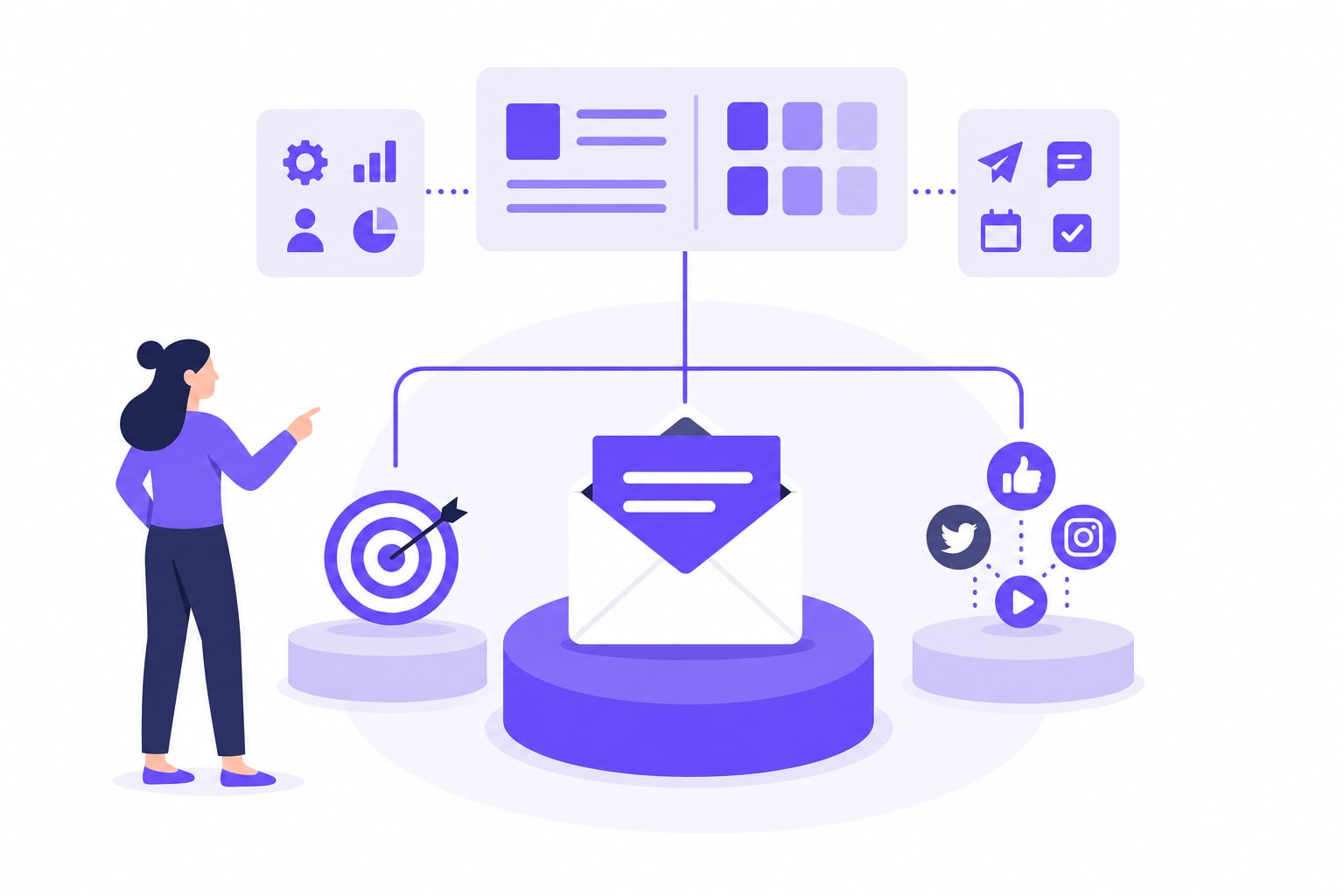
A digital marketing platform for small businesses should consolidate your highest-ROI channels, reduce manual work through automation, and fit a realistic budget. In 2026, the right stack typically combines an all-in-one hub for email and CRM with a dedicated social scheduling tool for multi-network publishing. This guide covers which platform model fits your operation, what to budget, and where to focus your effort.
Choosing a Digital Marketing Platform for Small Businesses: All-in-One vs. Point Solutions
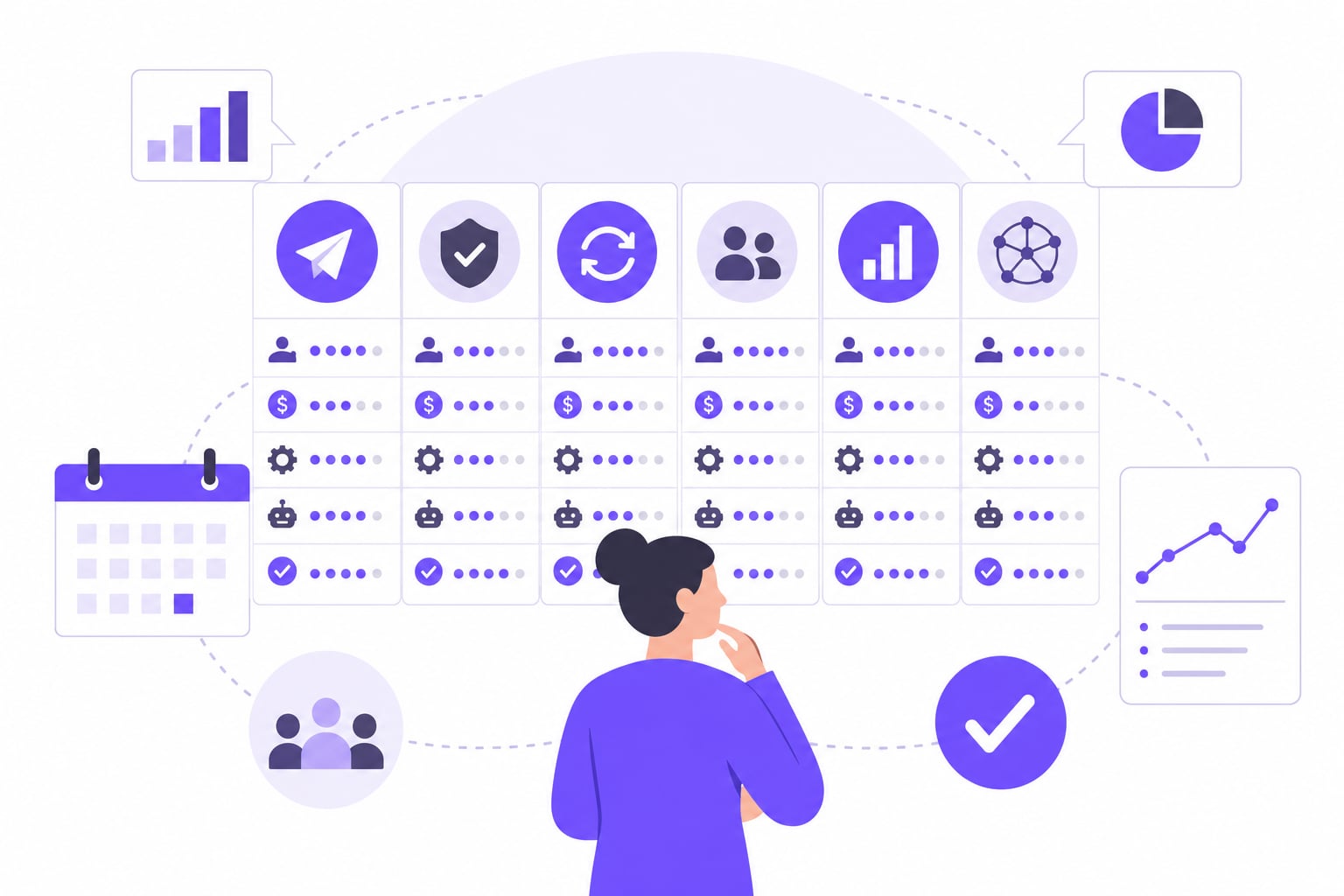
An all-in-one platform keeps your data in one place and reduces the number of vendor relationships you manage. A point-solution stack lets you pick the best tool for each job and swap parts without rebuilding everything. Neither model is universally better. The right choice depends on how many channels you run, how much your team can absorb, and where your current gaps are.
A 2026 U.S. Chamber of Commerce survey found that 41% of small businesses now use six or more technology platforms. That figure suggests many owners have already drifted into sprawl, paying for tools that overlap or don't talk to each other. If you recognize that pattern, consolidation is worth the switching cost.
All-in-one platforms work best when your marketing, sales, and customer service share data. HubSpot is the clearest example: it consolidates CRM, email marketing, landing pages, sales tracking, and customer service into a single ecosystem built on a shared database. One record follows a contact from first click to closed deal. That continuity is useful for small teams where one person handles multiple functions.
The practical limitation is cost. HubSpot's entry tier is accessible, but users report a sharp pricing cliff when moving from Starter to Professional, with the jump reaching several hundred dollars per month plus a significant onboarding fee. Contact tier overages can also trigger automatic upgrades to more expensive plans. Budget carefully before committing.
Point solutions make sense when you need depth in one area that no all-in-one covers well. ActiveCampaign focuses on behavior-triggered customer journeys, lead scoring, and complex automation branching, per thecomparer.works. It fits businesses that need sophisticated email sequences more than a unified CRM. One caveat: per vendasta.com, the entry-level plan caps automations at five actions, and unsubscribed or bounced contacts still count toward paid contact limits as of late 2025.
Most small businesses start with one all-in-one tool and add a point solution when a specific channel outgrows what the hub can do. Social media publishing is the most common place where that gap appears, and it is covered in its own section below.
Practical rule: Start with the all-in-one that covers your biggest gap today. Add point solutions only when a channel's needs exceed what the hub handles.
How Much Should a Small Business Spend on Digital Marketing?
Small businesses typically allocate a meaningful share of their revenue to marketing, with 72% of that spend going to digital platforms. Those are ranges, not formulas. A business with thin margins and a loyal repeat customer base might stay at the lower end. A business in a competitive local market trying to grow its customer list quickly might push toward the higher end.
What matters more than the percentage is where the money goes. According to Zipdo's 2026 research, 61% of small business owners identify email marketing as their most successful digital tool. If email is your strongest channel, your platform budget should reflect that priority, not spread evenly across every possible tool.
The hidden cost most small businesses underestimate is the upgrade gap. Free and entry-level tiers on major platforms are designed to get you started, not to run a real operation. The features you actually need, including automation, segmentation, and multi-user access, typically sit behind a higher-priced tier. That jump can be several times the entry cost, and it often arrives sooner than expected as your contact list or posting volume grows.
A practical way to budget is to separate platform costs into three categories: your core hub (CRM and email), your publishing tools (social scheduling), and any paid acquisition channels (ads). Treat each category separately. That structure makes it easier to see where you are overspending and where a tool switch would actually save money.
For context on what social media management specifically costs at different service levels, the Social Media Management Pricing: 2026 Cost Guide breaks down typical ranges from DIY tools to managed services.
Which Digital Marketing Channels Deliver the Best ROI for Small Businesses?
Email and SEO consistently deliver the highest return for small businesses, and the 2026 data backs that up. Social media matters, but for most small operations it works better as a distribution layer than as a primary lead-generation engine.
Email is the most direct channel you control. According to Zipdo's 2026 research, 61% of small business owners identify email marketing as their most successful digital tool. FirstPageSage data shows email achieves conversion rates of 2.8% for B2C companies and 2.4% for B2B firms. In 2026, email marketing outperforms social media ads on return on investment by a 4.2:1 ratio. Those numbers make a strong case for treating email as the foundation of your platform, not an afterthought.
SEO compounds over time in a way paid ads do not. A blog post or product page that ranks well keeps generating traffic without ongoing spend. For small businesses with limited budgets, that compounding effect matters more than it does for larger operations that can sustain high ad spend indefinitely.
Social media sits in a different category. It builds awareness and keeps your brand visible to people who already know you. It rarely closes deals on its own. The relevant question is not whether to use social media, but how much effort it deserves relative to email and search.
AI adoption is changing how small businesses handle the workload across all these channels. According to Constant Contact's 2026 data, AI adoption among small businesses for marketing tasks reached 87% in early 2026, up from 26% three years prior. The U.S. Chamber of Commerce's 2026 report found that 66% of small businesses now use AI, nearly tripling the adoption rate recorded in 2023. Most of that adoption is in content drafting, scheduling, and basic customer responses, not in strategy.
Practical rule: Build your platform around email first, add SEO infrastructure second, and use social media as the channel that keeps existing audiences warm while the other two do the heavier conversion work.
Step-by-Step: How to Set Up Your Digital Marketing Platform
Setting up a digital marketing platform is not a one-day task, but it follows a clear sequence. Skipping steps early creates gaps you spend months patching later. Work through these in order.
Pick your core hub. Choose one platform to serve as your single source of truth for contacts, campaigns, and performance data. This is where your CRM lives, where your email lists are managed, and where you track what is working. HubSpot fits this role for businesses that want CRM, email, and landing pages in one place. Whatever tool you choose, commit to it as the hub. Avoid splitting contact records across multiple platforms from the start.
Connect your publishing tools. Once your hub is set up, add any point solutions your strategy requires. A dedicated social scheduler is the most common addition. Connect it to your hub where possible so campaign data flows in one direction rather than living in two separate dashboards.
Map a 90-day content plan. Assign each channel a specific job: email for nurturing and converting, social for visibility and engagement, search for long-term organic traffic. Set a realistic posting cadence for each network you plan to use. A 90-day window is long enough to see patterns but short enough to stay specific.
Activate automation for repeatable work. Set up email sequences for new subscribers, schedule social posts in batches rather than one at a time, and use any AI drafting tools your platform offers to speed up content creation. Check what goes out each day for the first few weeks to catch errors before they become habits. Automation reduces manual effort; it does not eliminate the need for judgment.
Track results on a fixed cadence. Measure what your platform produces against the goals you set in step three. For social media, look at reach, engagement rate, and click-through by network. For email, track open rate, click rate, and list growth. For your website, watch organic traffic and conversion rate by source. Review these numbers weekly for the first 90 days, then monthly once you have a baseline.
For a more detailed look at how to apply this sequence specifically to social media, the guide on social media planning for small business covers channel selection and content cadence in depth.
Do You Need a Separate Social Media Scheduling Tool?
Most all-in-one platforms include some form of social media posting, but the built-in social tools in CRM-focused platforms typically cover two or three major networks, offer limited scheduling depth, and lack the per-platform customization that multi-network publishing actually requires.
The gap shows up quickly when you try to post the same campaign across six or eight networks at once. A caption that works on LinkedIn reads awkwardly on Instagram. A post sized for Facebook crops wrong on Pinterest. Hashtags that help on X are noise on Threads. Managing those differences manually, one network at a time, is exactly the kind of workflow tax that eats hours without producing proportional results.
AI adoption among small businesses for marketing tasks reached 87% in early 2026, up from 26% three years prior. More small businesses are now producing more content, across more channels, with smaller teams. That volume pressure alone makes a dedicated scheduling tool worth evaluating.
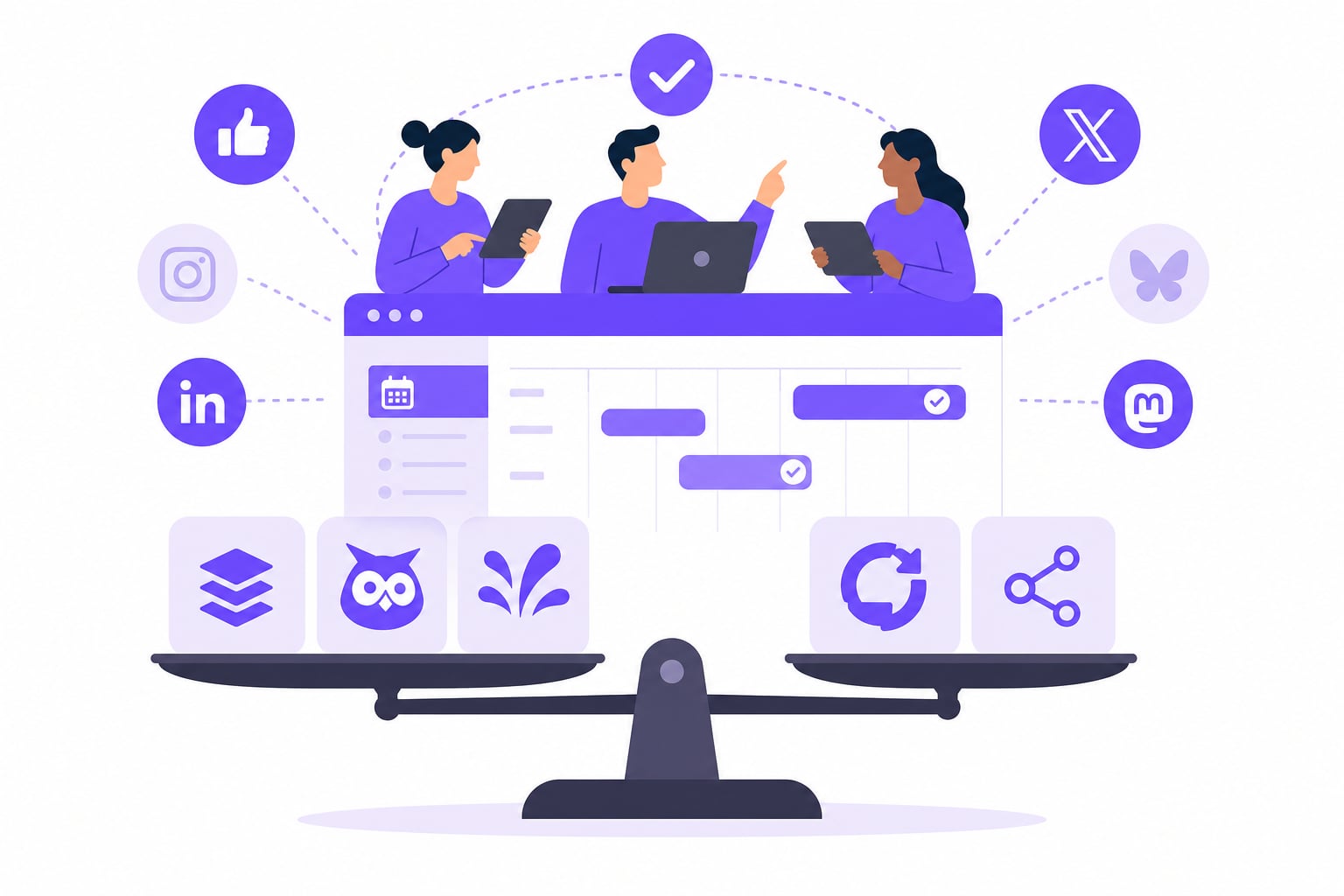
A dedicated social scheduler handles the job that all-in-one platforms leave half-finished. iHatePosting is a SaaS social media scheduling tool that lets you draft a post once and publish it simultaneously to multiple networks, including Instagram, LinkedIn, X, Facebook, TikTok, YouTube, Pinterest, Bluesky, Threads, Mastodon, Telegram, Discord, Tumblr, and Slack. It includes per-platform caption tailoring with character counters and live previews, hashtag groups, a visual content calendar, bulk CSV import of up to 500 posts, and 12-month analytics with best-time recommendations. Automation support runs through API, MCP server, webhooks, and Zapier. Every new account gets a full-featured 90-day free trial with no credit card required and no limits on connected accounts or scheduled posts.
The relevant question is not whether your all-in-one platform has a social tab. It is whether that tab can handle the number of networks you actually use, at the publishing volume your strategy requires, with enough per-platform control to keep your content from looking generic. If the answer is no, a dedicated tool fills that gap without replacing your core hub.
For a broader look at how dedicated schedulers compare across multi-account use cases, the guide on scheduling tools for multiple accounts covers the key differences in depth.
How to Track Whether Your Digital Marketing Platform Is Working
A platform that runs consistently is not the same as one that produces results. You need a short list of metrics tied to each channel, reviewed on a fixed cadence, to tell the difference between the two.
Track these across your first 90 days:
- Email: Open rate, click-through rate, and list growth week over week. A declining open rate usually signals a deliverability problem or audience mismatch, not a content problem.
- Social media: Reach, engagement rate, and link clicks by network. Compare networks against each other to find where your audience actually responds.
- Website: Organic traffic by source, bounce rate by landing page, and conversion rate by channel. These numbers connect your publishing activity to business outcomes.
- Overall consistency: Did you publish at the cadence your 90-day plan specified? Gaps in publishing are often more damaging than imperfect content.
The share of small businesses using AI rose to 66% in 2026, nearly tripling the adoption rate recorded in 2023. Many of those businesses are using AI to produce more content faster, but volume without measurement tells you nothing useful. Review your numbers weekly for the first quarter, then shift to monthly once you have a baseline. When a channel consistently underperforms against your goals for two review cycles, that is the signal to adjust strategy or reconsider the tool, not to post more and hope.
Prices and plan limits verified as of October 2026.
FAQs
What is the best digital marketing software for a very small or solo business?
For a solo operator, the priority is low overhead and fast setup, not feature depth. An email marketing tool with basic automation covers the highest-ROI channel first. Add a social scheduling tool once you have a consistent publishing cadence to maintain. Avoid all-in-one platforms with steep pricing cliffs until your contact list and revenue justify the upgrade cost. Start with what you will actually use every week, not what looks most complete on a feature checklist.
Where can you advertise your business for free online?
Your Google Business Profile is the highest-value free placement for local businesses: it surfaces in map results and local search without any ad spend. Social profiles on Instagram, LinkedIn, Facebook, and others cost nothing to maintain or post on. Online directories, community forums, and industry-specific listing sites add free visibility on top of that. The trade-off is time: free channels require consistent effort to produce results, which is why scheduling tools matter even when the channels themselves cost nothing.
Do you need an LLC to run paid ads for your business?
No. You can run paid ads as a sole proprietor using your own name or a DBA. An LLC changes your legal liability and tax structure, not your eligibility to advertise. Most ad platforms require a valid payment method and accurate business information. If you are spending meaningful money on ads, talk to an accountant or attorney about whether an LLC makes sense for your situation. The advertising decision and the legal structure decision are separate.
How do you create a digital marketing strategy for a new small business?
Start by defining who you are trying to reach and what action you want them to take. Pick one or two channels where that audience already spends time, rather than spreading effort across every network at once. Set a 90-day content plan with a realistic posting cadence for each channel. Build your email list from day one, even if it is small. Measure open rates, click rates, and traffic by source after each month. Adjust based on what the data shows, not on what you assumed would work.
What hidden costs should small businesses watch for when upgrading from a free marketing plan?
The most common surprise is the jump between entry and mid-tier plans on all-in-one platforms. Automation, segmentation, and multi-user access often sit behind a significantly pricier plan, and the gap can be several times the entry cost. Contact overages are another trap: some platforms count unsubscribed or bounced contacts against your paid limit, which inflates your bill without adding value. Read the overage and contact-counting policies before committing to any plan, not after your list grows.
Conclusion
A digital marketing platform for small businesses works when it consolidates your highest-ROI channels, runs consistently without requiring daily manual intervention, and fits inside a realistic budget. Email remains the strongest channel by conversion rate and return on investment. Social media supports visibility but rarely closes deals on its own. The right stack in 2026 is usually a CRM-and-email hub paired with a dedicated social scheduling tool, not a single platform trying to do everything at a mediocre level.
Start by auditing what you actually publish and where. If you are managing more than two or three social networks and doing it manually, that is the first gap to close. If your email list is growing but your automation is still at the entry level, that is the next. Fix the biggest workflow drain first, measure the results over 90 days, and add tools only when a specific channel's needs exceed what your current setup handles.