Application for Social Media: How to Pick the Right One
12 min read

A social media application is any software that lets you create, share, or manage content on social networks. Choosing the right one depends on which problem you need to solve first.
Most guides jump straight to listing the biggest platforms. That skips the more useful question: what are you actually trying to accomplish? The sections below walk through each category and what it is best suited for.
What Is a Social Media Application?
A social media application is software that connects you to one or more social networks so you can participate in them, create content for them, or manage your presence across them. The term covers a wide range: the platforms themselves, tools that generate content, and tools that schedule and publish across multiple accounts.
The market behind these tools is substantial. Research and Markets valued the social networking app market at $98.37 billion in 2025. Manochi analysis reported 5.79 billion social media identities globally in early 2026. Those figures reflect how central these applications have become to daily communication, marketing, and publishing.
Four broad categories cover most of what people mean when they talk about social media applications:
- Traditional centralized platforms, networks where the company owns the infrastructure and your account data.
- Decentralized or federated networks, protocols and servers where data portability and user ownership are built into the architecture.
- AI-powered content creation tools, cloud applications that generate post copy, visuals, or video from prompts or product assets.
- Cross-channel management tools, schedulers and publishing dashboards that let you draft, queue, and analyze posts across multiple networks from one place.
Each category solves a different problem. The sections below walk through each one.
What Are the Main Types of Social Media Applications?
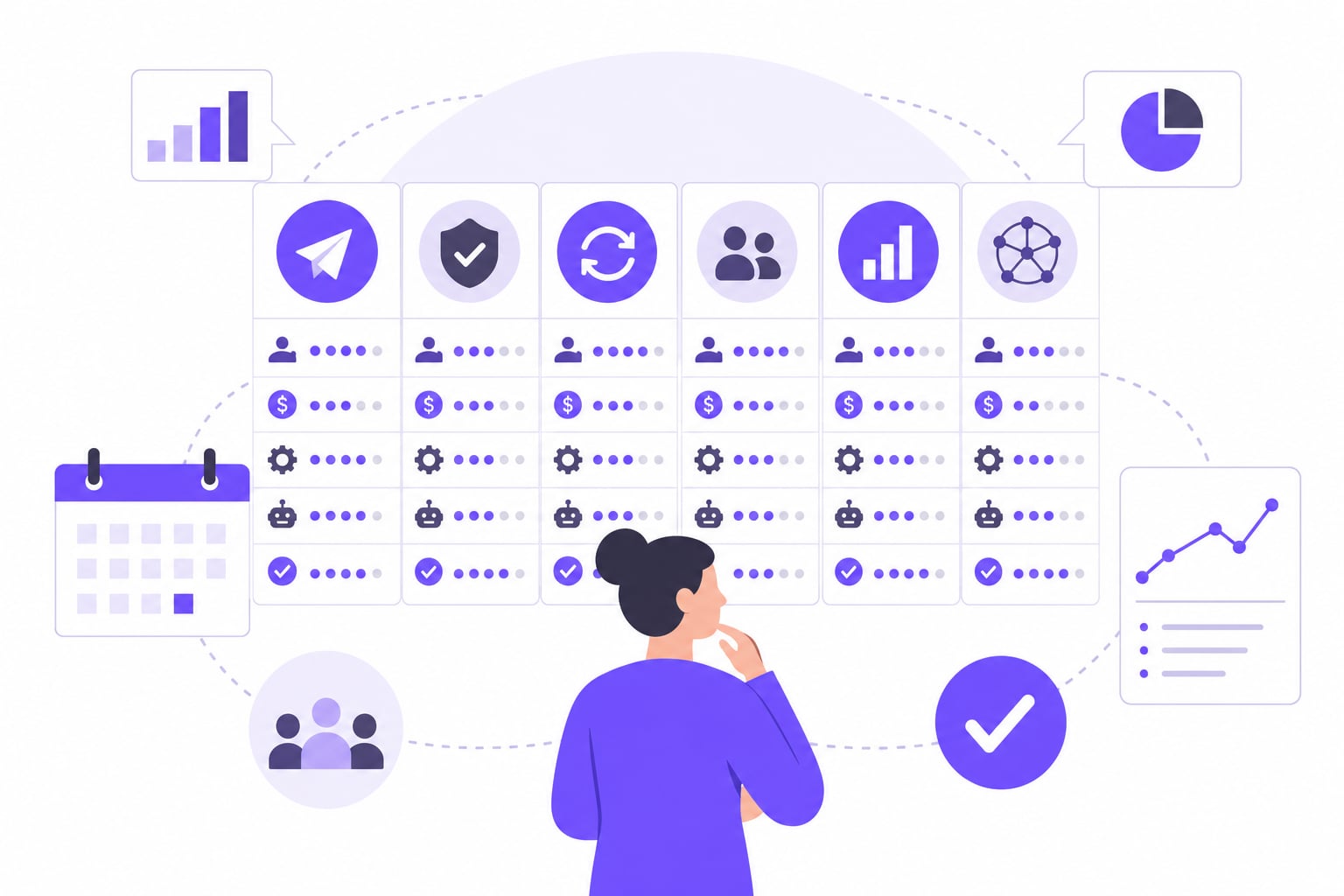
The four categories differ in what they give you control over and what they ask of you in return.
Traditional centralized platforms are where most audiences already are. You create an account, post content, and reach people within that network's algorithm and rules. The trade-off is straightforward: you get reach, but the platform owns your data, your follower list, and the distribution rules. If the platform changes its algorithm or shuts down, your audience does not automatically follow you anywhere.
Decentralized and federated networks work differently. Protocols like Nostr and ActivityPub separate your identity from any single server. Your account and content can move between servers, and in some implementations, between protocols entirely. One tool built on this model is Ditto. Per about.ditto.pub, Ditto acts as a decentralized social media server that bridges Nostr and ActivityPub, letting you reach both networks from one account. Identity is tied to portable Nostr keys rather than a server-bound username, which means you are not locked to a single host. Self-hosting requires technical setup via Docker or Deno, so this category asks more of you upfront.
AI-powered content creation tools address the production bottleneck. Writing captions, designing visuals, and formatting posts for different networks takes time. Tools in this category generate post variations from images or text prompts, cutting the time between having an idea and having a publishable asset. According to a global dataset on Kaggle, 35% of users now adopt AI-powered social features. One example is Zawa, a cloud tool that generates short-form videos, carousels, and social posts from product photos or text prompts. It includes AI background removal and image enhancement. Per zawa.ai, it was formerly known as X-Design, and some users have reported issues with monthly credit allotments not renewing correctly.
Cross-channel management tools sit above the platforms. Instead of logging into each network separately, you draft once, tailor the caption per platform, and schedule everything from a single calendar. This category becomes essential once you are active on more than two or three networks.
Practical rule: if you are just starting out on one network, a traditional platform app is enough. If you are producing content at volume, managing multiple accounts, or want control over your data, you need a tool from one of the other three categories.
How Do You Choose the Right Application for Social Media?
The right application depends on your goal, your audience's location, and how much operational overhead you can absorb. Work through these steps before evaluating any specific product.
Clarify your primary goal. Are you trying to build a public audience, produce content faster, manage existing accounts more efficiently, or reduce dependence on platforms you do not control? Each goal maps to a different tool category. Mixing goals without prioritizing them leads to buying tools that overlap without covering your actual need.
Identify where your audience already is. GWI research shows typical users visit 6.5 different platforms monthly. That spread means your audience is rarely concentrated in one place, but it does not mean you need to be active everywhere. List the two or three networks where your target audience is most reachable, then build from there.
Assess your content format requirements. Short-form video, static images, long-form text, and audio each favor different networks and different creation tools. A tool that excels at generating carousels may not help you with video. Match the creation tool to the format you publish most.
Decide on centralized vs. decentralized. If data portability and ownership matter to your use case, a brand protecting its audience list, a creator wary of platform risk, factor in a federated option. If setup complexity is a barrier, start centralized and revisit this decision as your operation grows.
Evaluate management overhead honestly. LoudScale reports a median Instagram engagement rate of 0.50% in 2026, an industry estimate based on third-party analytics data. Low organic reach across most networks means consistent posting volume matters. If you are posting across three or more networks, manual publishing becomes a real time cost. That is the point at which a social media scheduler app stops being optional and starts being the practical baseline.
Practical rule: choose your tool category first, then evaluate specific products within it. Skipping straight to product comparisons without this step is how teams end up with tools that solve the wrong problem.
Centralized vs. Decentralized: Which Model Fits Your Goals?
The choice between centralized and decentralized social media applications comes down to what you value more: reach or control. Neither model is universally better. The right answer depends on your risk tolerance, technical capacity, and how much you trust the platforms holding your data.
| Dimension | Centralized apps | Decentralized / federated apps |
|---|---|---|
| Data ownership | Platform owns your account data and follower list | User holds portable identity; data moves with you |
| Reach potential | Large existing audiences on established networks | Smaller but growing communities; cross-protocol reach possible |
| Setup complexity | Account creation takes minutes; no technical knowledge required | Self-hosting requires Docker or Deno; managed options reduce friction |
| Content portability | Exporting followers or post history is limited or unavailable | Identity and content tied to portable keys, not a single server |
| Example approach | Post natively on each platform's app | Use a bridge tool like Ditto to reach Nostr and ActivityPub simultaneously |
Per about.ditto.pub, Ditto bridges Nostr and ActivityPub from one account, with identity based on portable Nostr keys rather than a server-bound username. That distinction matters because if a server shuts down or changes its terms, your identity and history do not disappear with it.
For most creators and small teams, centralized platforms are the practical starting point. Decentralized options make more sense when platform risk is a real concern, when your audience skews toward privacy-conscious communities, or when you are building infrastructure meant to outlast any single network's policy decisions.
Practical rule: if you cannot absorb a technical setup process right now, start centralized and treat decentralized as a future diversification step, not a prerequisite.
How Can AI-Powered Tools Speed Up Social Media Content Creation?
AI-powered creation tools address one specific bottleneck: the gap between having an asset and having a publishable post. According to a global dataset on Kaggle, 35% of users now adopt AI-powered social features. That adoption reflects real production pressure, not a trend for its own sake.
Zawa is one tool in this category. Per zawa.ai, it generates short-form videos, carousels, and social media posts from product photos or text prompts. It runs in the cloud, includes AI background removal and image enhancement, and was formerly known as X-Design. Some users have reported issues with monthly credit allotments not renewing correctly, which is worth checking before you build a production workflow that depends on volume.
The general workflow for AI-assisted content creation follows three steps:
- Upload product images and select the desired content format and campaign purpose. [S1]
- Customize the creative by adding your logo, brand colors, and AI-generated or manual copy. [S2]
- Generate multiple post variations and export the visuals, captions, and hashtags. [S3]
The output from this process is a set of ready-to-publish assets, not a finished publishing strategy. AI creation tools reduce production time; they do not replace the scheduling and distribution layer.
If you want to connect AI-generated content directly to a publishing workflow, the guide on posting to social media from AI agents covers how that integration works in practice. For a broader look at publishing to every network at once, see the guide on how to post to all social media at once.
Practical rule: use an AI creation tool when production volume is your bottleneck, not when strategy or distribution is the problem.
Managing Multiple Social Media Applications Without Burning Out
Once you are active on more than two or three networks, manual posting becomes the main drag on your time. GWI research shows typical users visit 6.5 different platforms monthly. If your audience is spread across that many networks, logging into each app separately to post, respond, and check performance is not a sustainable workflow.
The features that matter most in a management tool are: a visual content calendar that shows your schedule across all accounts at once, per-platform caption tailoring so you are not publishing identical copy everywhere, hashtag group storage to avoid retyping the same sets, and analytics that surface what is actually working without requiring you to pull data from five different dashboards.
iHatePosting is a multi-platform social media scheduling tool. You connect your social accounts, draft posts with per-platform caption tailoring, and schedule them to go out across up to 14 networks simultaneously. The tool includes a visual content calendar, hashtag groups, media uploads, and analytics so creators and teams can maintain a consistent posting rhythm without repeating work in every app.
Every new account gets a full-featured 90-day free trial with no credit card required and no limits on connected accounts or scheduled posts. Paid plans are listed as coming soon; existing users will be notified before anything changes.
How to Schedule and Publish Across Platforms Using iHatePosting
The workflow inside iHatePosting follows a straightforward sequence. Connect your accounts, draft your content, and let the calendar handle distribution across up to 14 networks.
- Connect your social accounts. Add each network you want to publish to. iHatePosting supports up to 14 platforms, so you can bring your full account portfolio into one place from the start.
- Draft your post and tailor captions per platform. Write your base copy, then adjust the caption for each network individually. A caption that works on LinkedIn rarely works word-for-word on a shorter-form network.
- Add hashtag groups and media. Pull from saved hashtag groups rather than retyping sets each time. Attach images or video directly in the composer.
- Schedule via the visual content calendar. Place posts on the calendar across accounts and networks. The visual layout lets you spot gaps or clustering before anything goes live.
- Review analytics after posts publish. Check what performed and use that data to adjust timing, format, or caption style on future posts.
For a complete look at cross-channel scheduling strategy, the social media content calendar tool guide covers how to structure your calendar for consistent output.
Prices and plan limits verified as of October 2026.
FAQs
Which type of social media application should I start with?
Start with a traditional centralized platform if you are building an audience from scratch and want the lowest setup friction. Move to a cross-channel management tool once you are active on more than two networks. Add an AI creation tool when production volume becomes your main bottleneck. Consider a decentralized option only when data portability or platform risk is a real concern for your use case.
What is the difference between Nostr and ActivityPub?
Nostr and ActivityPub are both open protocols for decentralized social networking, but they work differently. ActivityPub powers federated servers like Mastodon instances, where your identity is tied to a specific server address. Nostr uses cryptographic key pairs as your identity, so your account is not bound to any server at all. A tool like Ditto bridges both protocols, letting you post to Nostr and ActivityPub networks from one account, per about.ditto.pub.
Do I need a separate app for every social network?
No. A cross-channel management tool lets you draft, schedule, and publish to multiple networks from one interface. The main reason to open individual platform apps is to respond to comments and messages, since most scheduling tools do not fully replace native inbox management. For publishing, one well-chosen scheduling tool covers the distribution layer across all your active networks.
What does a Claude connector do for social media?
A Claude connector links Anthropic's Claude AI model to an external system, such as a social media publishing tool, so Claude can generate or process content and pass it directly into a workflow. In a social media context, Claude could draft captions or suggest post variations, and the connector would route that output to a scheduler or publishing tool without manual copy-pasting. This is an emerging integration pattern rather than a standard feature in most tools today.
Is a decentralized social media app harder to set up than a traditional one?
It depends on how you access it. Managed or hosted decentralized options require roughly the same effort as signing up for any platform. Self-hosted options, like running Ditto via Docker or Deno, require technical knowledge and ongoing server maintenance. If you want the data portability benefits of a decentralized protocol without the infrastructure work, look for a managed instance that runs the protocol for you, then migrate to self-hosting later if control becomes a priority.
Conclusion
A social media application is not a single category of product. It is a spectrum that runs from the platforms where your audience lives, to tools that generate content, to schedulers that publish across all of them at once. The right choice depends on which problem you are actually trying to solve: reach, production speed, distribution efficiency, or data ownership.
Start by naming your primary goal, then match it to the tool category that addresses it directly. If you are managing more than two or three networks, a scheduling tool is the practical next step. Post consistently for 30 days and use the analytics to decide what to keep.