Later Instagram Planner vs. Hands-Off Alternatives
9 min readlater instagram plannerinstagram schedulingsocial media schedulerlater alternative
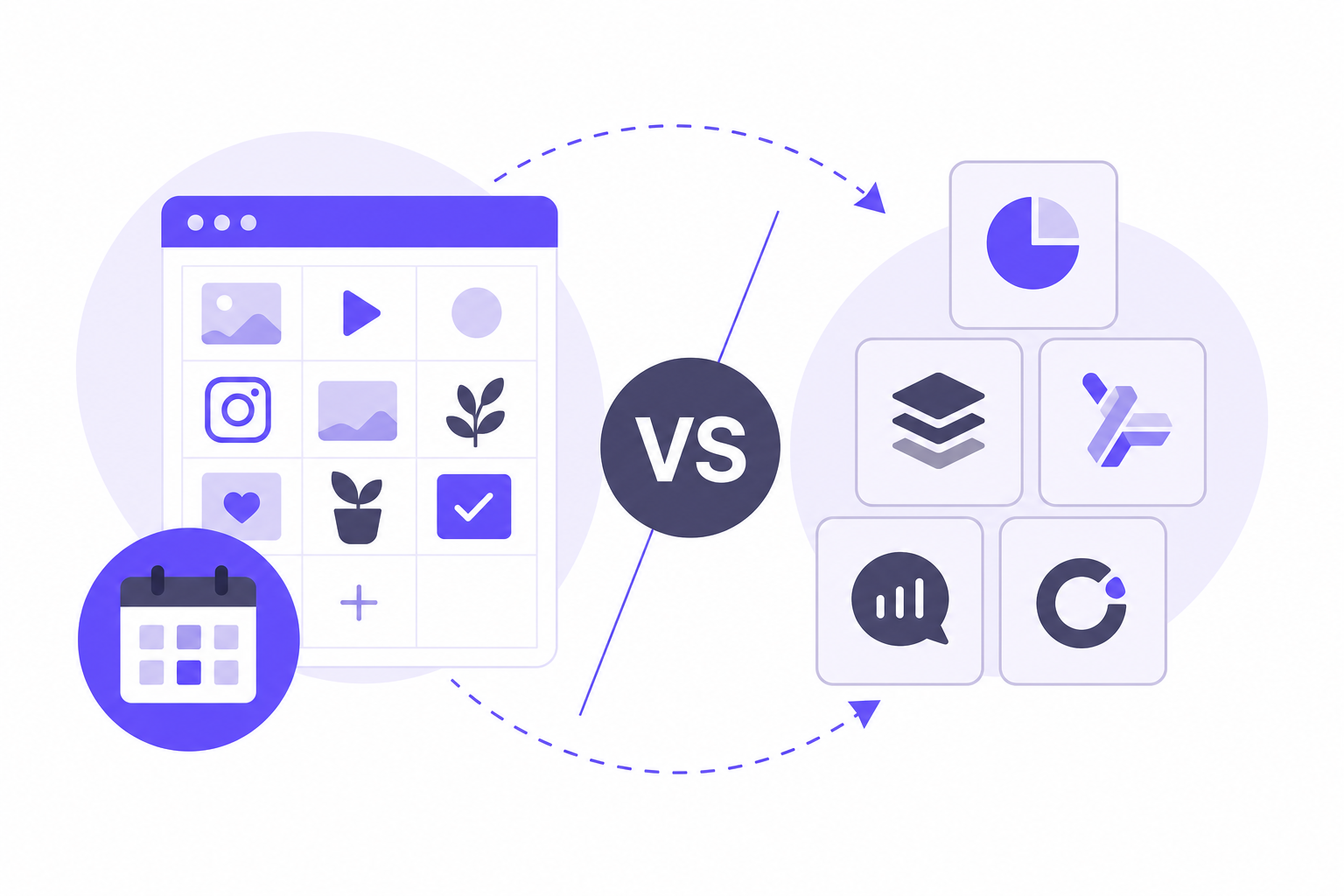
Later built its reputation as the go-to visual planner for Instagram, and that reputation still has some basis. But its recent pivot toward influencer marketing, a post cap on starter plans, and reduced support for non-Instagram networks have changed the calculation for creators and managers who need more than a pretty grid. Some of the alternatives below automate more of the publishing process; others focus on approvals, reporting, or cost.
This article maps Later against five alternatives, matching each to the workflow it actually fits, so you can make the call before committing to a paid plan.
Later Instagram Planner vs. Alternatives: Quick Comparison
The five tools below come up most often when people search for a later instagram planner alternative. The table covers the factors that matter most at the decision stage.
| Tool | Free tier | Post cap on entry paid plan | Visual grid preview | Non-Instagram networks | Price tier |
|---|---|---|---|---|---|
| Later | No (trial only) | Yes, capped per profile per month | Yes, drag-and-drop | Reduced; X dropped Aug 2025 | Premium |
| Pallyy | Yes | None on Pro tier | Yes | Limited multi-network | Budget |
| Buffer | Yes, forever free | None stated | No dedicated grid | Yes, multi-channel | Budget |
| Planable | Yes (post limit) | Not the primary constraint | Feed preview | Yes, multi-network | Premium |
| Metricool | Yes | None stated | Functional, not design-focused | Yes; X costs extra | Premium |
The post cap and platform coverage columns are where most decisions get made. If you post frequently across several networks, those two columns narrow the field quickly.
Later Scheduler: What It Does Well and Where It Falls Short
Later remains a capable Instagram-first planner, but its current positioning reflects a strategic shift that not every user will find useful.
The later com app centers on a drag-and-drop grid preview that lets you arrange upcoming Instagram posts visually before they go live. That feature is useful for brands where feed aesthetics matter, and it works alongside scheduling, link-in-bio, and analytics. For Instagram-focused creators who also run influencer campaigns, Later has built out a dedicated influencer marketing platform on top of its scheduling core.
If you want a later scheduler to handle straightforward multi-network publishing, the influencer tools are overhead you will not use. The entry plan carries a per-profile post cap, which bites faster than it sounds once you account for Stories, feed posts, and Reels across even two accounts. Per pallyy.com and schedpilot.com, Later dropped X (Twitter) scheduling in August 2025, which removes a major network from its coverage without a reduction in price.
Instagram still generates 42% more reach than TikTok, according to Dash Social's 2025 benchmarks. That makes Instagram-specific tools worth evaluating seriously. The relevant question is whether Later's Instagram strengths outweigh its limitations for your specific volume and network mix.
Practical rule: Choose Later when Instagram grid aesthetics and influencer campaign management are both priorities. If either is absent from your workflow, a narrower or broader tool will serve you better.
Pallyy and Buffer: Best Later Alternatives for Budget-Conscious Creators
For users whose main objection to Later is cost or the post cap, Pallyy and Buffer are the two tools that come up most often, and they solve the problem in different ways.
Pallyy: Visual Planning Without the Cap
Pallyy keeps the visual Instagram planning experience that makes Later appealing, but removes the post cap on its Pro tier. You get a grid preview alongside a unified inbox that handles comments and DMs from one place, which is useful if you manage community engagement alongside scheduling. The later instagram planner free comparison is relevant here: Pallyy offers a free tier, while Later does not currently offer one (it runs a trial instead).
Where Pallyy falls short: it does not include UGC collection, an influencer marketplace, or a link-in-bio tool with the depth of Later's Linkin.bio, per pallyy.com. If those features are on your list, Pallyy trades them for a cleaner, lower-cost scheduling experience.
Buffer: Queue-First Simplicity
Buffer takes a different approach entirely. It is a queue-based scheduler with no dedicated visual grid planner, which means it does not replicate the Instagram-first experience of Later or Pallyy. What it offers instead is a forever-free tier, a per-channel pricing model, and support for multiple networks without a post cap on paid plans.
The later free plan comparison is worth noting: Buffer's free tier is permanent, while Later's trial ends after a set period. That distinction matters for solo creators who need a no-cost option long-term. The tradeoff is that Buffer's per-channel billing can become expensive once you add several networks, and there is no unified inbox for managing replies.
Practical rule: Choose Pallyy when you want Later's visual grid without the post cap. Choose Buffer when queue simplicity and a permanent free tier matter more than feed aesthetics.
Planable and Metricool: Better Fits for Teams and Multi-Brand Managers
When the workflow involves client approvals or ad reporting alongside organic scheduling, Later's feature set does not stretch far enough. Planable and Metricool each address a distinct gap.
Planable: Approval Workflows for Agencies
Planable is built around multi-step approval workflows. Teams and agencies use it to route content through client sign-off before anything publishes, with a feed preview that lets stakeholders see how posts will look in context. It supports multiple networks and handles the governance layer that Later does not provide.
The limitations are specific: Planable does not include hashtag suggestion tools, UGC management, or a link-in-bio page, per planable.io. It is a content review and approval tool that happens to publish, not a scheduling-first product. If your bottleneck is client sign-off rather than volume or reach, Planable fits that job directly.
Metricool: Organic Plus Paid Reporting
Metricool connects organic social scheduling with ad reporting and competitor benchmarking in one dashboard. For multi-brand managers who need to report on paid and organic performance together, that combination is not available in Later, Pallyy, or Buffer.
Two caveats apply, per pallyy.com and schedpilot.com: X accounts require an additional monthly surcharge on top of the base plan, and client approval features sit behind Metricool's more expensive Advanced plan. The visual planning interface is functional rather than design-focused, so if feed aesthetics drive your workflow, Metricool is not the right fit.
Practical rule: Choose Planable when client approvals are the primary bottleneck. Choose Metricool when you need organic and paid data in the same report.
Does Native Instagram Scheduling Make Third-Party Tools Unnecessary?
Instagram's built-in scheduler handles the basics, but it has clear limits for anyone managing volume or multiple accounts.
Instagram's native scheduler works like this:
- Open the Instagram app composer and create your post contents.
- Access the Advanced settings menu on the final creation screen.
- Enable the "Schedule this post" toggle switch.
- Select a publication date and time up to 75 days in the future.
That covers a single post on a single account. It does not support cross-posting, bulk scheduling, analytics beyond Instagram's native insights, or any approval workflow. According to a Sprout Social study cited by iHatePosting, brands published an average of 10 social posts daily in 2023. At that volume, scheduling one post at a time inside the app creates a real time cost.
Native scheduling makes sense for occasional personal posts. Once you manage more than one account, post across multiple networks, or need to review performance data in one place, a third-party tool earns its cost. For a broader look at scheduling Instagram posts and Reels with third-party tools, the workflow differences become clearer.
When a Multi-Network Scheduler Beats Any Instagram-Only Planner
Some workflows do not fit the Instagram-first framing at all. If you publish regularly to six or eight networks and want everything scheduled from one composer, a dedicated Instagram planner adds friction rather than removing it.
Instagram generates 42% more reach than TikTok, but TikTok leads on engagement at 5.0% versus Instagram's 3.6%, according to Dash Social's 2025 benchmarks. Managing both networks separately, plus LinkedIn, X, Facebook, and others, through platform-specific tools multiplies the workflow tax considerably.
iHatePosting is a SaaS social media scheduling tool that lets you draft a post once and publish it to many networks simultaneously, including Instagram, LinkedIn, X, Facebook, TikTok, YouTube, Pinterest, Bluesky, and Threads. It handles per-platform caption tailoring, bulk scheduling via CSV import, analytics with best-time recommendations, and automation via Zapier, webhooks, API, and MCP server.
That is a different job than what Later, Pallyy, or Planable do. If your primary need is Instagram grid aesthetics or client approvals, those tools fit better. If your primary need is hands-off automation across many networks from a single queue, a multi-network scheduler is the right category.
How to Choose the Right Instagram Planner for Your Workflow
For a broader comparison of social media schedulers built for multiple accounts, the decision criteria expand beyond Instagram. For Instagram-focused decisions, the table below maps common scenarios to the right tool.
| Your situation | Best fit | Why |
|---|---|---|
| Instagram-only, feed aesthetics matter | Later or Pallyy | Drag-and-drop grid preview; Later adds influencer tools |
| Budget-constrained, need a free tier long-term | Buffer or Pallyy | Both offer free tiers; Buffer's is permanent |
| Agency managing client approvals | Planable | Multi-step approval workflows built in |
| Multi-brand with paid + organic reporting | Metricool | Ad reporting and competitor benchmarking included |
| 6+ networks, want one composer for all | Multi-network scheduler | Instagram-only planners add friction at this scale |
| later instagram planner reddit consensus | Pallyy or Buffer | Most cited for cost-to-feature ratio on budget |
Prices and plan limits verified as of October 2026.
FAQs
Is Later a legit company?
Yes. Later is a well-established social media scheduling company that has operated since 2014. It runs on official API connections for all supported networks and is widely used by creators, small businesses, and agencies. Its recent pivot toward influencer marketing reflects a deliberate strategic shift, not a reliability concern.
What is the best content planner for Instagram?
The answer depends on your priorities. Later and Pallyy both offer visual drag-and-drop grid previews for Instagram. Later adds influencer tools; Pallyy removes the post cap at its Pro tier and costs less. Buffer suits users who want simplicity and a permanent free tier. For teams needing client approvals, Planable fits better than any of the three.
Which is better, Later or Buffer?
Later is better when Instagram feed aesthetics and a visual grid preview are central to your workflow. Buffer is better when you want a simpler queue-based tool, a permanent free tier, and support for multiple networks without a per-profile post cap. Buffer's per-channel billing can become expensive at scale, so the math shifts depending on how many networks you manage.
Can I use Later for free forever?
No. Later does not currently offer a permanent free tier. It runs a time-limited trial for new accounts. Pallyy and Buffer both offer free tiers that do not expire, which is why they appear frequently in later instagram planner free comparisons.
Does Later still support X (formerly Twitter)?
Per pallyy.com and schedpilot.com, Later dropped X (Twitter) scheduling in August 2025. If X is part of your publishing mix, Later no longer covers it. Buffer and Metricool both support X, though Metricool charges an additional monthly surcharge for X accounts.
Conclusion
Later is a capable visual Instagram planner, and it remains a reasonable choice if Instagram grid aesthetics and influencer campaign management are both part of your workflow. Its post cap, premium pricing, and reduced non-Instagram coverage make it a poor fit for anyone who posts at volume, manages multiple networks, or wants a permanent free tier.
Before committing to any paid plan, check two things: whether the tool's post cap will actually constrain your monthly volume, and whether it covers every network you publish to. Those two filters eliminate most mismatches before you spend time on a trial.
Keep reading
 Buffer vs Later vs Publer vs iHatePosting (2026): Which Social Media Scheduler Is Best for Creators?October 30, 2026
 Best Social Media Management Tools for Creators and Small Teams in 2026: An Honest ComparisonOctober 30, 2026
 Metricool vs Publer for Creators Managing Many Accounts (2026): Where iHatePosting's Flat-Rate Option FitsOctober 30, 2026